TIPP10 Portable for Windows 10 - Full description
TIPP10 Portable is a touch-typing tutor for people learning to type without watching the keyboard, as well as for typists who want to improve their accuracy and speed. Its lessons provide structured practice, while progress tracking helps learners see how their skills change over time. The interface is designed to make it straightforward to begin a session, including for beginners and children.
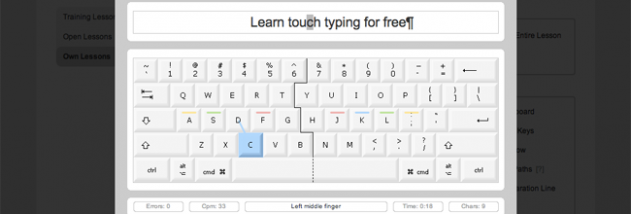
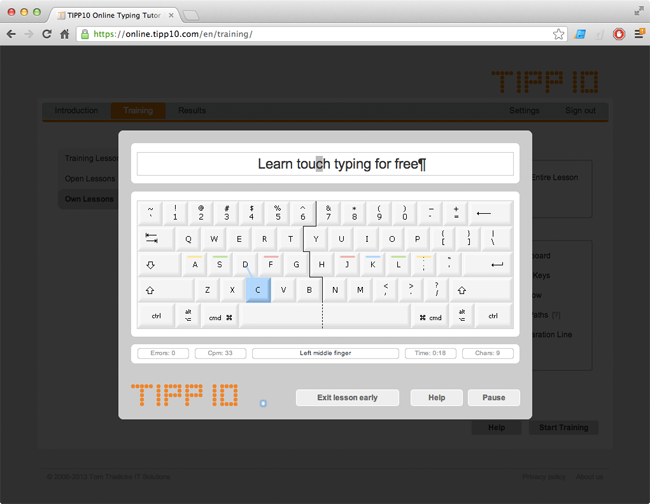
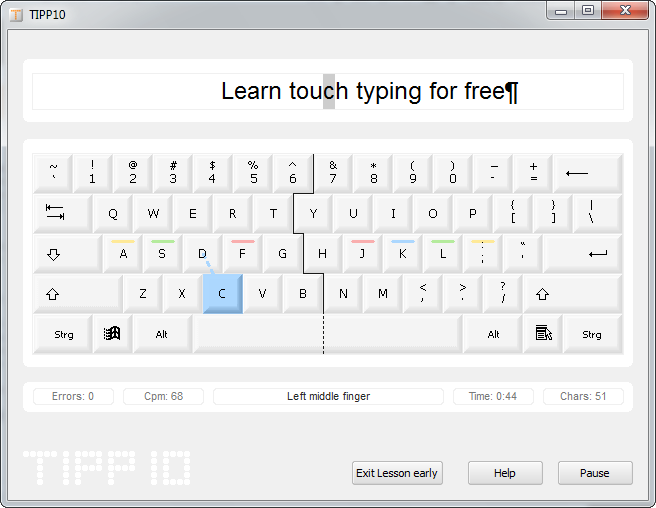
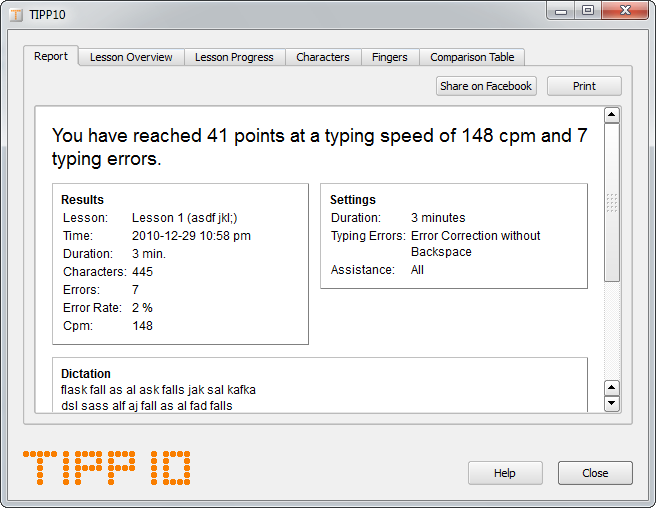
Practice lessons present typing exercises on screen and let learners work through them at their own pace. The program tracks performance during practice, giving users a way to review their progress and identify areas that need more attention. Its intelligent lesson approach adapts practice to the learner, helping direct attention toward trouble spots rather than relying only on repeated, identical drills. Regular sessions can build familiarity with letter patterns and reduce the need to look down at the keys.
TIPP10 includes topical lessons for focused practice and supports open lessons that can be added to the program. Learners and instructors can also create custom lessons around particular text or training needs. This makes it possible to practice specific vocabulary, subject matter or frequently used passages alongside the built-in exercises. A typing game offers a different way to practice, adding variety when users want a break from lesson-based drills.
The tutor suits independent learners, families and classroom or training settings where people need guided keyboard practice. Beginners can use its lessons to develop basic touch-typing habits, while more experienced typists can return to targeted exercises to work on consistency. Progress tracking can help learners monitor practice over multiple sessions, and custom lesson options allow exercises to be adjusted for different ages, abilities and goals.
TIPP10 is open-source software from Tom Thielicke IT Solutions and is also available for macOS and Linux. This portable edition is intended for Windows; the supplied compatibility information covers Windows versions through Windows 10, and does not establish support for Windows 11. Its small download makes it practical to keep with other portable tools. The software is free to use, and its combination of guided lessons, progress tracking and customizable practice makes it a focused alternative to general-purpose typing games.