Windows 10
Windows 10 is Microsoft’s desktop operating system for personal computers, ... workloads depend on appropriate management, software and hardware. Windows 10 updates deliver fixes and refinements without necessarily changing ...

Total Uninstall helps Windows users manage software installations and remove applications with a closer record of system changes. Its Installed Programs module reviews existing software and assists with clean removal, while Monitored Programs records file and registry changes made by new installations so they can be reversed later. A Cleaner scans for unnecessary files and registry entries, and visual change reports help users review what an installation altered. It is suited to routine cleanup and troubleshooting applications that do not uninstall properly.
| Author: | Gavrila Martau |
| License: | Demo |
| Price: | $49.95 |
| Released: | Dec 24, 2025 |
| File size: | 14.50 MB |
| Downloads: | 343 |
| Keywords: | Total Uninstall, Uninstall, Uninstall Total, program removal tool, uninstallation tool, remove leftover files, monitor software installation, Windows 10, software review, x64 compatibility, registry cleanup utility, Gavrila Martau, uninstall tool, uninstaller, software uninstaller, TotalUninstall, application management tool, remove |
| Author URL: | https://www.martau.com/ |
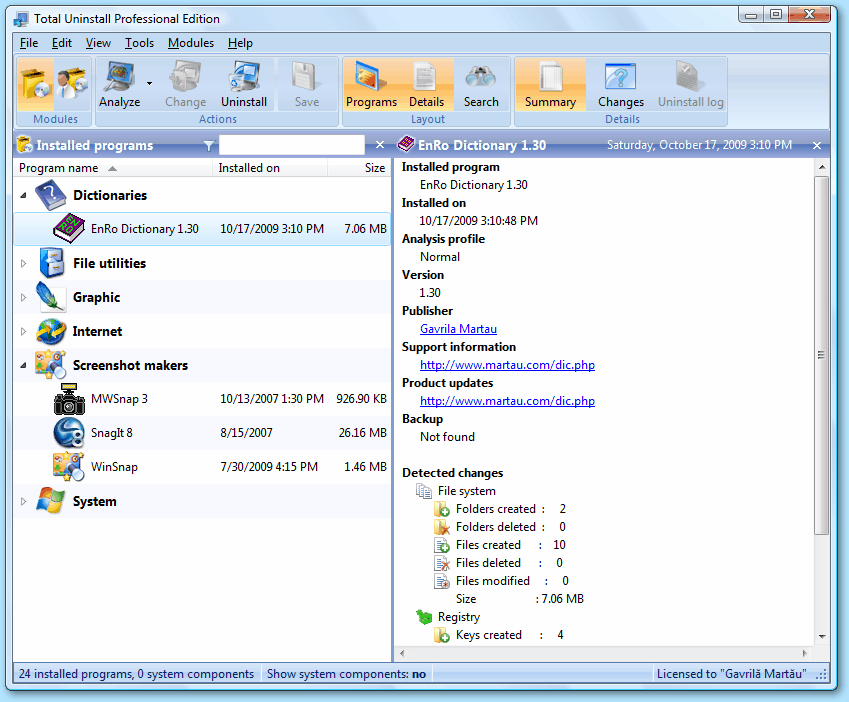
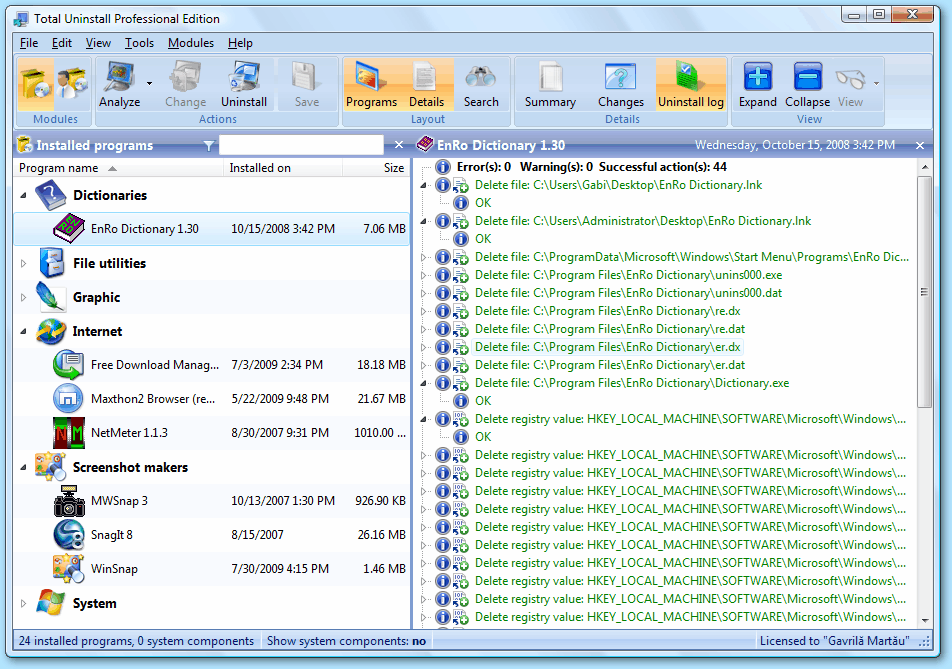
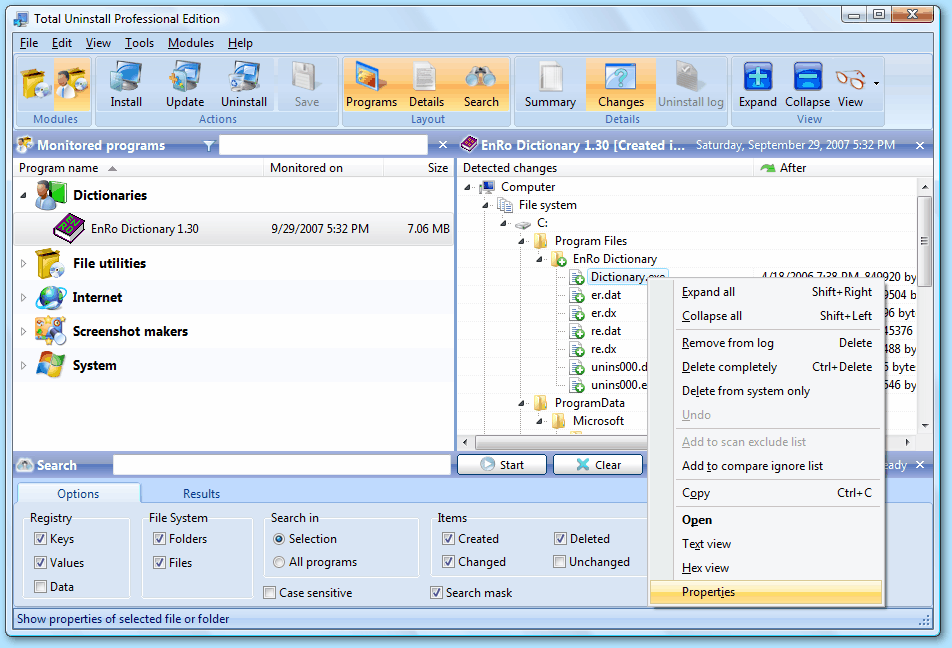
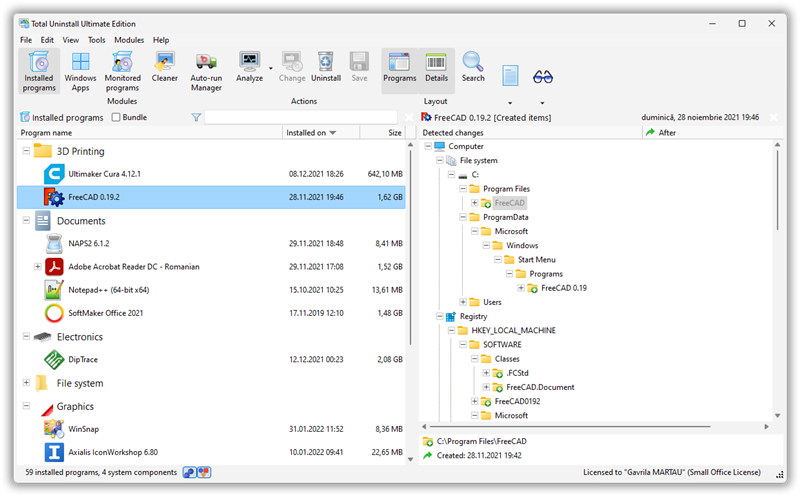
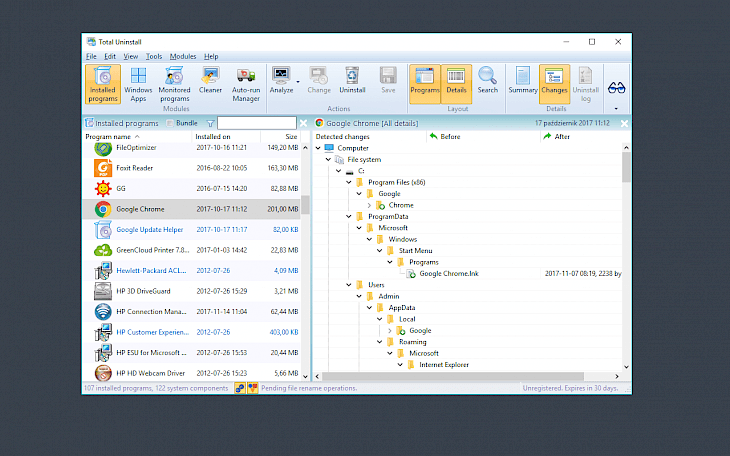
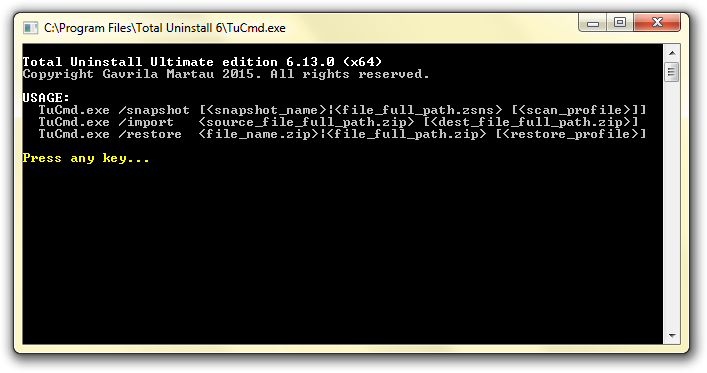

Total Uninstall is a Windows utility for managing installed applications and removing software with a record of the changes it makes to a computer. It is intended for people who want more control over installation cleanup than the standard uninstall process provides, including home users and administrators maintaining Windows systems. Its two main modules handle programs already installed and new installations that can be monitored from the start.
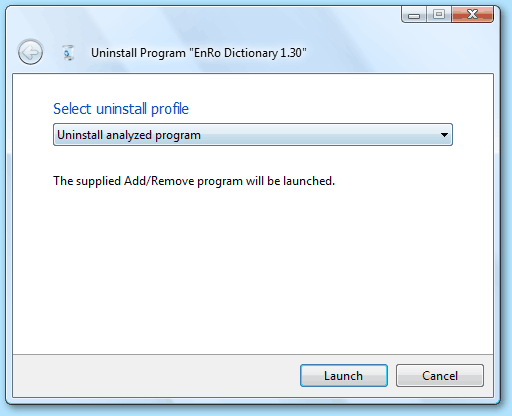
The Installed Programs module lists software found on the system and provides information for reviewing it before removal. When uninstalling an application, Total Uninstall analyzes its installation data and helps remove associated files and registry entries along with the program. This can be useful when an application's own uninstaller leaves behind changes or when a normal uninstall does not complete cleanly. The tool is designed to make removal more thorough, while allowing users to inspect recorded changes as part of the process.
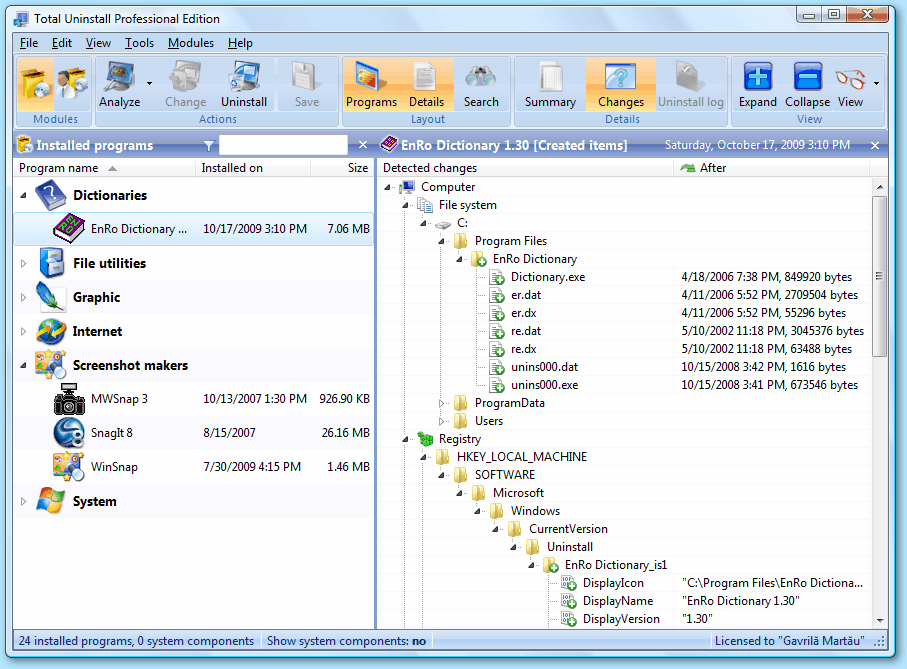
For software that has not yet been installed, the Monitored Programs module records a system snapshot before setup and compares it with a later snapshot. The comparison identifies changes such as new or modified files and registry entries. Total Uninstall can use this record to reverse the tracked changes if the monitored program is no longer needed. This approach is particularly relevant for applications whose installers make changes in several locations, and it gives users a reference for what the installation altered rather than relying only on the application's removal routine.
A Cleaner module scans for unnecessary files and registry entries, providing another way to review items that may be taking up space or remaining after software removal. Visual representations of system changes help make the recorded differences easier to examine, and configurable settings allow the removal workflow to be adjusted. These tools support routine application housekeeping as well as troubleshooting problematic or corrupted installations, where the usual uninstall process may not be sufficient. Careful review of proposed changes is advisable before removing files or registry data.
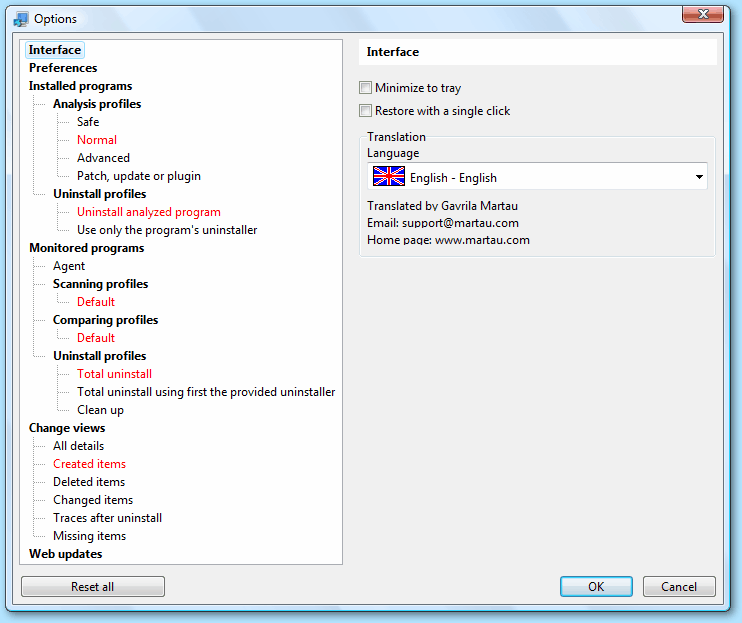
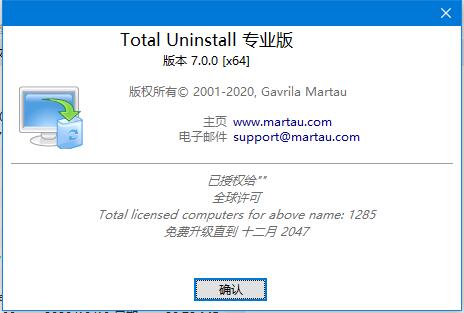
Total Uninstall is developed by Gavrila Martau and is offered as demo software. It supports Windows 11 and 64-bit editions of Windows 10, Windows 8 and Windows 7. The interface is available in multiple languages, including English, French, German, Italian, Spanish, Arabic, Brazilian Portuguese, Greek, Polish and Norwegian. Its monitoring features are most useful when enabled before installing an application; software installed earlier can instead be managed through the Installed Programs module.