Ultra Fractal Standard Edition for Windows 10 - Full description
Ultra Fractal Standard Edition is a fractal art program for creating still images, intricate patterns and textured compositions. It suits graphic designers, digital artists and newcomers who want to explore mathematical forms visually, with tools for shaping fractals, adjusting their colors and combining multiple elements into a finished picture.
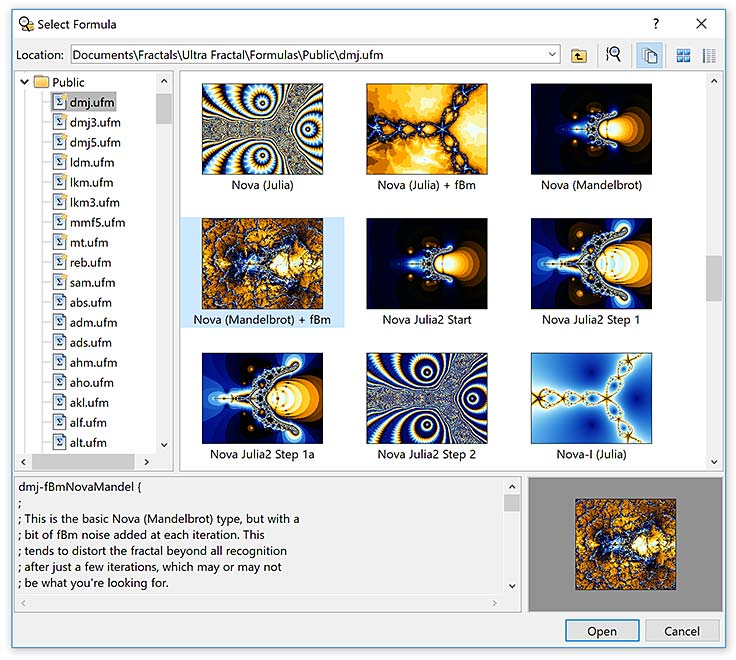
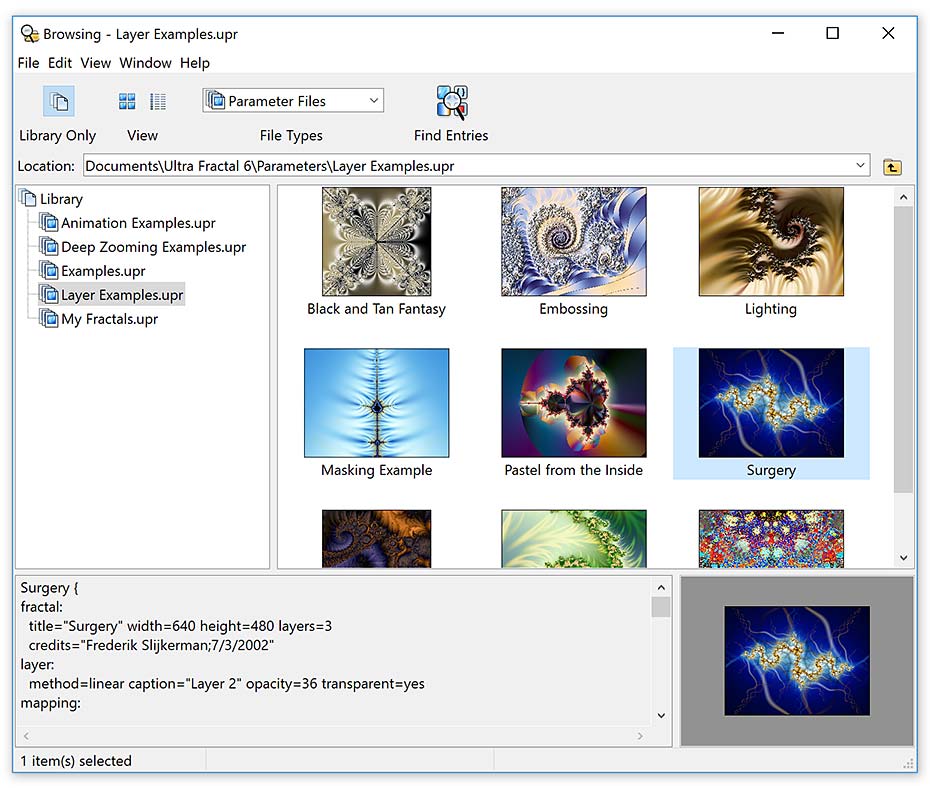
The program includes standard fractal types and can connect to an online formula database for additional fractal formulas and coloring algorithms. Its deep-zoom tools allow exploration at very high magnifications, and apply across fractal types and coloring options, including formulas created by the user. The Explore feature helps refine parameters: users move the pointer across a coordinate grid and view the resulting fractal in a real-time preview, making it easier to compare variations and find useful settings.
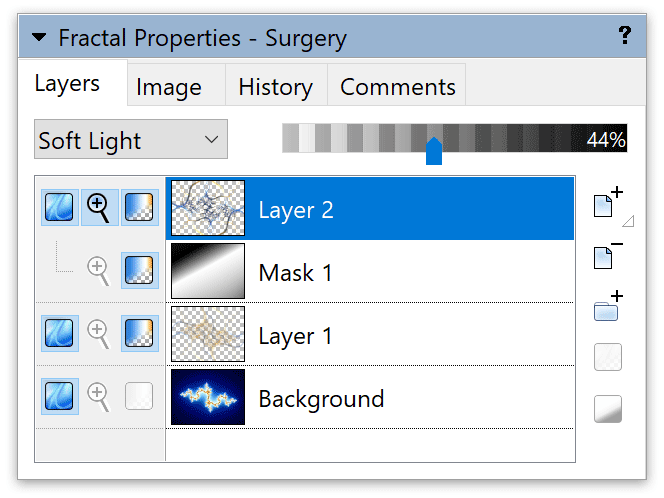
Color is controlled with a gradient editor. Adjusting gradient curves changes the distribution of colors, while randomization offers a quick way to test alternatives; gradients can also include transparency. Layering provides a way to build more complex images from separate fractal elements. Layers can be combined with masks, arranged into groups and blended using merge modes, so one layer can reveal or influence another. Frequently reused layers and groups can be saved as presets, and multiple layers can be selected for joint parameter editing.
For compositions that mix fractal art with other imagery, the image import feature accepts PNG, JPEG and BMP files when the selected coloring algorithm includes an image parameter. Built-in tutorials introduce the workflow, covering fractal creation, color changes, layers, masks and animation concepts. A PDF manual is also available for reference. These tools support uses such as making standalone artwork, experimenting with repeating visual patterns, or preparing fractal textures for graphic-design projects.
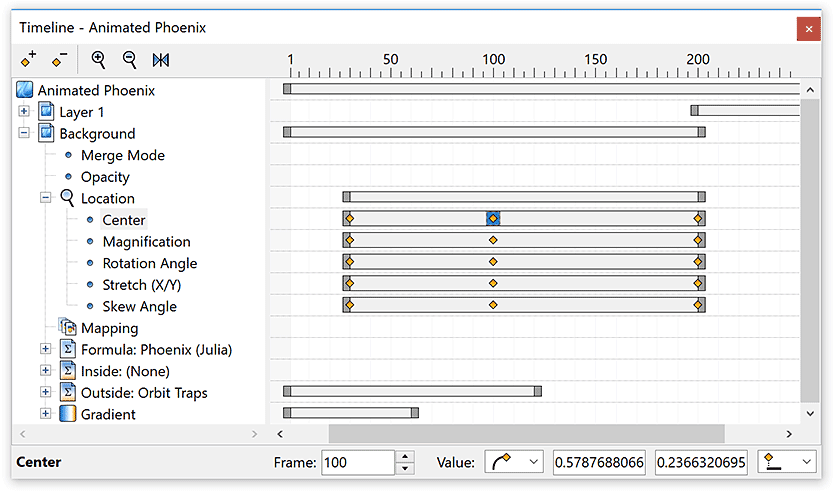
Standard Edition is a demo and is intended for Windows, including Windows 10 and Windows 11. It focuses on creating still fractal images; animation and network calculation are features of the separate Animation Edition, not this edition. The program's combination of formula browsing, parameter exploration, color editing and layered composition makes it useful both for learning how fractals are built and for producing more controlled artwork.