Universal Desktop Ruler for Windows 10 - Full description
Universal Desktop Ruler is an on-screen measuring tool for people who need to estimate distances, areas, perimeters or angles in images and other visible screen content. Unlike a physical ruler, it can follow a curved path, making it useful when the measurement does not run in a straight line. It is designed for practical measurement tasks such as tracing a route on a map or checking the proportions of a shape in a project drawing.
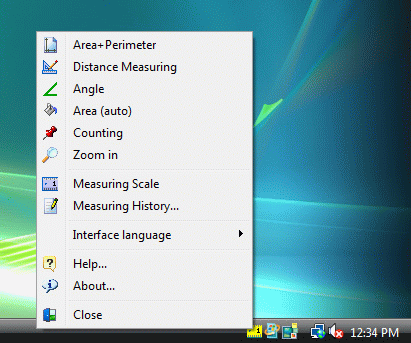
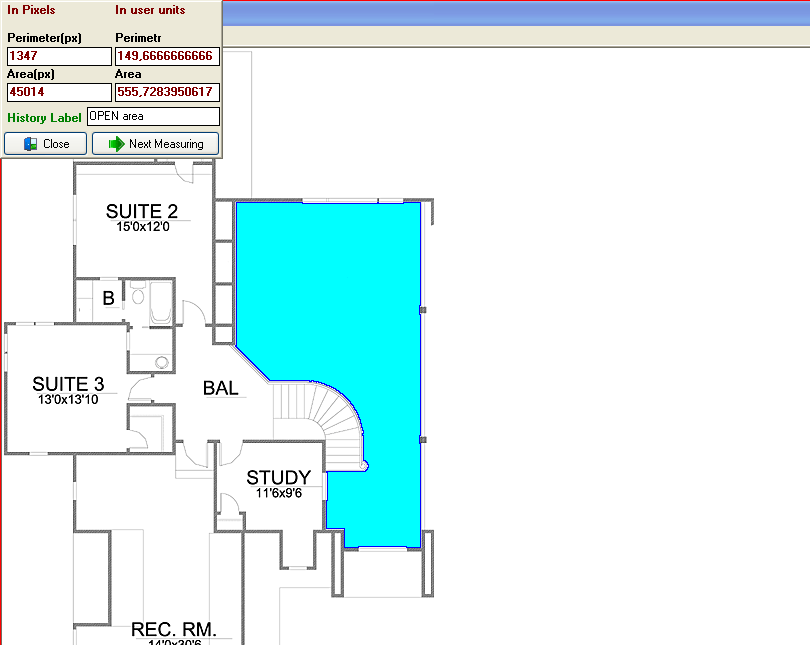
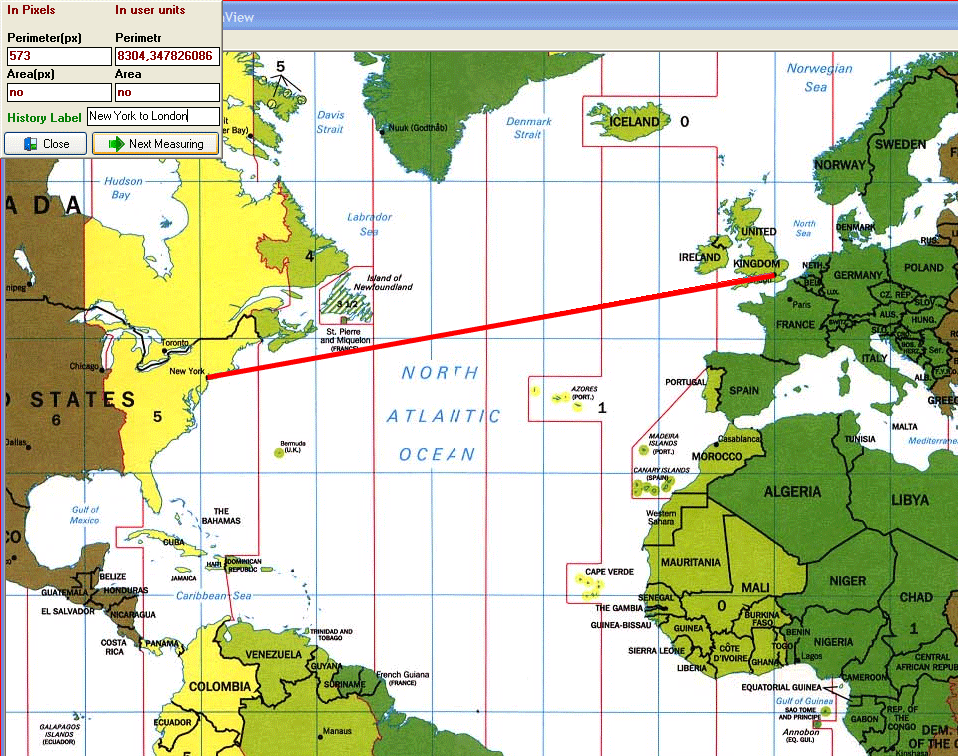
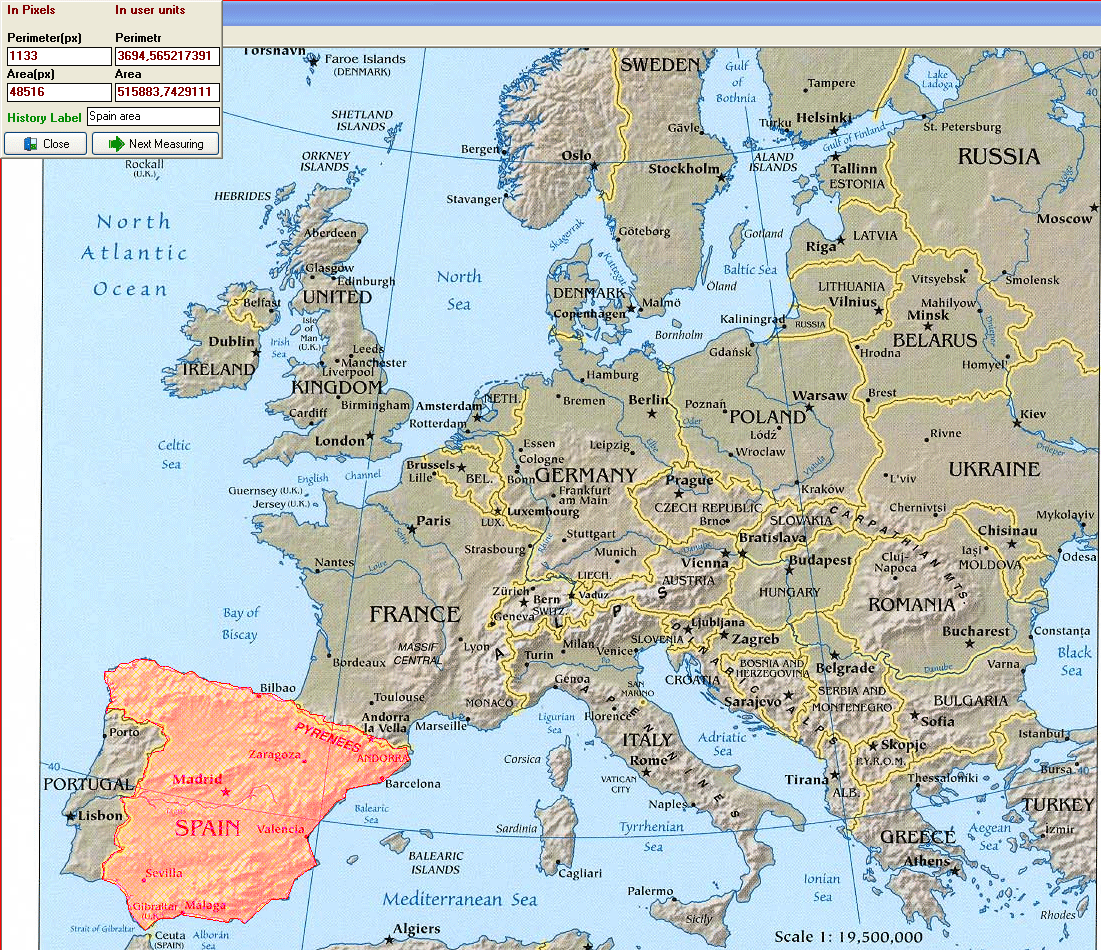
For a straight measurement, the program measures the distance between points on the screen. For curved distances, the user traces the route point by point, which can be applied to winding roads, rivers or other irregular paths shown on a map. Area and perimeter tools help measure enclosed figures: the boundary can be traced to calculate its perimeter and the space inside it. An angle tool supports measurements where the relationship between two lines matters, such as checking a corner or the angle of a shape.
Measurements can be calibrated to a user-defined scale. This is useful when an image represents a real-world space: after establishing the scale, results can be shown in units such as feet, inches or meters rather than only pixels. The program also keeps a labeled history of results, allowing measurements to be reviewed and copied into Excel for further recording or comparison. A screen magnifier helps inspect small details while placing measurement points, and counting mode provides a way to tally repeated objects visible on the screen.
These tools can support map-based distance and area estimates, preliminary checks for home-building or renovation projects, and measurement of figures in screen images. Results depend on the accuracy of the source image and the scale entered, so estimates from an image should be treated accordingly. The combination of tracing, calibration and a saved results history is useful when several measurements need to be taken from the same visual reference and then organized elsewhere.
Universal Desktop Ruler is commercial trialware for Windows. The supplied system information includes Windows 10; it does not establish Windows 11 compatibility. Measurements are made against content displayed on screen, rather than by physically measuring an object, so the program is best suited to visual estimates and planning tasks where a calibrated image is available.