
USB Lock RP

USB Lock RP 13.924

Control access to USB and peripheral devices

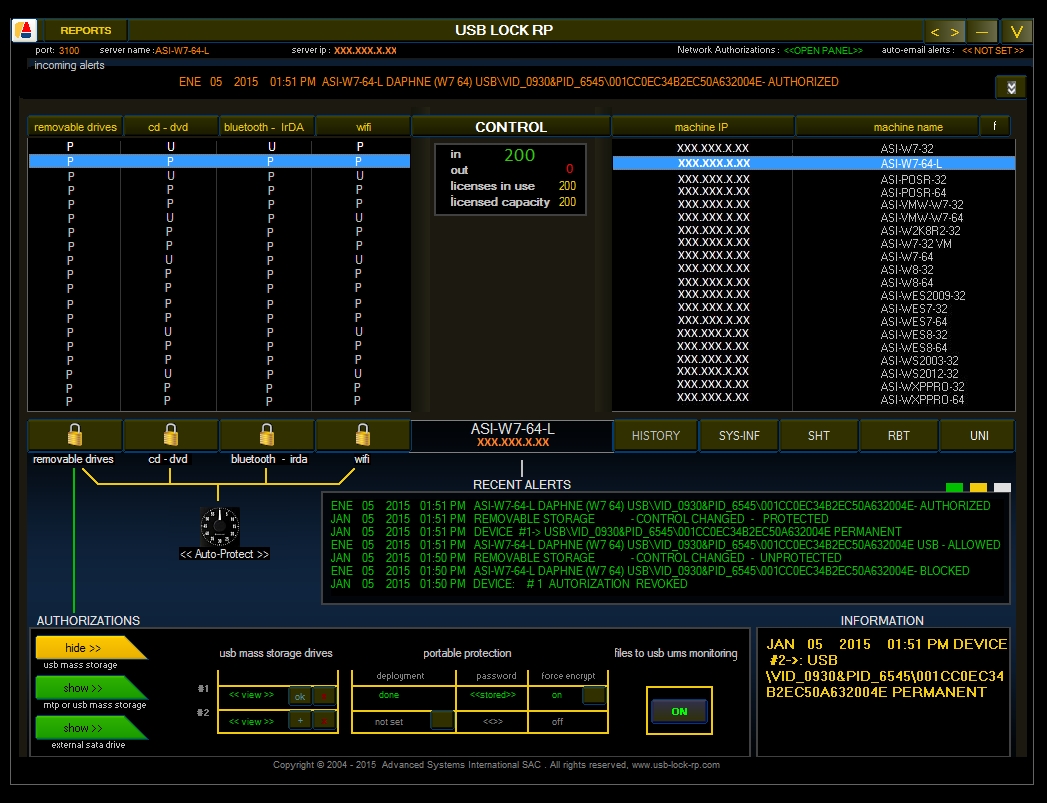
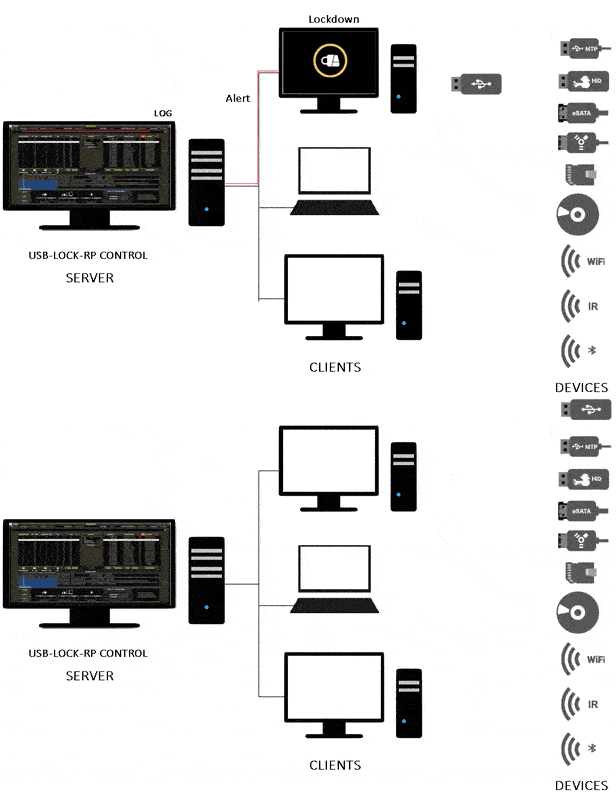
USB Lock RP helps organizations control removable media and peripheral access on Windows networks. Administrators can manage USB drives, external hard drives, phones, tablets and other plug-and-play devices through a central console. Whitelists, blacklists and user-specific permissions define which devices can connect, while real-time monitoring, logs, reports and alerts help track activity. The software can also enforce encryption on authorized removable devices.

USB Lock RP 13.924 details

Author:
License: Demo
Price: FREE
Released:
File size: 24.80 MB
Downloads: 478
Keywords: Windows 10 software, x64 application, usb device monitoring, prevent, block USB, Advanced Systems International SAC, usb encryption management, endpoint security software, usb device access control, removable media protection, lock, device control solution, lock USB, peripheral access management, USB Lock, usb port security, USB Lock RP, usb
Author URL: https://www.usb-lock-rp.com/
USB Lock RP screenshot
USB Lock RPAccess ControlWindows 11, Windows Server 2019, Windows Server 2016, Windows 10 32/64 bit, Windows Server 2012 R2, Windows Server 2012, Windows 2008 R2, Windows 2008 32/64 bit, Windows 2003, Windows 8 32/64 bit, Windows 7 32/64 bit, Windows Vista, Windows XP 3

User Rating: 5.0 (4 votes)

USB Lock RP Awards

Windows 10 download editor's pick

USB Lock RP for Windows 10 - Full description

USB Lock RP is a device access control tool for organizations that need to manage removable media and peripheral connections on Windows computers. It gives administrators a centralized console for applying access rules across networked endpoints, making it relevant to workplaces where USB storage or other plug-and-play devices could expose sensitive information. By controlling which devices can connect, administrators can limit unauthorized transfers without relying only on individual users to follow security procedures.

The software can allow or block access to USB drives, external hard drives, smartphones, tablets and other peripherals. Administrators can use this control to prevent unapproved devices from connecting, while permitting devices that meet organizational rules. Whitelists and blacklists provide a way to distinguish permitted hardware from restricted devices, and user-specific permissions allow access to vary according to an employee's role or needs. These policies can be adjusted to suit different security requirements across an organization.

A centralized management console supports administration across multiple endpoints from one interface. USB Lock RP also monitors device activity in real time and keeps logs, with reports and alerts to help administrators review connections and investigate activity that may require attention. This monitoring can help security teams understand when removable devices are used and whether access controls are being followed. The console-based approach also helps maintain consistent policies on managed computers.

The program can enforce encryption on authorized removable devices, adding protection to data stored or transferred on them. This is useful when staff need to move files using approved USB storage but the organization wants to reduce the risk of exposing information if a device is lost or accessed by someone else. Combined with device restrictions and activity records, encryption supports a more controlled workflow for handling portable data.

USB Lock RP is intended for organizations managing Windows-based systems, from smaller offices to larger networks. It is offered as demo software and supports a broad range of Windows releases, including Windows 10 and Windows 11, as well as several older Windows desktop and server editions. Administrators should check that their particular systems and deployment requirements are supported before installation.

USB Lock RP for Windows 10 - Post your review