VeryPDF PDF to Word OCR Converter for Windows 10 - Full description
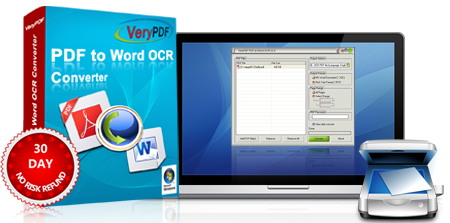
VeryPDF PDF to Word OCR Converter turns PDF files into editable Word documents. It is intended for people who need to revise, reuse or extract text from PDFs, including scanned pages that contain images of text rather than selectable characters. Its OCR function recognizes text in image-based documents and converts it to editable content, while direct PDF conversion handles documents with existing text.
The conversion workflow begins with selecting a PDF and choosing a Word output format. OCR can be used when the source is scanned or otherwise image-based; the recognized text can then be edited in Word instead of being retyped. The software supports multiple languages, making it useful for documents that are not written in English. It aims to retain the source document's layout and formatting in the converted file, although the result can depend on the original PDF's structure and scan quality.
Batch processing lets users convert several PDFs in one operation, which can reduce repetitive work when handling a folder of documents. Page selection provides a way to convert only relevant sections rather than an entire file. Output resolution can also be adjusted, giving users a setting to consider when balancing legibility and document size. These options suit both occasional conversions and more routine document processing.
Typical uses include turning scanned forms, reports or archived paperwork into editable text, extracting material from PDFs for revision, and preparing document content for further work in Word. Students, office staff and businesses can use it when the original source is available only as a PDF and its contents need to be updated or repurposed. OCR is particularly relevant for paper records that were scanned without creating a searchable text layer.
The program is trialware and runs on Windows, including Windows 10 and Windows 11; it also supports older Windows releases. It is designed as a desktop conversion tool, so the PDF files can be selected and processed locally through its interface. The stated download size is about 15 MB. Results from OCR may require proofreading, especially with low-quality scans, unusual typefaces or complex page layouts.