VidHex for Windows 10 - Full description
VidHex is a video enhancement application for Windows that uses AI-based processing to improve existing footage. It is intended for creators, hobbyists, and anyone preparing older or low-quality clips for viewing or sharing. Rather than serving as a full video editor, its focus is on increasing image clarity and adjusting visual quality in source videos.
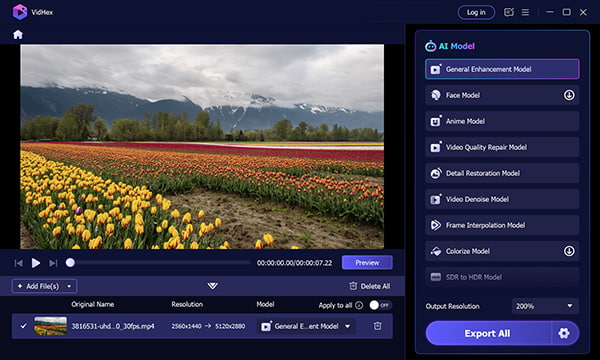
The software can upscale video resolution, including converting standard-definition footage to a higher resolution. This is useful when preparing older clips for modern displays or giving low-resolution material more detail for playback. VidHex analyzes footage during enhancement, while configurable settings let users adjust the processing to suit the source and desired result. Upscaling cannot restore detail that was never captured, but it can make suitable footage appear clearer at larger sizes.
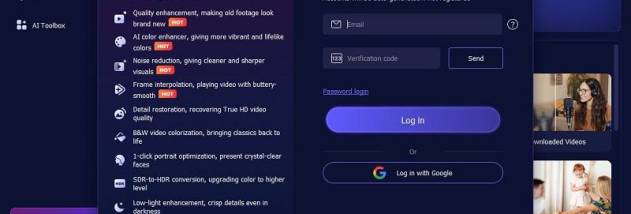
Color and lighting controls are available to improve brightness, contrast, and saturation. These adjustments can help balance dim scenes or make washed-out colors more defined. Noise reduction targets grain and other visual artifacts, which can be distracting in older recordings or clips captured in poor conditions. The enhancement tools can be applied as part of a video-improvement workflow, with settings available for users who want more control than a single automatic treatment.
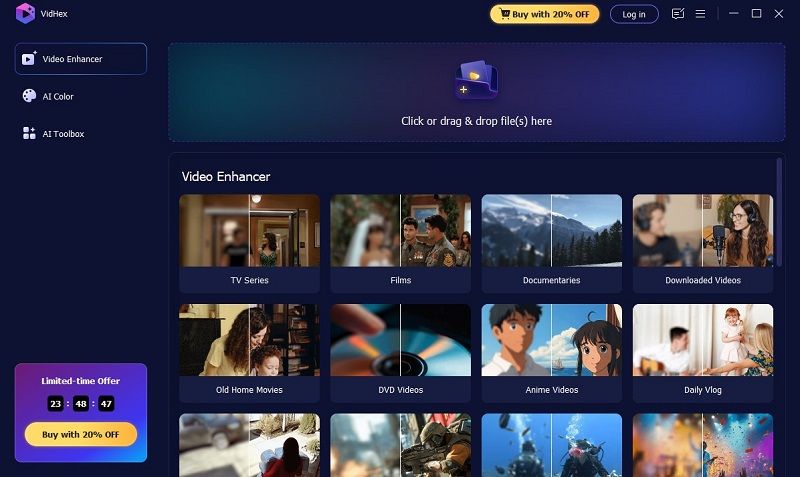
VidHex supports multiple video formats, so it can work with footage from different sources and prepare enhanced files for uses such as social media, streaming, or personal archives. Its interface is designed to make the main enhancement options accessible without requiring extensive technical knowledge. Processing is intended to be efficient, though the time needed for a job can depend on the video, selected settings, and computer hardware.
The application can suit people restoring family recordings, improving clips before publishing, or making low-resolution footage more suitable for current screens. It is offered as a demo, so users should check the available trial limits and terms before relying on it for ongoing work. VidHex runs on Windows 10 and Windows 11, including 32-bit and 64-bit Windows 10 systems; the supplied platform information does not identify a separate 32-bit Windows 11 edition.