Vovsoft URL Extractor for Windows 10 - Full description
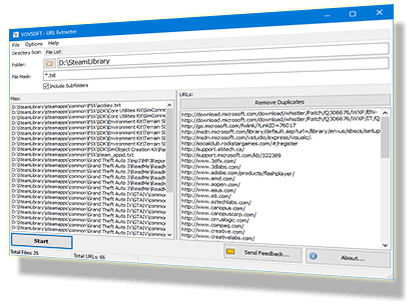
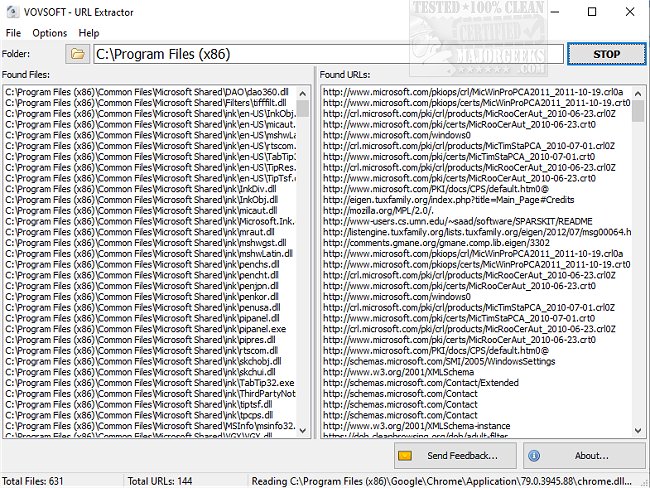
Vovsoft URL Extractor scans files in a selected folder and collects URLs it finds inside them. It is intended for people who need to gather links from many local files without opening and searching each one manually, such as researchers, web administrators, and users organizing archived documents. A two-panel window shows the files detected during a scan alongside the URLs extracted from them, so results can be reviewed as they are gathered.
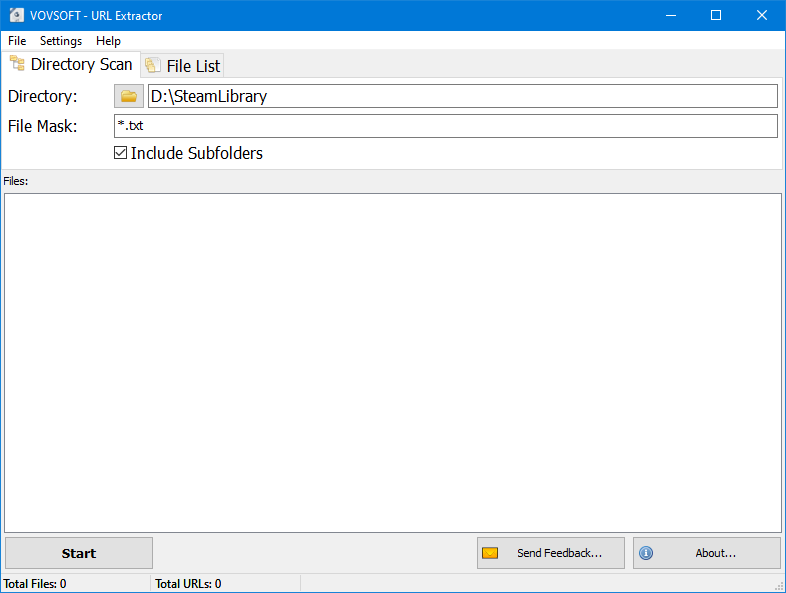
To begin, select a target folder and start the scan. The program examines its files for URL text and adds matching links to the results panel. This approach is useful when a directory contains a large number of documents or other files and manual searching would take too long. File masks can narrow which files are examined, while regular expressions provide additional control over matching files and URLs.
After scanning, the file list and extracted URL list can each be exported to a text file. Keeping these outputs separate makes it easier to retain a record of the files checked as well as a reusable collection of links. The results can then be reviewed, sorted, or used in other tools and workflows that accept plain-text URL lists.
The focused interface keeps the main tasks - choosing a folder, starting a scan, checking results, and exporting lists - in one place. It can help with link inventories, document audits, and processing local collections where URLs are embedded in files. Filtering options are particularly useful for broad folders, since they can reduce irrelevant files or matches before the exported results are put to use.
Vovsoft URL Extractor is shareware and is offered in installer and portable editions; the portable edition can run without installation and can be kept on removable storage. It supports Windows 10 and Windows 11, as well as earlier Windows versions. The program works on files stored locally and focuses on extracting URLs rather than visiting or validating the destinations.