Voxengo Stereo Touch for Windows 10 - Full description
Voxengo Stereo Touch is an audio plug-in for turning a mono input into a stereo output. It is intended for producers, audio engineers and sound designers who want to add spatial width to a mono recording while shaping the result within a digital audio workstation. It can be used on individual tracks such as vocals and instruments, or on older mono material that needs a broader placement in a stereo mix.
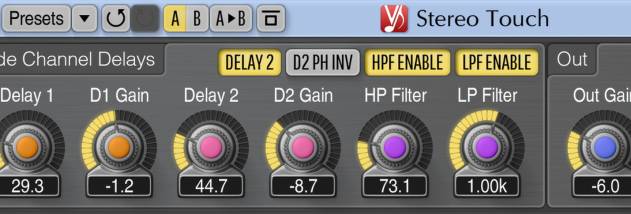
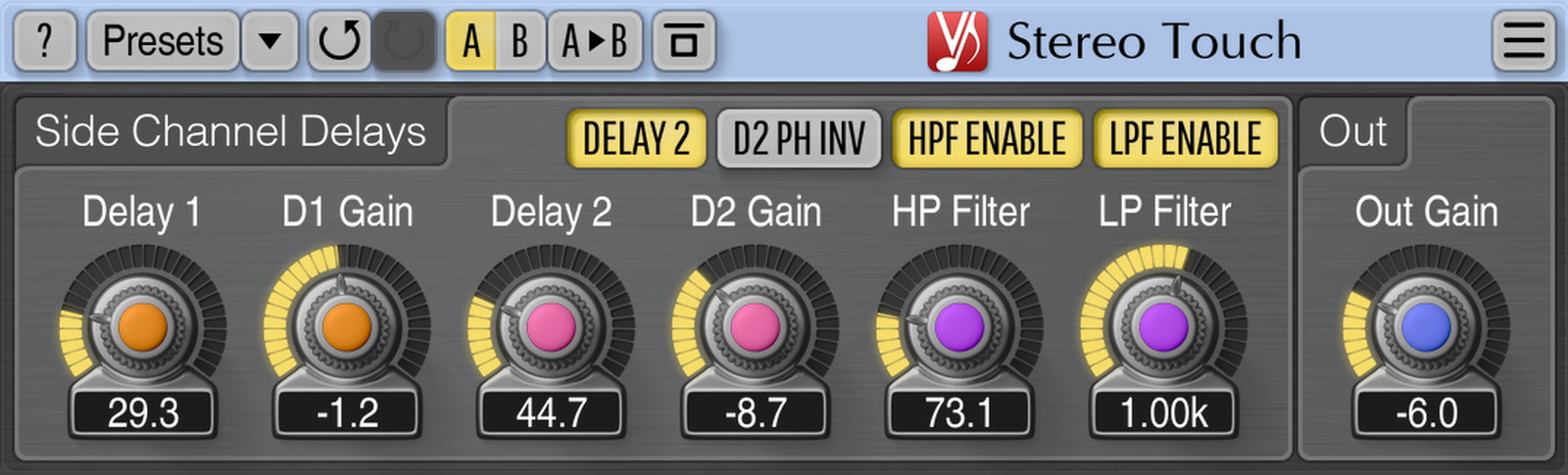
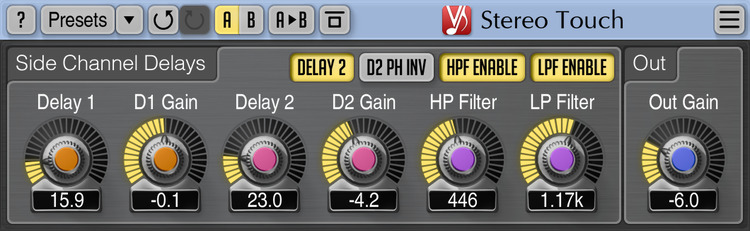
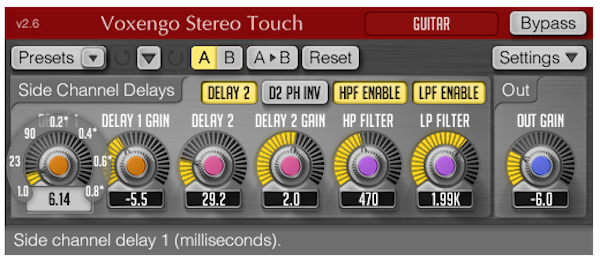
The plug-in uses delay-based processing to create differences between the left and right channels. Its controls let users adjust delay and feedback, then refine the perceived width and balance of the stereo image. These settings make it possible to choose a restrained widening effect or a more pronounced spatial treatment, depending on the source and its role in the arrangement. Presets offer starting points for common material, with further adjustment available to suit a track.
Stereo Touch also provides a way to consider how the processed signal behaves when summed to mono. Checking mono compatibility is useful when a mix may be played through a single speaker or other mono playback system, since stereo effects can change or diminish when channels are combined. Users can compare the widened signal with the original and adjust the effect to keep it useful within the full mix. The plug-in is designed for use as part of an audio production workflow rather than as a standalone recording or editing application.
Typical uses include giving a centered mono vocal more apparent width, spreading a single-channel instrument across the stereo field, or adding dimension to archival recordings. It can also help distinguish a mono part from other elements in a busy arrangement. As with other stereo-widening effects, the best settings depend on the source; listening in both stereo and mono helps reveal whether the added width supports the mix or causes unwanted changes.
Voxengo Stereo Touch is freeware from Aleksey Vaneev and runs as an audio plug-in in compatible host software. The supplied Windows compatibility information covers 32-bit and 64-bit editions from Windows XP through Windows 10. A compatible host is needed to load and use the plug-in, and its processing controls are adjusted from within that host. Its focused purpose makes it suitable as a lightweight addition to a collection of mixing tools.