ThorroldFox IP Monitor
Introducing ThorroldFox IP Monitor, the essential tool for anyone looking to keep ... this Windows 10 software allows users to effortlessly monitor their IP addresses and network connections in real-time. ...

WebWork Tracker combines a desktop tracking client with a browser-based dashboard for reviewing employee activity. It can capture screenshots at selected times or intervals, record keystrokes and count mouse clicks. A taskbar menu provides start and stop controls and access to reports and screenshots. Teams can export reports in XLS format and assign Owner, Manager or Employee account roles. The app requires Java and is offered as trialware.
| Author: | WebWork Tracker |
| License: | Trialware |
| Price: | $4.99 |
| Released: | Oct 13, 2026 |
| File size: | 42.10 MB |
| Downloads: | 5 |
| Keywords: | Tracker, Track Activity, employee activity tracker, activity repo, Activity, employee monitoring reports, remote team activity tracking, WebWork Tracker, screenshot monitoring tool, Monitor, WebWork Tracker free download, download WebWork Tracker, employee monitoring, Monitor Screen, workplace monitoring software, screenshot capture, employee time tracking, keystroke logging, Time Tracker, Employee, remote worker tracking |
| Author URL: | https://www.webwork-tracker.com |

WebWork Tracker is employee time and activity monitoring software for organizations that need visibility into work performed by office-based or remote teams. A desktop app provides controls for starting and stopping tracking, while a web-based dashboard gives managers and owners a place to review recorded activity. Its account types include Owner, Manager and Employee, supporting different roles in a team's tracking workflow.
During a tracking session, the software can capture screenshots either at selected times or on a schedule, giving supervisors visual records to examine alongside activity information. It also records keystrokes and mouse-click counts. These monitoring tools can help teams review how work time is being spent, but they also involve sensitive employee data; organizations should establish clear policies and follow applicable workplace privacy requirements before enabling them.
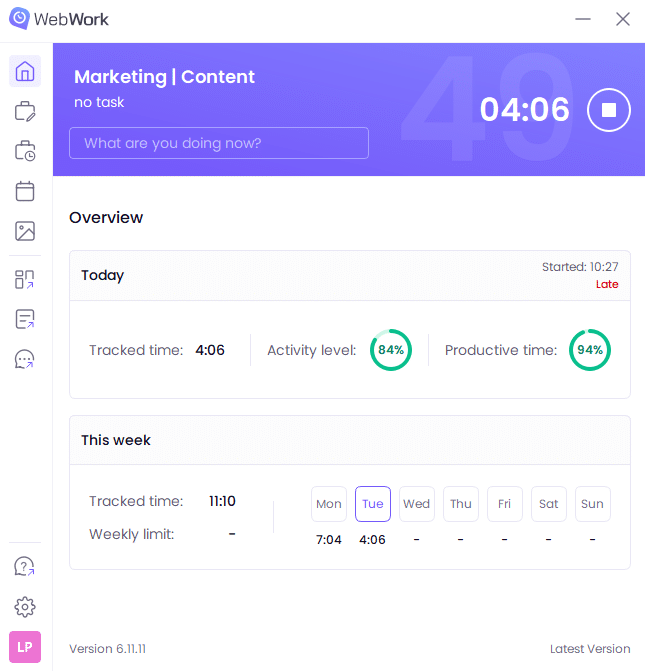
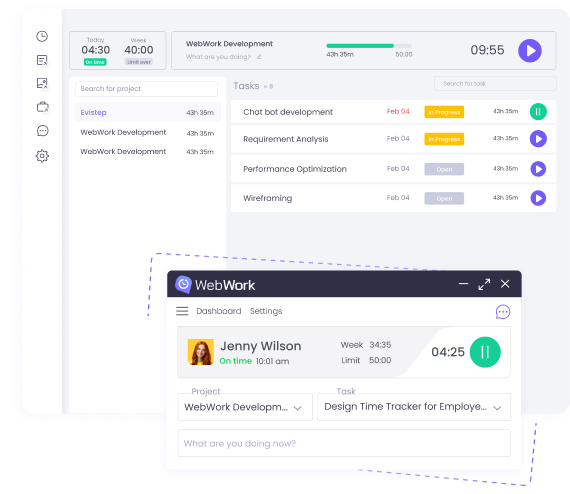
The app is controlled from a compact taskbar menu. Users sign in with WebWork Tracker credentials, then start or stop recording and open the Reports or Screenshots sections. Selecting these areas launches the service's web interface in the default browser, where activity records and screenshots can be reviewed. This separation keeps everyday tracking controls accessible from the desktop while placing detailed review in a browser-based dashboard.
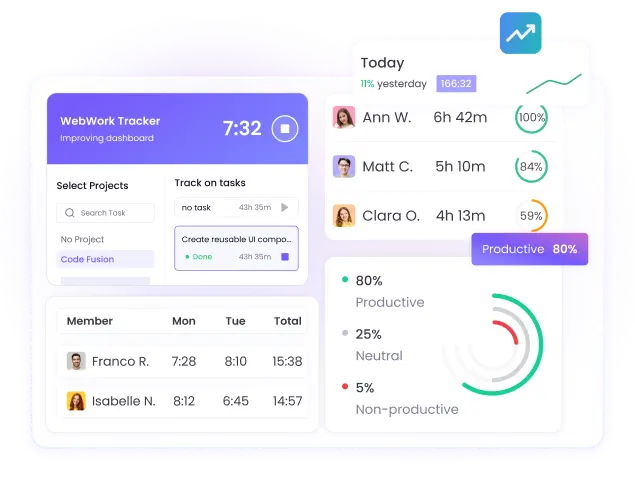
Reports can be exported in XLS format for further analysis in spreadsheet software. This is useful for teams that need to retain records, compare activity across periods or incorporate tracking data into their own reporting process. WebWork Tracker is geared toward small and medium-sized teams that want basic monitoring and reporting tools in one service, rather than a desktop-only timer. The supplied feature information does not indicate automatic report delivery by email or mobile apps, so its workflow centers on the desktop client and browser dashboard.
The Windows application requires Java to run and integrates its controls with the taskbar after installation. It is offered as trialware, and the stated supported Windows systems include Windows 10 and 11, as well as Windows 8 and Windows 7. Since monitoring can collect detailed employee activity, deployment is best accompanied by transparent notice about what is recorded, when tracking operates and who can access the resulting reports.