WinZip Malware Protector for Windows 10 - Full description
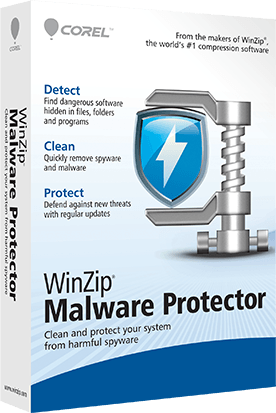
WinZip Malware Protector is a Windows security utility for users who want to scan a computer for malware and related unwanted software. It checks for threats such as spyware and adware, as well as other malicious files, and provides a central dashboard for viewing security status and accessing scan and protection tools. Its straightforward layout is intended to make routine security checks manageable without requiring advanced technical knowledge.
The scanner searches the system for known threats using a malware signature database. When it finds a suspicious item, the quarantine feature isolates it so it can be reviewed before a decision is made about removal. This provides a chance to check detections and helps prevent a file from being deleted before its role is understood. The program also scans for tracking cookies and other privacy-related elements, giving users a way to identify and remove items that can record browsing activity.
For ongoing checks, WinZip Malware Protector includes scheduled scanning, which can run system scans at regular intervals without requiring each one to be started manually. Its real-time protection monitors for suspicious activity while the computer is in use, complementing scans that examine the system on demand or according to a schedule. These functions support different routines: a user can investigate a concern immediately, or set recurring checks for maintenance.
The program is suited to home users who want a dedicated tool for checking a Windows PC for malware, spyware, adware, and privacy-related items. The dashboard brings its status and controls together, while quarantine gives users oversight of detected files. It can be used for periodic maintenance or to investigate possible unwanted software, though it should be considered as one part of a broader approach to computer security, alongside safe browsing habits and other protective measures.
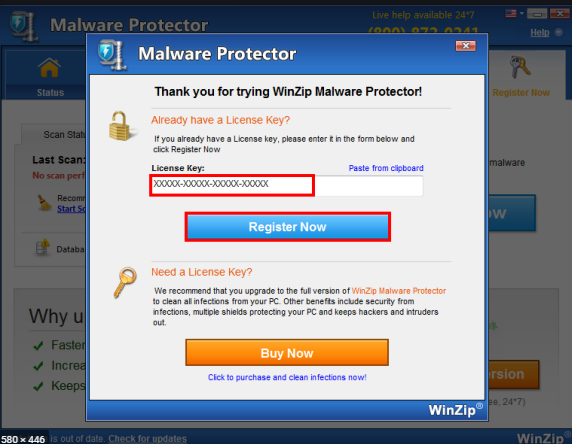
WinZip Malware Protector is trialware from WinZip Computing. It supports Windows 10 and Windows 11, as well as Windows 7, 8, and Vista, with 32-bit and 64-bit support stated for those earlier Windows releases. The software is presented as lightweight, with the aim of limiting its effect on system responsiveness during scans. Trialware terms may limit use or features, so users should review the program's licensing information before relying on it for ongoing protection.