Abacre Hotel Management System for Windows 10 - Full description
Abacre Hotel Management System is a property-management program for hotels, motels, inns and other accommodation businesses. It brings front-desk tasks and back-office administration into one system, helping staff keep track of room bookings, guest details, charges and day-to-day operations. Its reservation tools are intended for both individual stays and group bookings, including events and conferences.
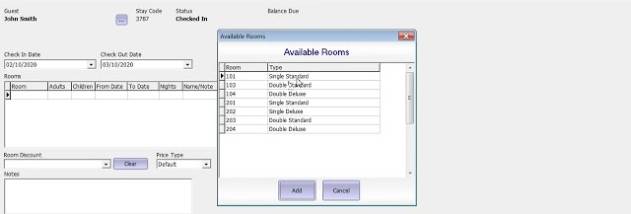
Staff can create, modify or cancel reservations and check room availability while handling guest information. This gives reception teams a central place to manage booking changes and coordinate arrivals. Group reservation support helps organize multiple rooms for a shared event or conference, while the same booking workflow can be used for routine stays. Keeping these details together can make it easier for staff to see how a change affects room availability and guest records.
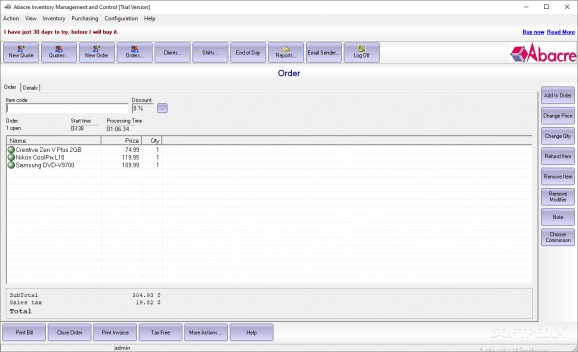
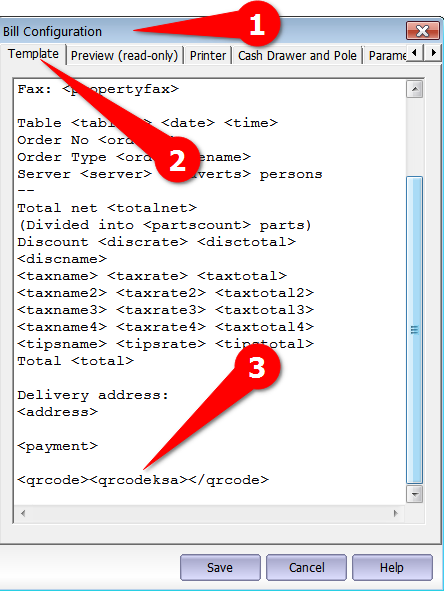
The system also handles billing and invoicing, with tools to generate invoices, record payments and manage accounts receivable. Multiple currencies and tax configurations support businesses serving guests under different billing requirements. Inventory features track stock levels, suppliers and usage, making them applicable to hotel amenities as well as restaurant supplies. Staff can use those records to monitor consumption and keep supplies aligned with operational needs.
For management, customizable reports cover occupancy, revenue and other business indicators, supporting review of performance and planning. Access controls let administrators set permissions according to staff roles, limiting access to information and functions that are not needed for a particular job. The software is presented as modular, so establishments can adapt the set of functions they use as their requirements change. These tools make it relevant to both smaller independent properties and larger hospitality operations.
Abacre Hotel Management System is commercial trialware from Abacre Corporation. It is available for Windows 10 and Windows 11, as well as a range of earlier Windows versions; the supplied operating-system details include both 32-bit and 64-bit editions where applicable. Its combination of reservations, billing, inventory and reporting is suited to properties that want to manage guest stays and operational records in one application. The feature set described supports hotel and motel administration, but suitability for a particular property depends on its own workflows and requirements.