Autokroma Influx
... Autokroma Influx, the innovative importer designed specifically for Adobe Premiere Pro and After Effects. Developed by Autokroma, this cutting-edge ...

Adobe Premiere Pro is a timeline-based video editor for filmmakers, producers, and creators working with footage from different sources. It supports native media formats, clip editing, transitions, keying, and speed changes. The 64-bit Mercury Playback Engine and supported GPU acceleration help with playback and effects, while adjustable preview resolution can make high-resolution projects easier to monitor.
| Author: | Adobe |
| License: | Trialware |
| Price: | $22.99 |
| Released: | Dec 10, 2025 |
| File size: | 3.20 MB |
| Downloads: | 2502 |
| Keywords: | green screen video editor, video production software, Adobe Premiere, production, editor, video editor, video editing software, timeline video editor, AdobePremiere, multimedia creation, video production, Windows 10 compatible, professional film production, Adobe Premiere Pro, edit, video effects editor, Adobe Systems, professional video editor |
| Author URL: | https://acrobat.adobe.com/us/en/acrobat/pdf-reader.html |

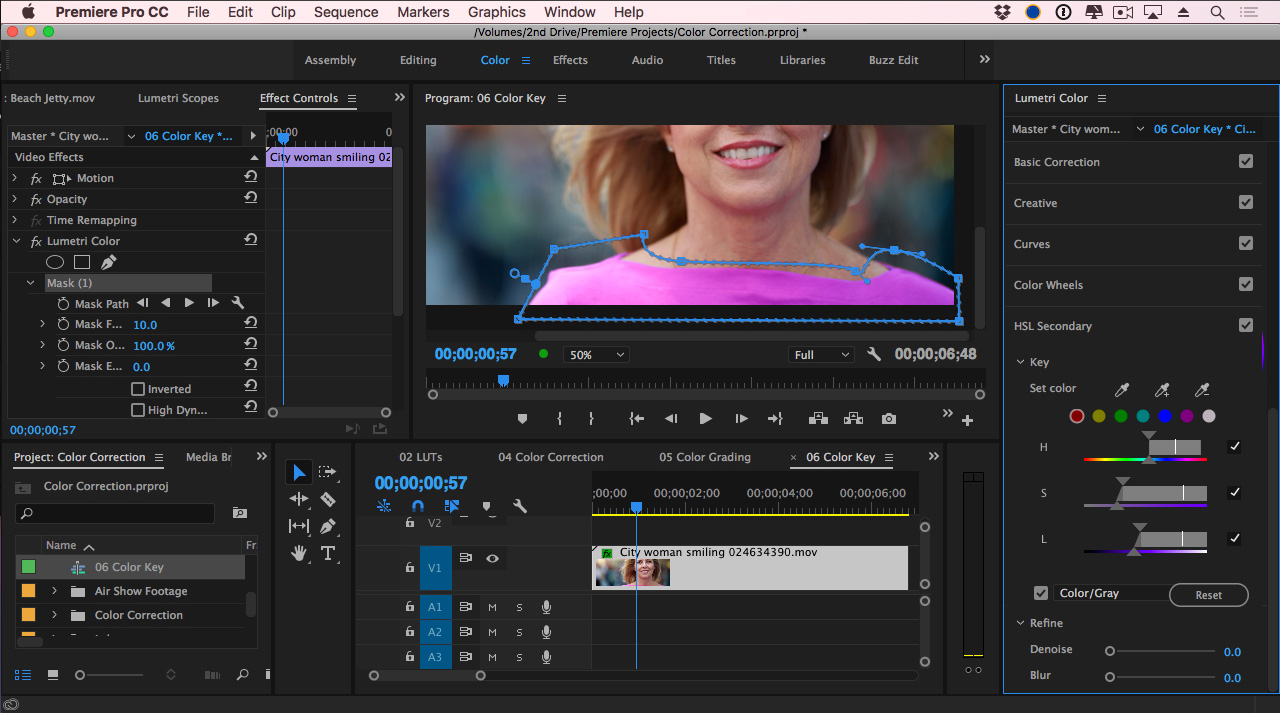


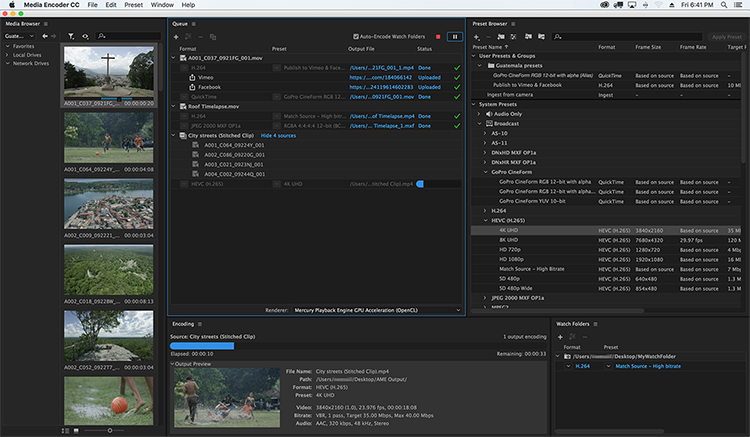



Adobe Premiere Pro is a non-linear video editor for filmmakers, video producers, and other creators who need to assemble and finish footage on a computer. Its timeline-based workspace lets editors arrange video and audio clips, trim shots, build sequences, and refine pacing without changing the original media files. Native format support helps bring footage from different sources into a project for editing and delivery.
The Source and Program Monitors provide separate views for reviewing source clips and the edited sequence. Editors can adjust playback resolution independently from pause resolution, which can make high-resolution projects easier to review on less powerful hardware. The 64-bit Mercury Playback Engine uses modern processors and, where supported, GPU acceleration to improve playback and render performance. GPU-accelerated effects can show results during editing without requiring a render for every adjustment.
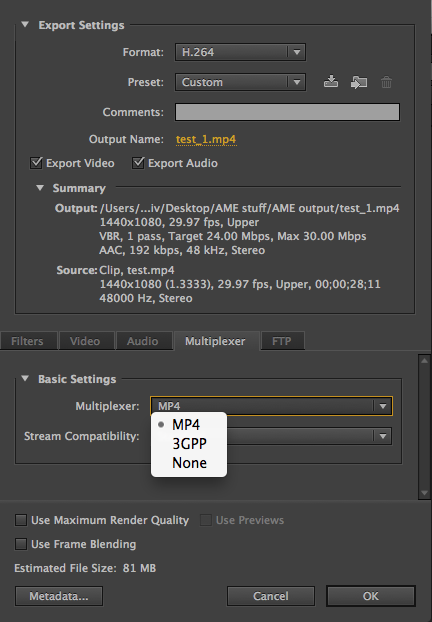
The effects and timing tools cover common post-production tasks. Ultra Key can isolate a subject from a green or blue screen, while transitions and real-time keying help shape scene changes and composites. Time remapping, speed changes, and reverse playback let editors create slow motion, fast motion, or reversed shots. Controls for frame rate, field order, pixel aspect ratio, alpha channels, and interlacing help correct footage that uses different settings or displays unwanted artifacts. Interpret Footage can override how imported media is interpreted before it is encoded.
These tools suit a range of projects, from short online videos and promotional pieces to longer productions intended for broadcast, disc, or other devices. Editors can combine footage with differing formats and playback characteristics, make visual corrections, control clip timing, and prepare a finished sequence for delivery. Preview format and resolution settings offer a practical way to keep monitoring responsive when a computer cannot play a sequence at full quality in real time.
Premiere Pro is trialware and runs on 64-bit Windows 10 and Windows 11. Playback speed and the availability of GPU-accelerated effects depend on the computer's hardware, graphics support, and media formats. Lowering preview resolution can help maintain a responsive editing workflow, while final output settings can be chosen to suit the intended destination.