Universal Media Server
... a must-have for Windows 10 users looking to stream or transcode a variety of media formats. Universal ... UPnP media server that is capable of serving videos, audio, and images to any DLNA-certified device. It ...

Air Video Server lets an iPhone or iPod touch stream videos stored on a Windows computer, so files do not need to be copied to the device first. It shares disk folders and iTunes playlists, discovers local servers with Apple Bonjour, and can also connect through a manually entered address. Unsupported formats can be converted live or prepared offline, with per-video controls for quality, zoom and resolution.
| Author: | InMethod s.r.o. |
| License: | Freeware |
| Price: | FREE |
| Released: | Aug 9, 2018 |
| File size: | 13.00 MB |
| Downloads: | 736 |
| Keywords: | x64 software, video streaming server, air video server, InMethod s.r.o., Air Video Server, High-definition playback, stream pc videos to iphone, Stream, stream videos over internet, share itunes video library, Video streaming application, Video Server, Windows 10 compatible, iphone video converter, Video, Streamer, Stream Video, Air Video |
| Author URL: | http://www.inmethod.com/ |
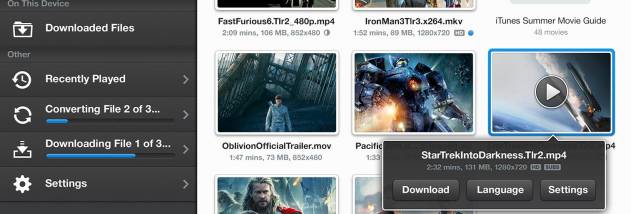
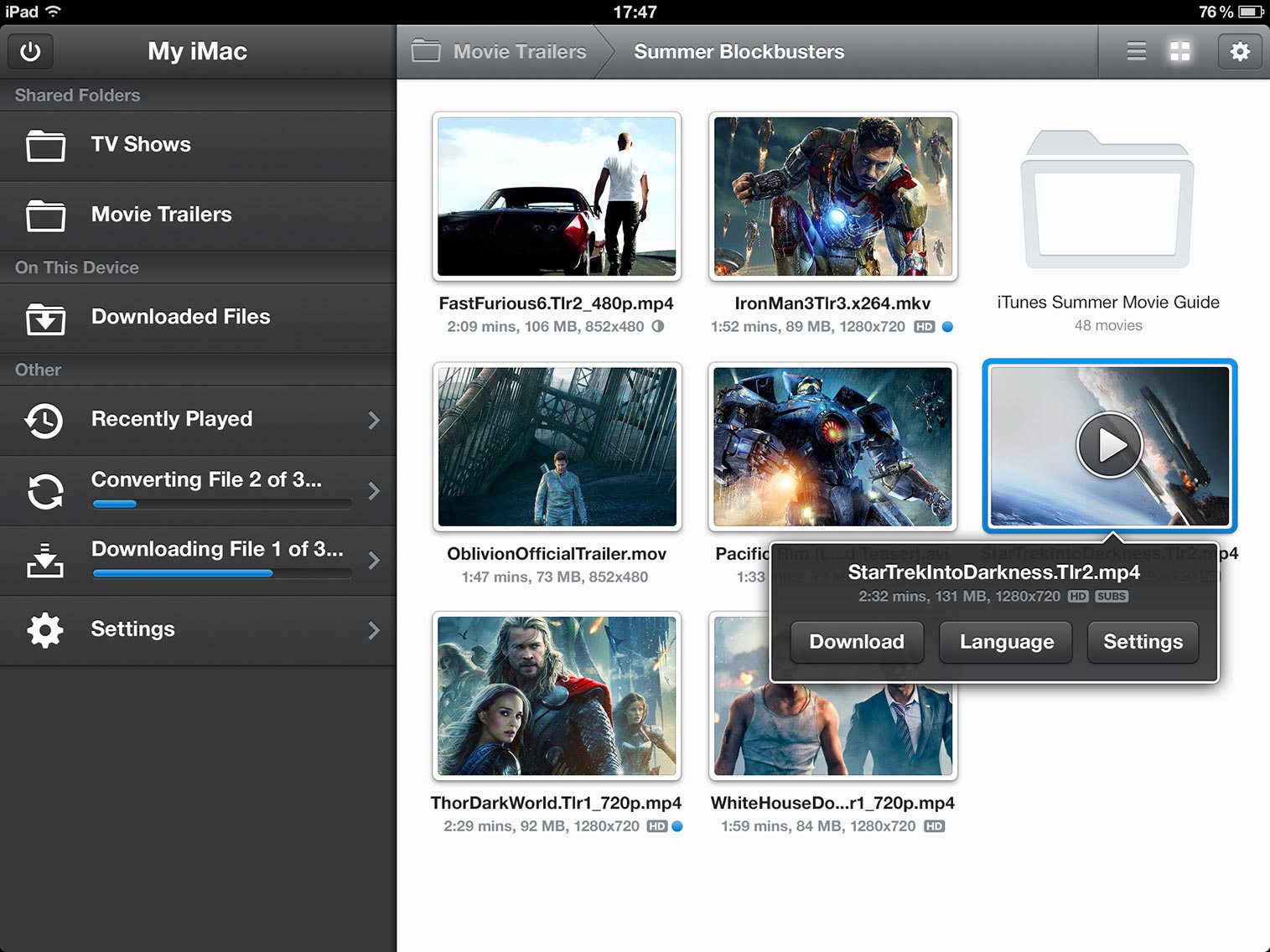


Air Video Server turns a Windows computer into a video source for an iPhone or iPod touch. It lets users watch files stored on the computer without first copying them to the mobile device, making it useful for accessing a personal video library while connected to the home network or, with internet streaming configured, away from home. The server works with the Air Video app on the mobile device; playback requires a sufficiently powerful computer and a compatible iPhone or iPod touch.
The server can make shared disk folders and iTunes playlists available for browsing. On a local network, Apple Bonjour can discover servers automatically, while a server can also be added by entering its IP address and port. This gives users a way to connect when automatic discovery is unavailable or when setting up access to a particular server. Optional password protection can restrict access to shared videos, and internet streaming extends playback beyond the local network.
Air Video handles a range of common video containers and codecs, including MP4, MOV, AVI, WMV, MPEG, MKV, 3GP, DivX and FLV. When a file is not directly playable on the iPhone or iPod touch, the server can convert it for playback. Live conversion lets a video begin playing without waiting for a complete conversion in advance. For users who prefer to prepare files first, offline conversion processes an entire video and supports a queue of files. Quality, zoom and resolution can be adjusted individually for each video, helping tailor playback to a particular file or viewing situation.
The companion app can also add videos to an iTunes playlist, connecting mobile browsing with an existing media library. Typical uses include watching a collection of computer-stored videos on a small Apple device, streaming over a local network, and accessing shared files remotely. The server avoids the need to maintain duplicate copies on the device, although playback and conversion depend on the computer remaining available and powerful enough for the task.
Air Video Server is freeware from InMethod s.r.o. It supports Windows versions including Windows 10, and the mobile side requires an iPhone or iPod touch running firmware 3.0 or newer. DRM-protected videos and proprietary codecs are not supported. The server is intended to work with the Air Video mobile application rather than as a standalone desktop video player.