ChromeDriver for Windows 10 - Full description
ChromeDriver is a standalone server that lets automated tests and other software control Google Chrome through the W3C WebDriver standard. It is intended for web developers and software testers who need to exercise a site or web application in a real browser rather than rely only on simulated browser behavior. ChromeDriver adds Chrome-specific support to WebDriver and acts as the connection between automation code and the browser.
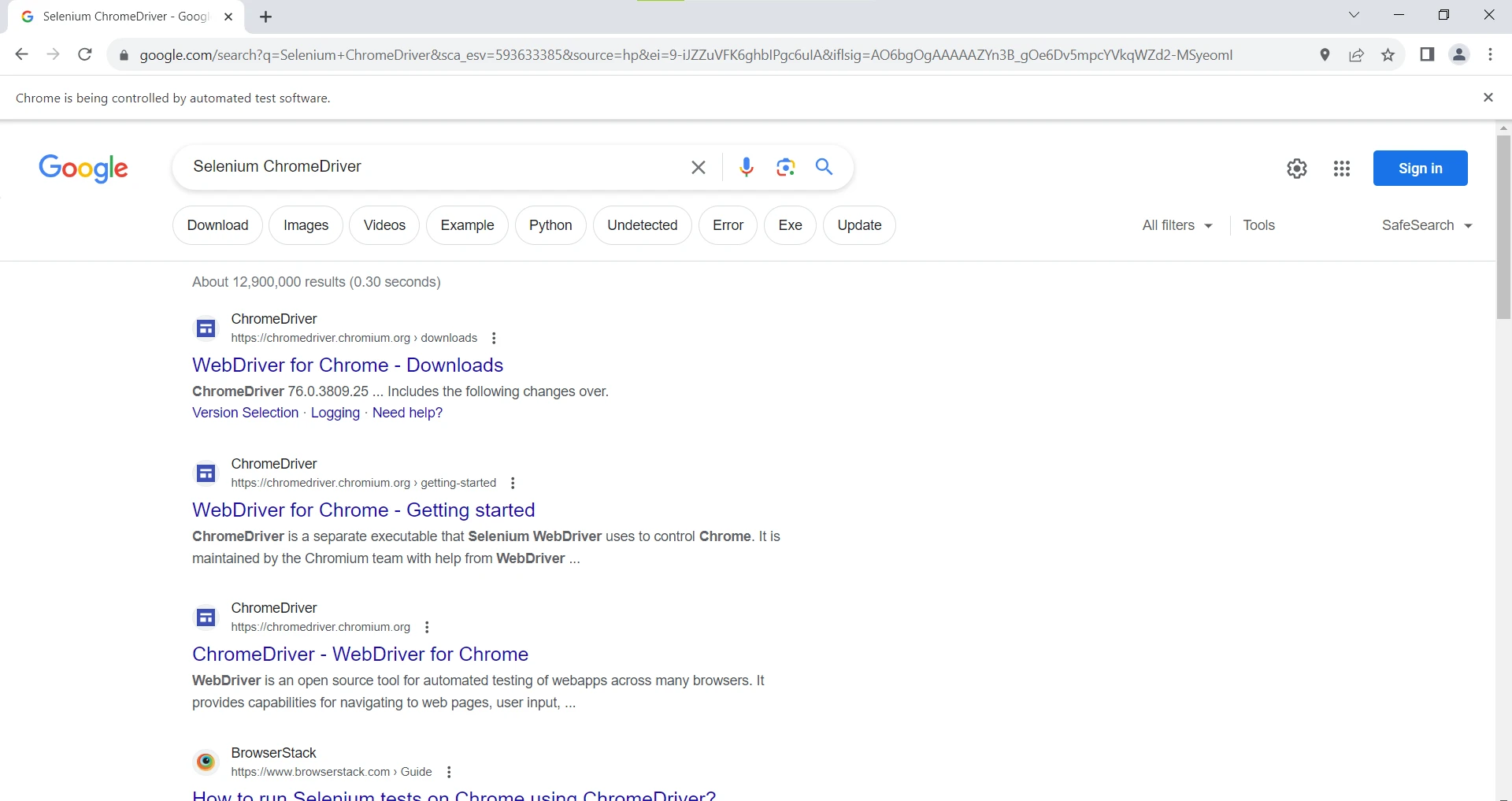
Used with a WebDriver client such as Selenium, ChromeDriver receives commands from test code and passes them to Chrome. A test can open a page, follow links, enter text in forms, click controls, and inspect page behavior as part of a repeatable test sequence. This makes it possible to verify user-facing flows, including navigation and form submission, without manually repeating each action in the browser. Test code can also check the resulting page state to identify failures after application changes.
Because the tests run in Chrome, they can reveal issues that may not appear in unit tests or in environments that do not use a full browser. Teams can use scripted runs to check whether key workflows continue to work after a code update, reproduce browser-specific problems, and test compatibility with Chromium-based browsing behavior. ChromeDriver is not a standalone test suite or a browser: it supplies the driver interface, while a WebDriver client and test code define the actions and checks.
Chrome must be installed, and ChromeDriver must be kept in sync with the installed Chrome release for the driver to work properly. When the browser is updated, updating the corresponding driver helps avoid compatibility problems. The software is freeware and is available for 64-bit Windows 10 and Windows 11. It is best suited to users who are comfortable working with web automation tools and integrating a browser driver into a testing workflow.