Audio Video Synchronizer for Windows 10 - Full description
Pixop Video-Compare is an open-source command-line utility for comparing video files and examining differences in picture quality. It is intended for video editors, post-production teams, quality-control staff and technically minded enthusiasts who need more than a visual spot check. By combining numerical measurements with visual comparison tools, it helps assess how an encoded, processed or edited video differs from a reference file.
The program calculates objective quality metrics including PSNR (Peak Signal-to-Noise Ratio) and SSIM (Structural Similarity Index). These measurements provide a repeatable way to evaluate fidelity between two videos, such as when checking the result of compression or comparing an export against its source. The figures can support quality-control decisions, but they are best considered alongside visual review rather than as a complete substitute for it. Video-Compare supports a range of video formats, allowing comparisons across different source material.
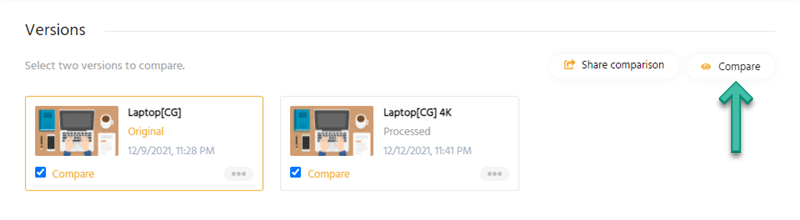
For direct inspection, the utility can create side-by-side comparisons so corresponding footage from two files can be viewed together. Difference maps offer another way to examine the result: they make areas of change or degradation visible, helping identify where the files diverge. These outputs are useful when subtle artifacts, detail loss or other image changes are difficult to spot during ordinary playback. The command-line interface also makes the tool suitable for scripted use, repeatable tests and batch comparison workflows, including production pipelines that need to check multiple files.
Typical uses include evaluating video encodes, reviewing post-processing results, checking exports in an editing workflow and investigating quality changes during delivery or archiving. A side-by-side view can help with subjective review, while metrics and difference maps provide complementary evidence for more systematic checks. Users can incorporate comparisons into their existing command-line processes; the tool is not presented as a graphical video editor or a general-purpose playback application.
Video-Compare is open source and available for 64-bit Windows 10 and Windows 11. Its command-line approach is suited to users comfortable running utilities from a terminal or integrating them into scripts. Pixop provides documentation for installation, configuration and use. The program is free to use, and its focus is analysis of video differences rather than synchronization of separate audio and video tracks.