AVCHDCoder for Windows 10 - Full description
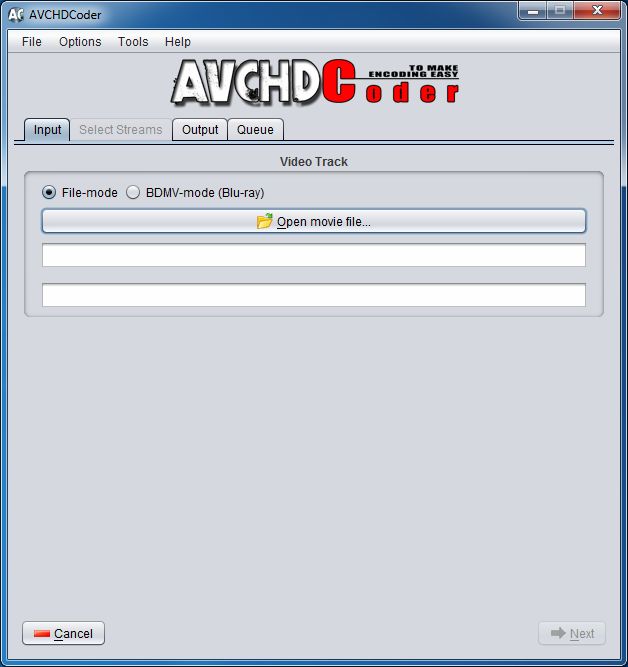
AVCHDCoder is a video conversion and disc-authoring utility for preparing files in formats such as MKV, M2TS, Blu-ray and WMVHD for AVCHD playback. It suits users who want to assemble one or more video sources for a disc or USB output without manually configuring every encoding step. The program handles much of the conversion process, while offering controls for output size, subtitles, audio, chapters and basic disc menus.
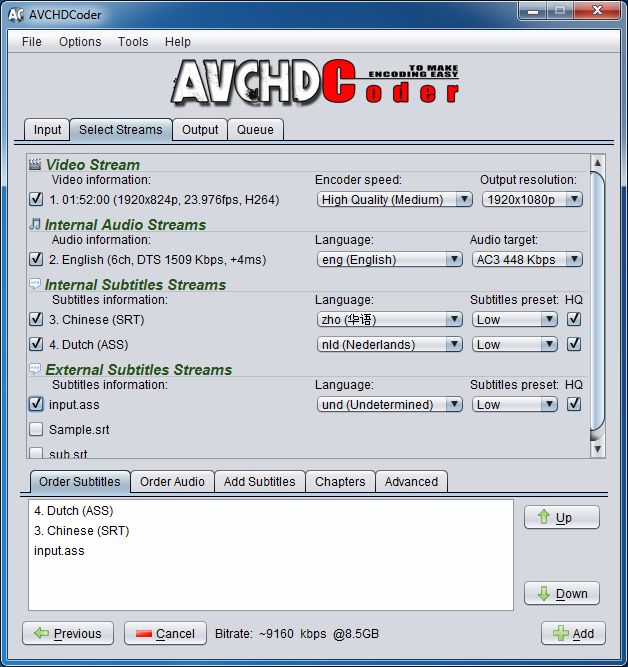
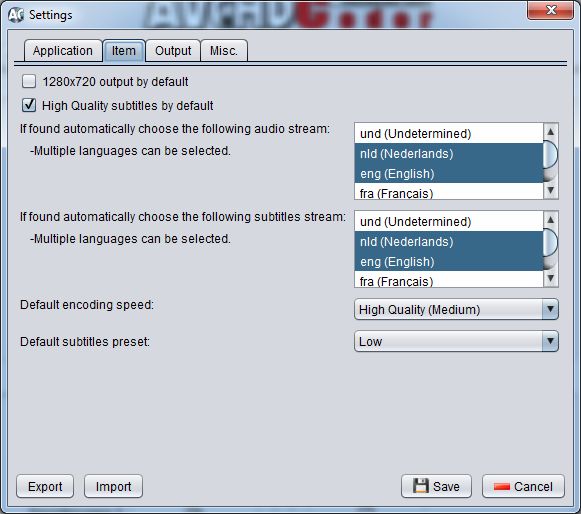
It accepts a broad range of source media, including MKV, M2TS, MTS, TS, MP4, AVI, Blu-ray and many WMVHD files. Video can be downscaled, audio can be converted, and H.264, VC-1 or MPEG-2 video can be remuxed without re-encoding. When encoding is needed, built-in x264 profiles provide fixed quality choices rather than a set of adjustable encoder parameters. The integrated bitrate calculator helps fit the result to DVD5, DVD9, BD25, BD50, a 4 GB USB target or a custom size. Output can be saved as an ISO image or a folder.
Subtitle and audio streams can be selected or extracted from source files, with external SRT and SUP subtitles also supported. The program handles up to 32 subtitle streams and up to three audio streams, with support for formats including SRT, ASS, Blu-ray PGS, AC3, DTS, DTS-HD, TrueHD, LPCM, AAC, FLAC, MP3 and Vorbis. Subtitle conversion offers normal and high-quality modes. Chapter information can be retained, and the aspect ratio is preserved; borders are added automatically when needed to match the output frame.
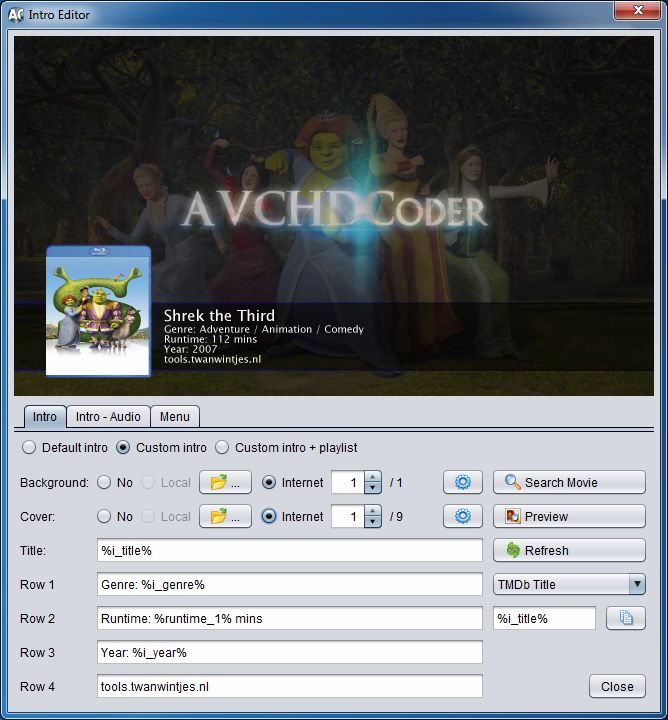
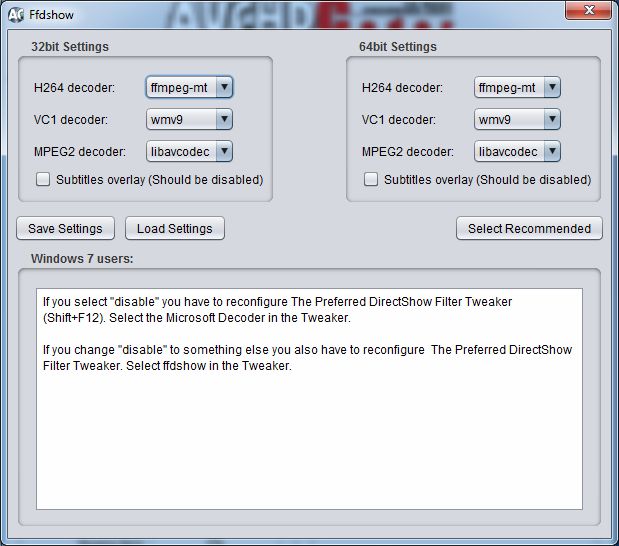
For projects containing several titles, AVCHDCoder can combine up to 32 items on one disc, including mixed content. Users can customize an introductory video, add a basic menu, and search online for movie information that can be used with backgrounds and cover art. Jobs can be saved and reopened, making it easier to return to a conversion project or revise its settings. A decoder tester checks whether the required media decoders are functioning before processing begins.
AVCHDCoder is freeware and is based on free tools. Its processing relies on Java, Avisynth, Ffdshow and Haali Media Splitter; the latter tools are included, while Java must be installed separately. The supplied requirements also include .NET Framework 2.0. Native 64-bit encoding is supported. The available operating-system information lists Windows XP through Windows 10, including 64-bit Windows 10.