Beyond Compare
Discover the power of Beyond Compare, the ultimate file and folder comparison tool developed by Scooter Software. Designed for Windows 10, Beyond Compare streamlines your workflow by allowing you to effortlessly ...

BS Folder Compare checks two directory structures and lists files that are not identical in both locations. Users select folders through a tree view, then refine the check with inclusion or exclusion lists, file-extension filters, and options to skip hidden files and folders. Results show the test time and unmatched-file count, and can be saved as an HTML report for later review.
| Author: | Broto Suseno |
| License: | Demo |
| Price: | $2.79 |
| Released: | Oct 10, 2026 |
| File size: | 3.20 MB |
| Downloads: | 17 |
| Keywords: | compare two folders, folder comparison tool, BS Folder Compare free download, analyze folder structure, download BS Folder Compare, BS Folder Compare, compare folder, analyze, compare backup folders, folder comparison report, compare, directory structure comparison, folder structure, comparison, find unmatched files, folder comparison |
| Author URL: | https://sites.google.com/site/bsprograms/the-programs/bs-fag |

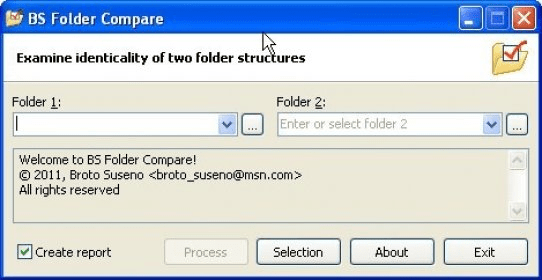
BS Folder Compare is a lightweight Windows utility for checking whether two directories contain matching files. It is suited to users who need a straightforward way to inspect folder contents, such as comparing copies of a project, backup folders or transferred data. Its focused interface keeps the task centered on selecting two folders and reviewing differences rather than configuring a broad set of file-management options.
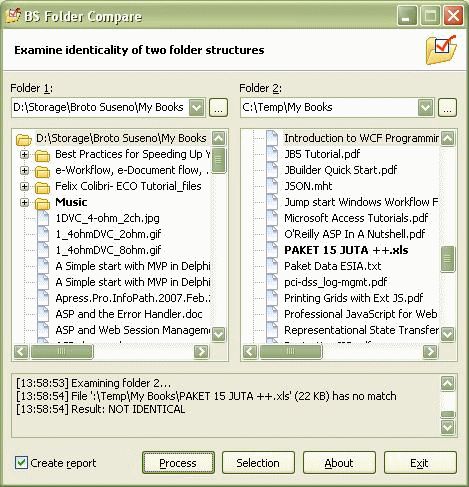
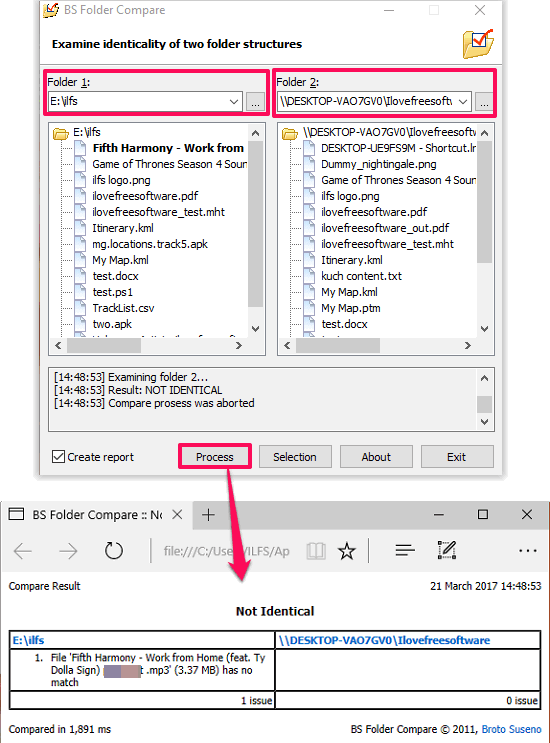
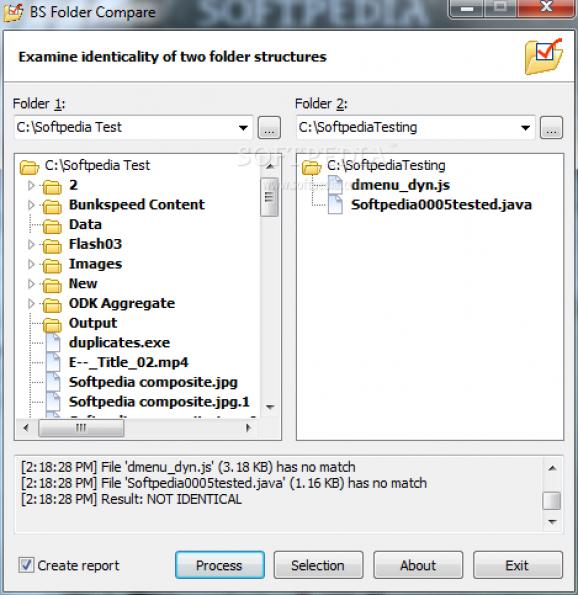
The comparison starts by selecting a primary folder and a second folder from the program's tree view. After the folders are chosen, BS Folder Compare checks their contents and presents files that are not identical across the two locations. This makes it easier to spot missing or unmatched files without manually opening each directory and checking its contents side by side. The results include the test time and the total number of unmatched files, providing a quick overview as well as individual entries to investigate.
File selection can be adjusted before a comparison. The program can include all files, use inclusion or exclusion lists, and filter files by extension, which helps narrow a check to particular file types or exclude items that are not relevant. Hidden files and folders can also be skipped. These controls are useful when comparing large directory trees where temporary, hidden or unrelated files would otherwise add noise to the results. A report can be generated from the comparison and opened as an HTML page for convenient review or record keeping.
Typical uses include checking whether a backup reflects its source, verifying that a folder transfer includes the expected files, and finding differences between two working copies of a directory. The utility is designed for a direct, repeatable workflow: choose the two locations, set any filters, run the comparison and review the unmatched-file list or HTML report. Folder selection is performed through the tree view; drag-and-drop folder selection is not supported.
BS Folder Compare is offered as demo software. It supports Windows 11 and 64-bit editions of Windows 10, Windows 8 and Windows 7. Its limited purpose and uncomplicated controls make it accessible to users without prior experience with folder-comparison tools, while the filtering options provide some flexibility for more targeted checks.