Nero StartSmart
Nero StartSmart is a central launcher for Nero's digital media ... makes it useful as a home screen for users who work with several Nero programs but do ...

CloneDVD copies selected DVD movie titles, extras or a complete disc to a recordable DVD or computer storage. A preview and guided Film Strip assistant help users choose titles, chapters, audio tracks, subtitles and menu options. It transcodes video to a freely adjustable target size, with quality bars showing the effect of selections. Output can be saved as DVD files or an ISO image, or written directly to supported DVD media.
| Author: | Elaborate Bytes AG |
| License: | Trialware |
| Price: | $34.00 |
| Released: | Mar 7, 2020 |
| File size: | 5.00 MB |
| Downloads: | 1145 |
| Keywords: | Windows 10 compatible, img, dvd back-up, user, dvd movie backup, movies, snapshots, copy dvd, windows media player, clonedvd, DVD copying software, clone dvd, dvd transcoding tool, copy, clone, dvd chapter trimming, x64 architecture, user-friendly interface, nero startsmart, DVD BACKUP, DVD COPY, nero burning freeware, backup, dvd copying software, Elaborate Bytes AG, dvd to iso converter, burner, fast, control, CloneDVD, cloner, copy dvd to computer |
| Author URL: | https://www.elby.ch/ |

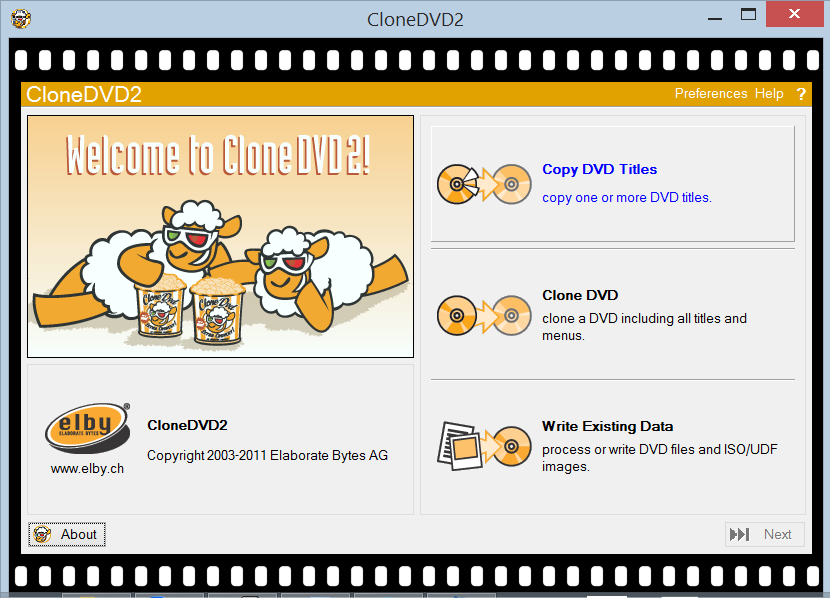
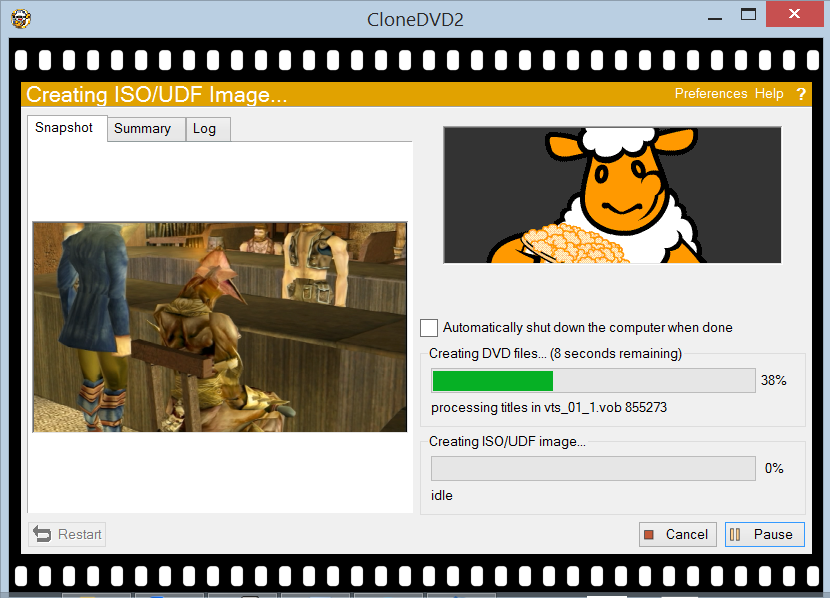

CloneDVD is a DVD copying and transcoding program for users who want to transfer movie titles from a DVD to a recordable disc or save them on a computer. It can copy a main feature, selected extras or an entire DVD structure, including the original menu. Its guided Film Strip assistant takes users through the setup, making title and output choices accessible without requiring extensive configuration.
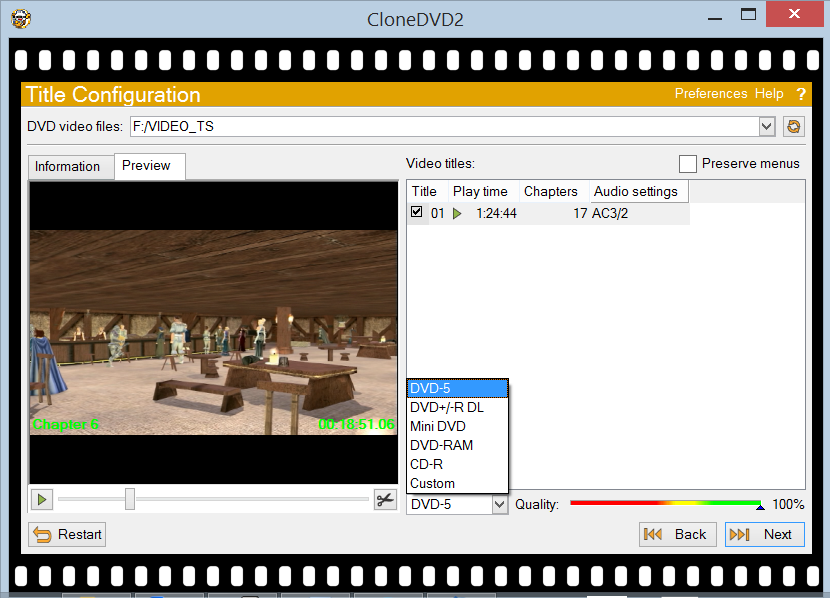
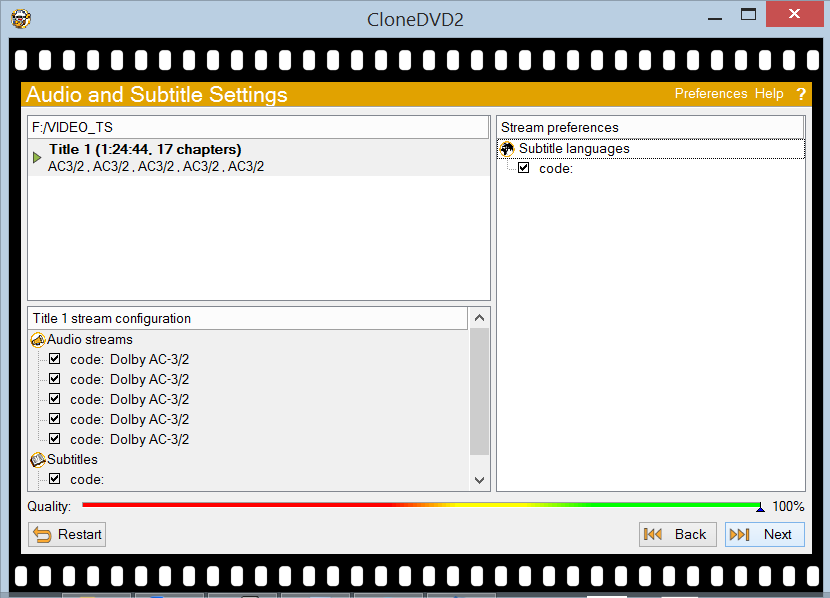
A video preview displays the DVD's selectable titles before copying. Users can include or remove individual titles, choose chapters to trim or split, and decide whether to retain the original menu. Audio tracks and subtitles can also be selected, so the resulting copy contains the language options needed for its intended use. On-screen quality bars indicate how these choices affect the copy's picture quality as the selection is adjusted.
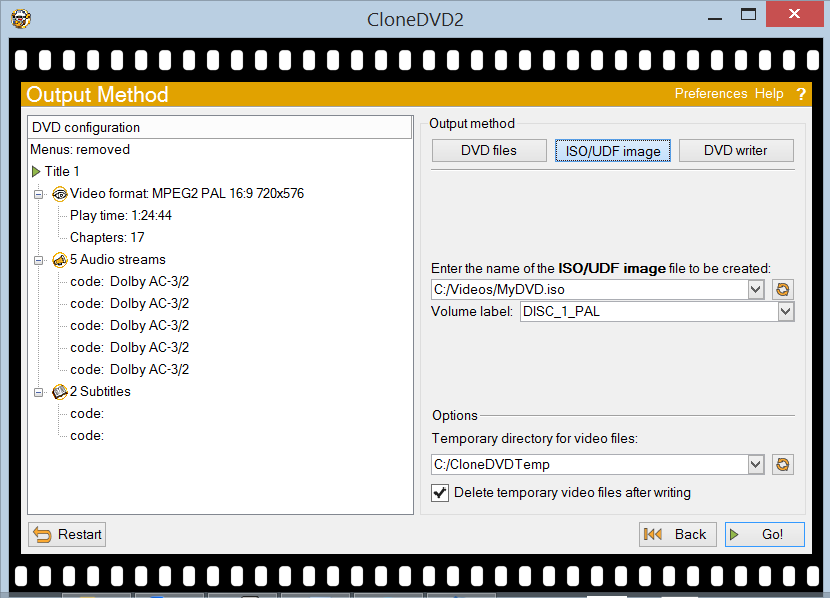
CloneDVD transcodes the selected material to fit a freely chosen target size. This is useful when a source is too large for the destination disc: the program adjusts compression to the selected capacity, with its quality controls showing the trade-off. It can process long footage as well as shorter titles, and displays bitrate and frame statistics during transcoding. Users can save the result as DVD files or an ISO image, or send it directly to a supported DVD writer. Supported media include DVD-R/RW and DVD+R/RW.
The program remembers settings from the previous session and can show snapshots while transcoding or remuxing. A logging window provides process information, and the software can remove a layer-break flag when preparing a copy. CloneDVD does not require an ASPI driver. Its workflow is suited to making personal backups, selecting particular movie content for a disc, or creating a DVD image for storage; the basic configuration keeps the process focused on title selection, compression, language choices and output.
CloneDVD is trialware for Windows, with support listed through Windows 10. The available choices and controls are aimed at DVD video copying and conversion rather than detailed editing. Results depend on the selected content, compression level, target size and recording hardware. Use should comply with applicable copyright law and the terms governing the source material.