Uninstall Tool
Uninstall Tool by CrystalIDEA Software is a powerful and ... from your Windows 10 system. Unlike the standard uninstaller, Uninstall Tool offers a comprehensive solution that not ...

Edge Blocker is a lightweight Windows utility for restricting access to Microsoft Edge without attempting to uninstall the browser. Its two-button interface lets users block or unblock Edge, with a color change indicating the current state. The program runs without a conventional installation and offers an alternative to changing the default browser alone. It supports Windows 7, 8, 10 and 11.
| Author: | Sordum |
| License: | Freeware |
| Price: | FREE |
| Released: | Oct 13, 2026 |
| File size: | 1.20 MB |
| Downloads: | 17 |
| Keywords: | Uninstall Edge, Block, download Edge Blocker, edge blocker download, system maintenance utility, freeware, Edge Blocker, Blocker, Edge Blocker free download, block microsoft edge, Edge, Uninstall, edge access control, Block Edge, prevent Edge from opening, disable microsoft edge, Windows utility, prevent edge from opening, block Microsoft Edge, Remove Edge, edge blocker utility |
| Author URL: | https://www.sordum.org/ |
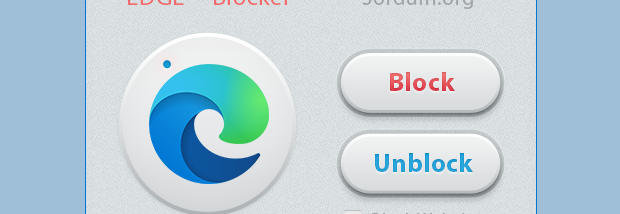

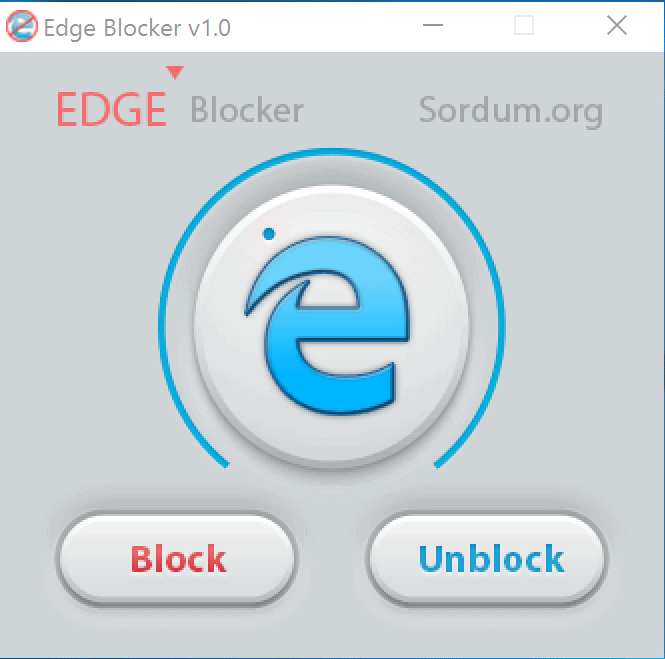
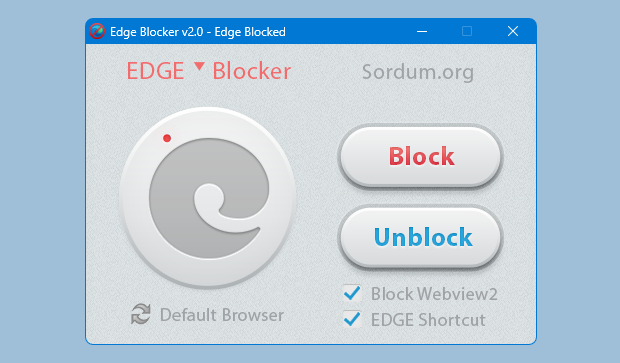

Edge Blocker is a small Windows utility for users who want to prevent Microsoft Edge from launching. Rather than uninstalling the browser, it provides a simple switch to restrict access to it. This can be useful on a computer where another browser is preferred, or where an administrator wants to limit which browser users can open. Edge is integrated into Windows, so blocking access is a different approach from removing an ordinary installed application.
The main window has two controls: Block and Unblock. Selecting Block applies the restriction, and the application changes its logo to red to indicate that Edge is blocked. Selecting Unblock restores access, with the logo returning to blue. The two-state interface keeps the task straightforward and makes it easy to see which setting is active without navigating through system menus.
Edge Blocker is designed to work without a conventional installation. The program can be opened directly, used to change the block setting, and closed. It is an alternative to changing the default browser alone: setting another browser as the default determines where supported links open, but does not necessarily stop Edge from being launched separately. Edge Blocker focuses on restricting access to the browser itself when Windows or another program attempts to run it.
The utility may suit people who consistently use a different browser, as well as those maintaining a Windows PC where Edge should not be readily accessible. After applying the block, it is sensible to check the system's default-app settings and test the links and programs used on that computer. Some Windows actions or applications may depend on Edge or its system integration, so blocking it can affect expected behavior. Creating a system restore point before changing the setting provides a way to recover if the restriction causes problems.
Edge Blocker is freeware and supports Windows 7, Windows 8, Windows 10 and Windows 11, with 32-bit and 64-bit support stated for Windows 7, 8 and 10. It does not serve as a browser, remove Edge from Windows, or replace the default-app controls. Its purpose is limited to switching Edge access between blocked and unblocked states, giving users a compact tool for managing that restriction.