Everything for Windows 10 - Full description
Everything is a file and folder search utility for Windows, developed by David Carpenter. It is designed for people who need to locate items by name across their drives without waiting for a broad content search. Instead of building results only after a query is entered, Everything creates an index of file and folder names and updates it as the file system changes. Searches can therefore return matching paths as the user types, making it useful for everyday desktop searches as well as larger collections managed by technical users.
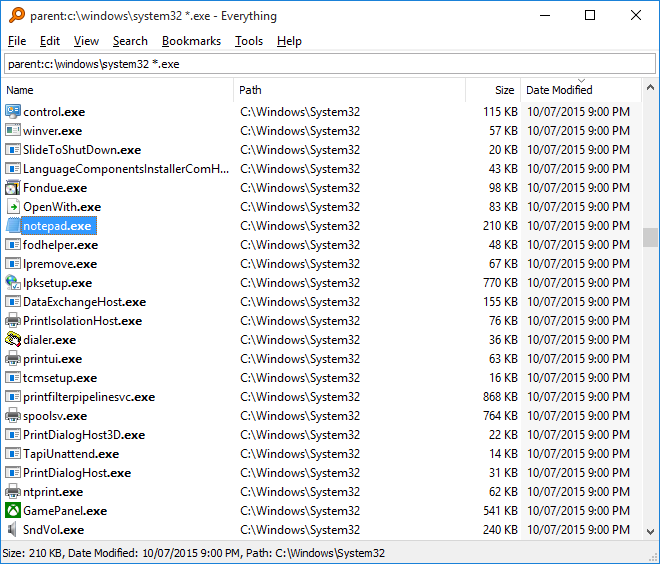
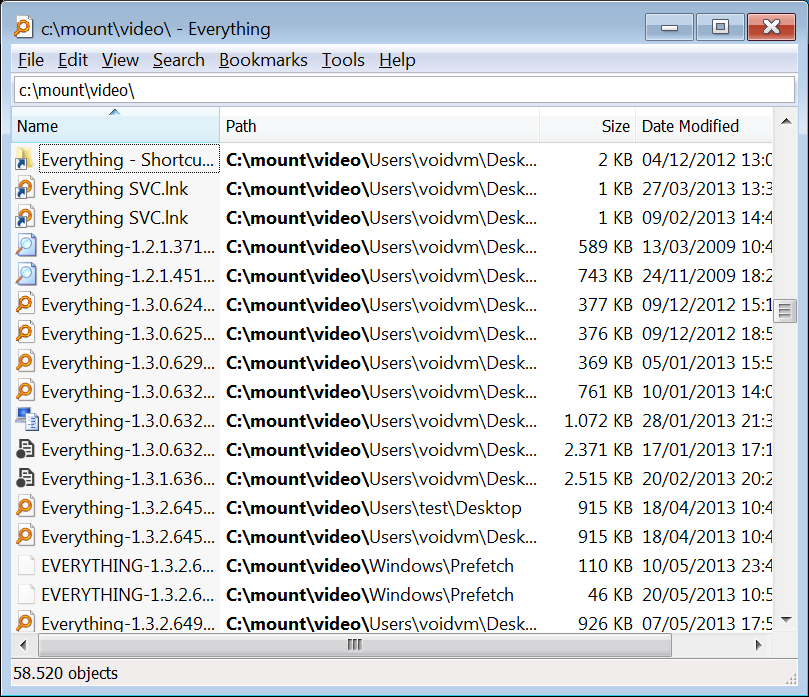
The main window keeps the process simple: enter a name or part of a name in the search field, then review matching files and folders in the results pane. Wildcards and search operators help narrow a query when an exact name is unknown or when several conditions need to be combined. Results can also be filtered by attributes such as file type, size, or modification date, helping separate a particular document or group of files from many similar matches. The index focuses on names and paths rather than the contents of files, so Everything is intended for finding items by their location and naming, not for searching the text inside documents.
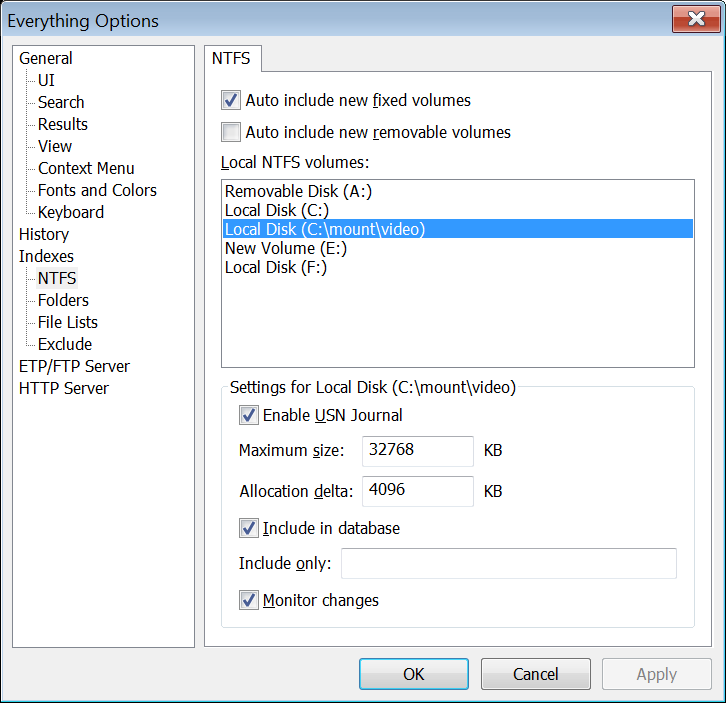
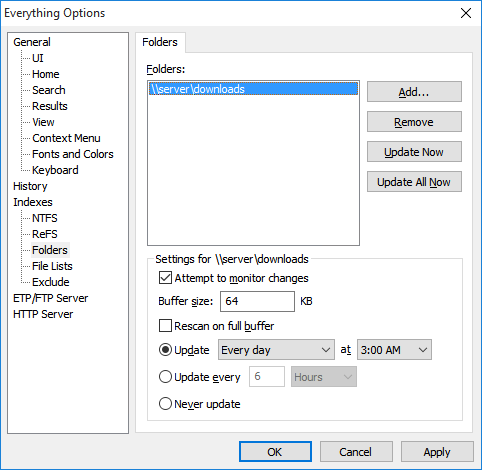
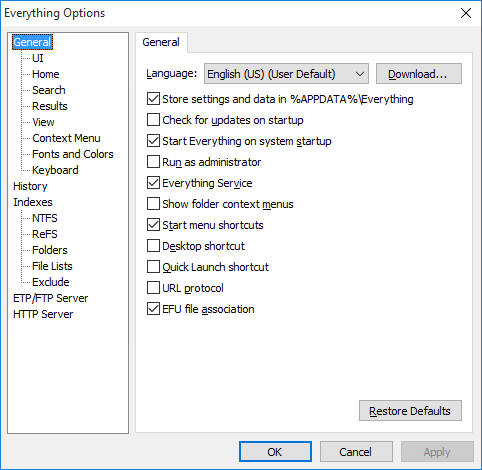
The program is built to remain lightweight while it monitors changes and keeps its index current. Users can exclude selected folders or file types from indexing, which gives them control over what appears in searches. For more advanced setups, Everything can run as a Windows service and offers HTTP server support, allowing searches to be made through a web interface on a network when configured. Scripting support can also help incorporate searches into automated workflows. These options extend the basic desktop search without changing the straightforward use of the main window.
Typical uses include finding a misplaced download, opening a file whose full path is forgotten, locating folders on a storage drive, or identifying files by extension and date. Administrators and other technical users can use precise queries and service or scripting options when they need repeatable searches across larger collections. Because the results are based on indexed names and paths, users looking for words contained inside a file should use a separate full-text search tool.
Everything is freeware for Windows. It supports Windows 10 and Windows 11, as well as older Windows releases, with 32-bit and 64-bit support where applicable. The small program is suited to systems where a quick, focused file finder is preferable to a heavier search application. Its indexing scope can be adjusted through exclusions, while its search operators and filters provide a practical way to refine results without adding complexity to routine searches.