Umile Encoder
... the world of seamless media conversion with Umile Encoder, an innovative software developed by Technonia Inc. This Windows 10 compatible software is a game-changer in the realm of ...

FLAC MP3 Converter converts FLAC and more than 90 other audio and video formats to MP3, WAV, OGG, AAC, AMR, MP4, M4A, and related formats. It supports batch conversion, resampling, volume adjustment, channel splitting, and ID3 tag retention or editing. Encoding settings include sample frequency, bit rate, channels, and quality.
| Author: | Hoo Technologies |
| License: | Demo |
| Price: | $19.95 |
| Released: | Mar 27, 2013 |
| File size: | 3.94 MB |
| Downloads: | 363 |
| Keywords: | Hoo Technologies, flac to mp3 converter, audio conversion, FLAC2OGG, encode, FLAC to WAV, audio resampling software, flac converter, user-friendly interface, encoder, FLAC Converter, mp3 tag editor, FLAC MP3 Converter, FLAC to MP3, high-quality output, audio batch converter, flac to wav, Windows 10 compatible |
| Author URL: | http://www.hootech.com/ |
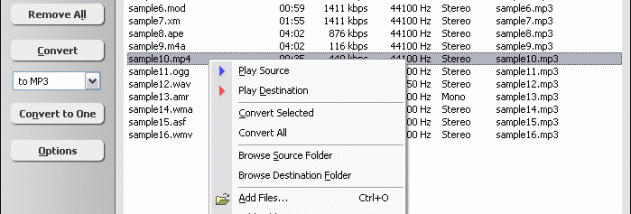
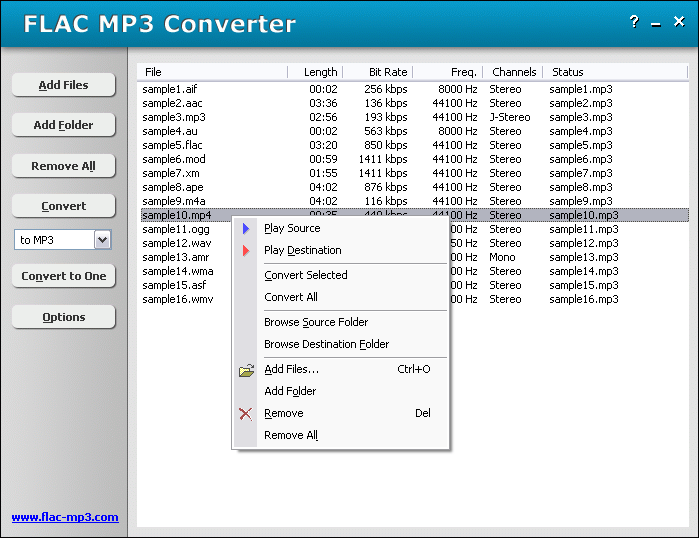
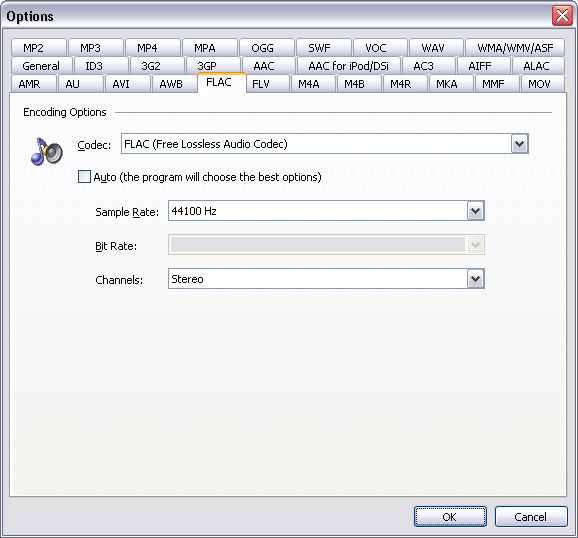
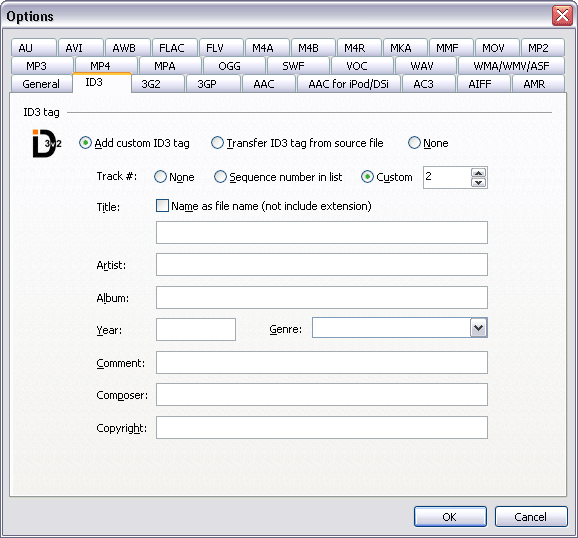

FLAC MP3 Converter is an audio conversion utility for users who need to turn FLAC files into more widely supported or compact formats. It accepts more than 90 audio and video formats and can create MP3, WAV, OGG, AMR, AWB, AAC, MP4, M4A, and M4B files. This makes it useful for preparing a music collection for portable playback, creating WAV files for audio CD workflows, or standardizing files for a particular device or application.
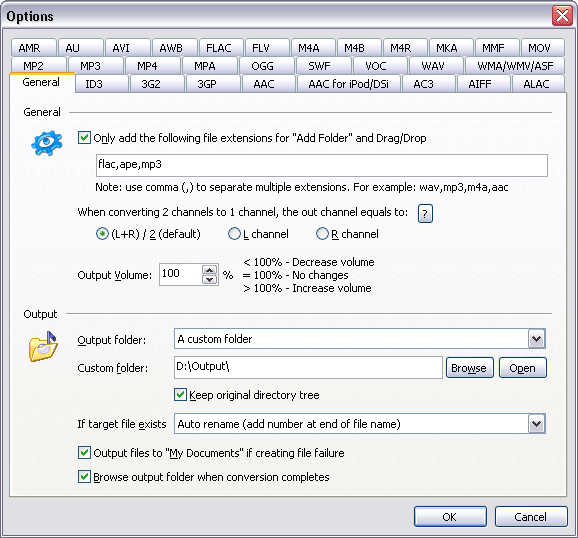
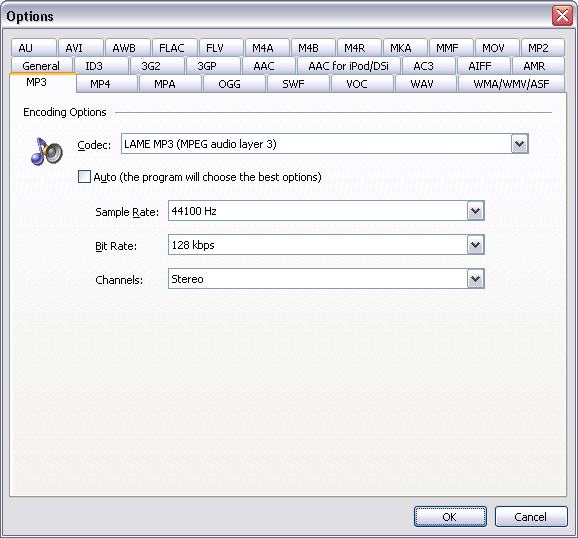
For each conversion, the program lets users adjust sample frequency, bit rate, channel count, and quality. These settings help balance output size and audio characteristics; for example, a lower bit rate can reduce the size of an MP3 intended for a portable player. Volume adjustment can amplify quiet recordings or reduce overly loud ones. For supported output formats, ID3 metadata can be retained from the source or added to the converted file, including title, artist, album, year, genre, and comments.
The batch workflow handles multiple files or entire folders in one operation. Users can add items directly, drag and drop files or folders into the main window, and convert or resample the resulting queue together. Output can be directed to another folder or drive, with an option to preserve the source folder structure. The channel-splitting feature separates the left and right channels of a stereo file into two files, which can be useful when the channels contain different vocal or instrumental content.
The converter is suited to tasks such as shrinking lossless FLAC files into MP3s, preparing WAV copies for CD-related use, resampling a set of recordings, adjusting levels, and converting mixed-format audio collections. Its supported inputs include common formats such as MP3, WAV, AAC, M4A, WMA, OGG, and AIFF, as well as less common audio and tracker-music formats. The range of input types makes it possible to process varied libraries through one conversion queue rather than handling each format with a separate tool.
FLAC MP3 Converter is commercial demo software. The available system information lists Windows XP through Windows 10, including 64-bit editions of Vista, Windows 7, and Windows 8, plus Windows 10 x64. Windows 11 compatibility is not established by that information. The interface is designed around selecting files, choosing conversion settings and a destination, then starting the conversion; no specialist knowledge of audio encoding is required for basic use.