Xinorbis
... of what is stored on a hard disk, folder, removable drive or mapped network location. It turns ... scan into an organized view of files and folders, helping users understand how storage is distributed rather ...

Folder Size scans drives and displays the size of folders and subfolders in a hierarchical tree, with reports and charts for reviewing storage use. Filters by file type, date or size help narrow results, while scheduled scans can refresh information automatically. Windows Explorer integration provides folder-size access from the context menu. The utility is designed for users investigating large directories and managing disk space.
| Author: | MindGems Inc |
| License: | Demo |
| Price: | $24.95 |
| Released: | Oct 2, 2026 |
| File size: | 5.30 MB |
| Downloads: | 331 |
| Keywords: | Mindgems Inc software, view folder sizes, directory size viewer, File size viewer, HDD space, Folder Size review, disk management, visualize disk usage, disk space management, Folder Size, Viewer, Size, folder size analyzer, View folder size, find large folders, Folder, analyze hard drive content, Windows 10 utility, foldersize, disk space analyzer, folder size report |
| Author URL: | https://www.mindgems.com/products/Fast-Duplicate-File-Finder/Fast-Duplicate-File-Finder-About.htm |
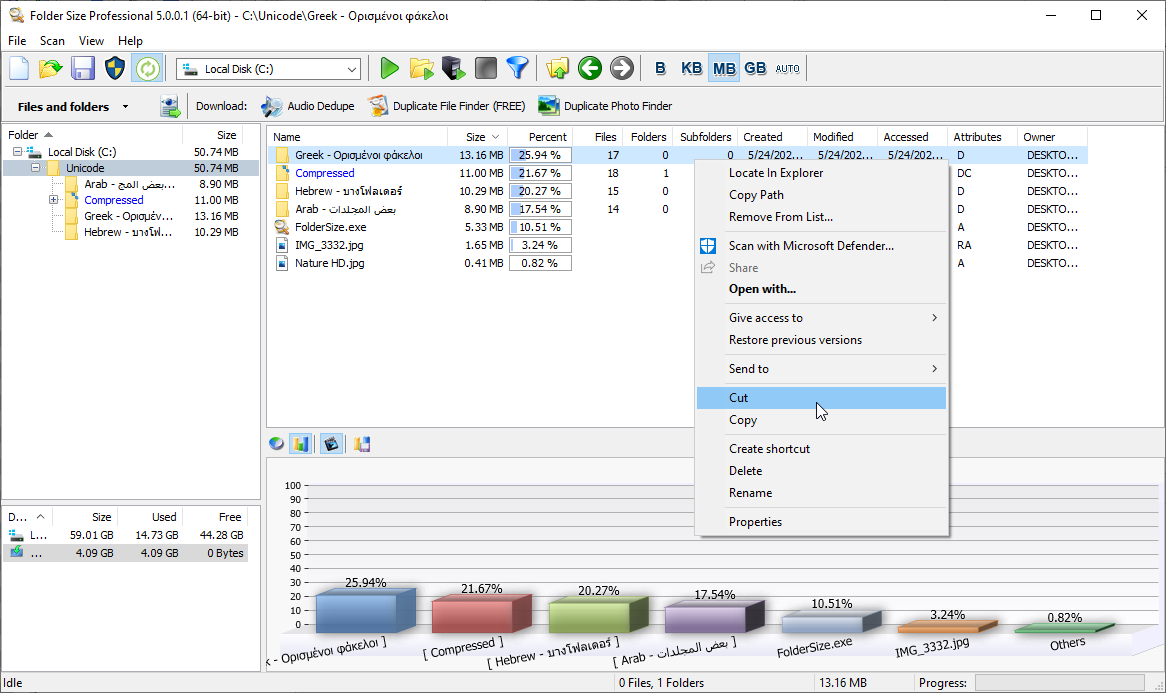
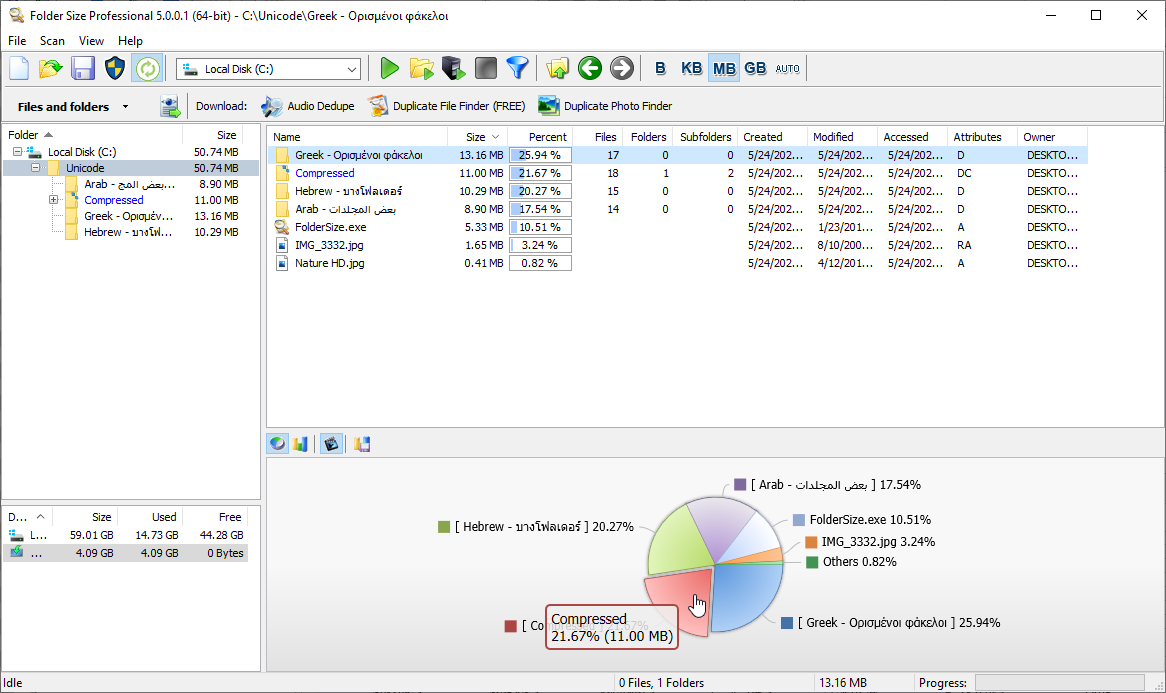





Folder Size is a disk-usage utility from MindGems Inc. for users who want to see how storage is distributed across their drives. It scans folders and subfolders and presents their sizes in a hierarchical tree, helping users locate directories that account for a large share of used space. The overview is useful when investigating a nearly full drive, reviewing a data collection or deciding which areas to examine before reorganizing files.
The tree view makes it possible to move from a drive-level overview into individual folders and their contents. Folder sizes can be compared at a glance, so unusually large directories stand out without opening each one in Windows Explorer. Reports and charts provide additional views of scan results, making it easier to understand storage distribution and identify where space is concentrated. These views are intended to support analysis; Folder Size does not replace the user's decisions about which files to move or remove.
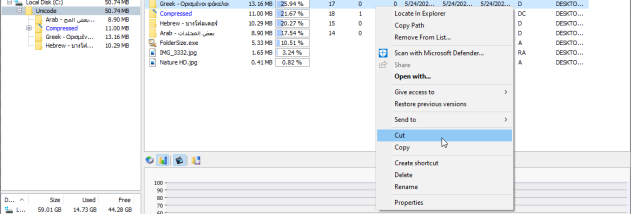
Filtering options narrow scans by file type, date or size. This helps when a general scan returns more information than needed: a user can focus on particular kinds of files, find items within a chosen size range or inspect files associated with a date. Folder Size can also run scans on a schedule, keeping storage information refreshed without requiring every scan to be started manually. Its Windows Explorer integration offers access to folder-size information from the context menu, fitting a quick check into an existing file-management workflow.
The program suits home users looking for large folders that may be contributing to low disk space, as well as people who manage larger collections of work or personal data. A typical workflow is to scan a drive, review the tree and charts, then apply filters to investigate specific folders or file groups. Because the results show where space is used rather than automatically cleaning the drive, users remain in control of any subsequent file-management changes.
Folder Size is commercial demo software from MindGems Inc. It supports Windows 11 and Windows 10, as well as Windows 8 and Windows 7 in both 32-bit and 64-bit editions. Its drive scanning, reports, filtering, scheduled scans and Explorer context-menu access make it a practical option for examining local storage and keeping track of folder sizes over time.