FoneBackup for Windows 10 - Full description
FoneBackup is a Windows utility for backing up, restoring and transferring data on mobile devices. It is intended for people who want a local way to safeguard phone content, move information when changing devices or keep personal files organized. Its interface brings these tasks together so that users can manage backups and transfers from a computer rather than handling each item only on the phone.
The software works with contacts, messages, photos, videos, music and app data. A backup can preserve selected kinds of content for later restoration, while restore functions help return saved information to a device after data loss or a reset. Transfer tools are useful when moving content between a phone and a computer or preparing a new device; the program is also positioned for use with both Android and iOS devices. The available functions can therefore serve routine preservation as well as a device change.
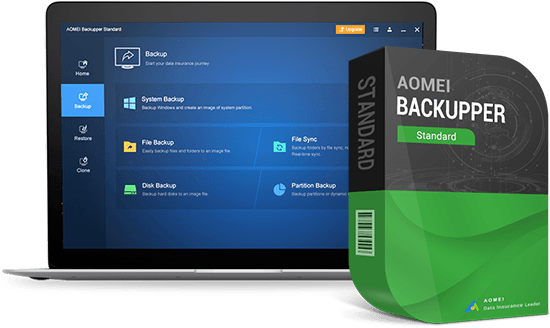
FoneBackup includes encrypted backups for protecting saved information and a scheduling option for automating recurring backups. Scheduling can reduce reliance on remembering to start a backup manually, while encryption adds protection for sensitive data stored in a backup. The software is designed to keep the backup and transfer process straightforward, with its main operations accessible through a graphical interface. AOMEI also provides guides, FAQs and customer support resources for users who need help.
Typical uses include saving photos and messages before a phone reset, keeping contacts and other data in a separate backup, restoring content after accidental loss, and transferring files as part of a move to another device. The supported data categories make it suitable for personal phone management, while scheduled and encrypted backups address ongoing protection needs. It can be used by less experienced users as well as those who want direct control over what is backed up or transferred.
FoneBackup is distributed as demo software. It supports Windows 11, Windows 10, Windows 8 and Windows 7, including 32-bit and 64-bit editions where specified. The computer-based interface is intended to manage mobile data from a Windows PC; a compatible mobile device is needed for phone backup and transfer tasks.