formEZ for Windows 10 - Full description
formEZ is a freeware utility for working with form field formulas in Lotus Notes. It is intended for Notes users and administrators who need to review or change formulas across multiple fields without opening and editing each field separately. For example, when many fields on a form need the same Default Value formula, formEZ provides a single place to make that change rather than repeating the task field by field.
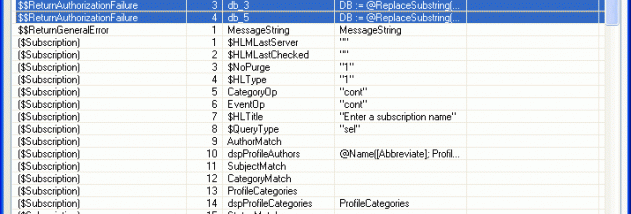
The program displays form field formulas in one interface, bringing together the formulas that would otherwise need to be inspected individually. It can modify Default Value, Input Translation, and Validation formulas in one step. This is useful when a form has many fields with a common formula change, and also helps when reviewing formulas before making edits. Changes can be made through the editor's interface rather than by copying and pasting formula properties manually.
formEZ also offers sorting for form names, form indexes, or fields. These ordering options help users locate items and organize a form for analysis, especially when working with a large set of fields. Together, the consolidated formula view and sorting functions support both targeted edits and broader reviews of a form's structure.
Typical uses include applying the same default formula to numerous fields, updating input translation or validation logic across a form, and checking field formulas in one place. It is focused on form-field formula management rather than general-purpose Lotus Notes development, so its role is most relevant to people maintaining existing Notes forms.
The program is distributed as freeware. Its functionality is centered on Lotus Notes forms, and it is not a general form designer or a standalone formula language editor. Users should verify that their Notes environment supports the utility before relying on it in a current workflow.