Mp3tag
... software developed by the ingenious Florian Heidenreich. This Windows 10 compatible software is a powerful and easy-to-use tool to edit metadata of audio files. It ...

glMixer combines video clips, images and generated visuals into a real-time output for live performance, projection and other visual presentations. Users can control layer visibility and timing, then scale, rotate and blend sources or shape them with gradients and masks. It supports common video formats without separate codec packs, plus SVG and HTML layers, GLSL-generated visuals and Open Sound Control communication. Source audio is not mixed and must be handled separately.
| Author: | |
| License: | Freeware |
| Price: | FREE |
| Released: | Jan 24, 2019 |
| File size: | 60.50 MB |
| Downloads: | 454 |
| Keywords: | video mixing software, combiner, real time video compositor, mixer, combine, live mixer, mix video, real-time graphics mixing, audio mixer, osc video mixer, projector visuals software, audio mixing application, Windows 10 compatible, Google glMixer, mix, x64 software, live video mixer, SourceForge download, glsl visual mixer |
| Author URL: | https://www.google.com/ |
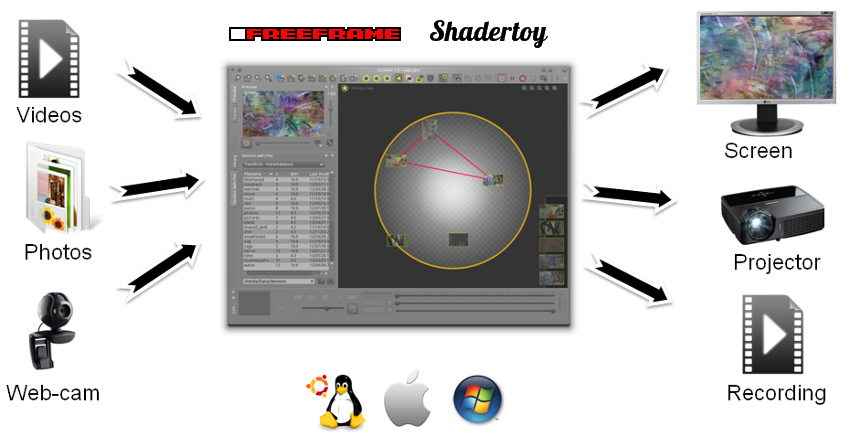


glMixer is a live video mixing and compositing program for creating a changing visual output from a collection of video samples. It is designed for performers, visual artists and other users who need to combine moving images in real time, control their appearance and present the result on a display or projector. Unlike an audio mixer, it does not mix the soundtracks in its video sources; audio must be handled separately.
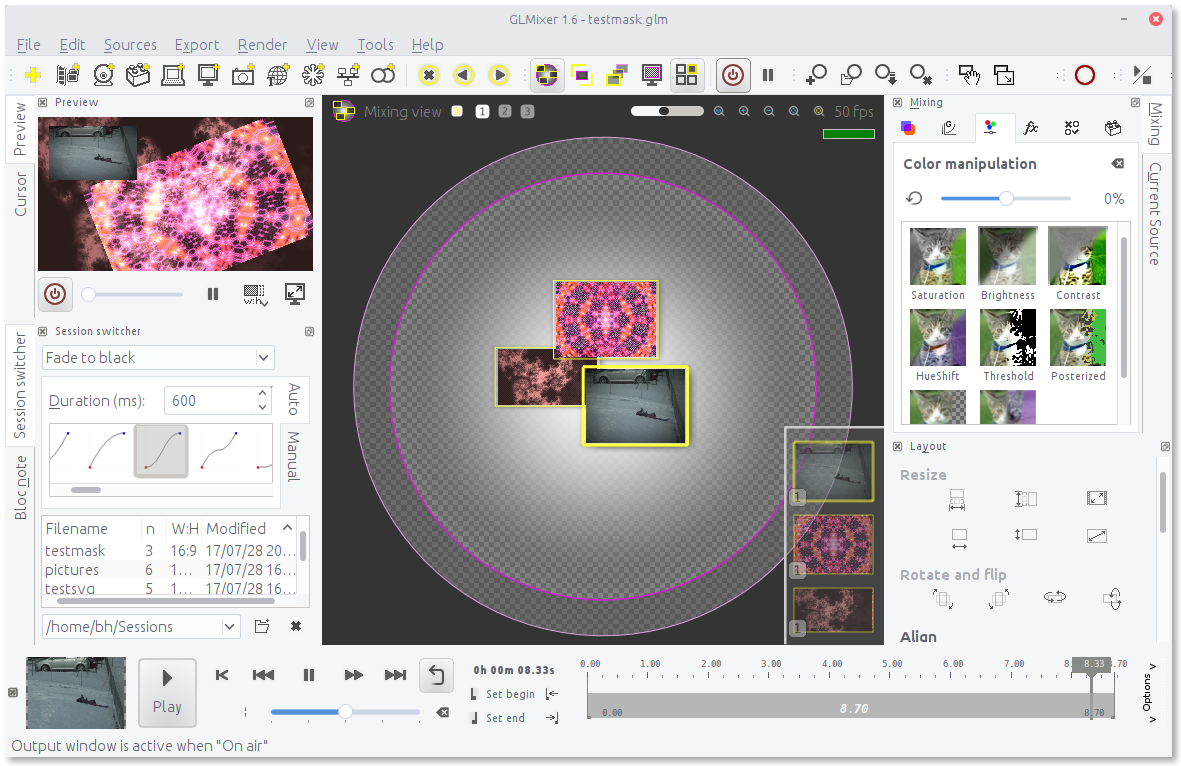
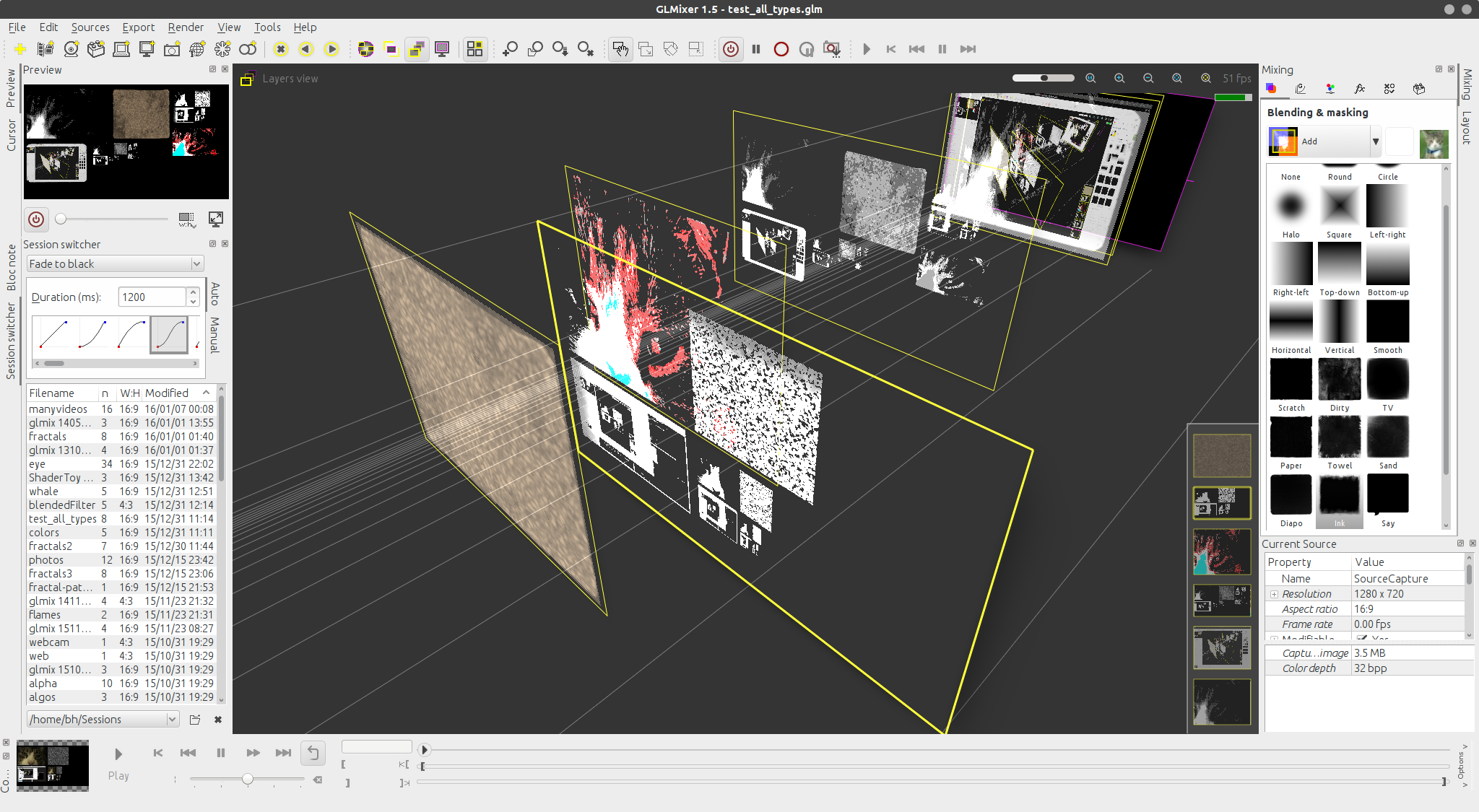
The central workflow is to load video samples and determine how much each one contributes to the image, where it appears and when it is shown. Layers can be scaled, rotated and blended with alpha controls, while gradients and masks shape how images and clips interact. These tools allow sources to overlap or transition visually rather than simply playing as separate videos. The assembled image flow appears in the main rendering window, which can be displayed fullscreen on an external monitor or projector for presentation.
glMixer also applies real-time image processing to video, with an approach comparable to image-editing software. ShaderToy-style GLSL algorithms can generate computer-based visuals, extending compositions beyond footage and still images. SVG and HTML layers provide additional types of visual material for use alongside video. OpenGL hardware acceleration supports rendering, and NVIDIA hardware decoding and encoding are available for H.264 and HEVC workflows.
The program supports common video formats including MPEG-2, H.264, DivX, MPEG-4, MKV, WebM and WMV, without requiring separate codec packs. Open Sound Control (OSC) communication allows remote interaction with the mixer, which can be useful in a live setup where the computer is not operated directly at the display. Because source audio is ignored, a separate audio application is needed when a performance or presentation also requires sound.
glMixer is freeware and is available for Windows, Linux and macOS. Its Windows support includes Windows 10; the supplied platform information does not establish Windows 11 compatibility. Hardware-accelerated functions depend on suitable graphics hardware, and NVIDIA-specific decoding and encoding require supported NVIDIA hardware. It is suited to live visual mixing, projection-based performances and other situations where multiple video and generated image layers need to be composed as a real-time output.