Grindstone for Windows 10 - Full description
Grindstone is a free time-tracking and task-management program for people who need to record how long they spend on individual pieces of work. It organizes tasks as work items and records each period of activity as a time slice. This structure suits freelancers, employees and small teams who want to review time by task, keep notes and compare actual work with estimates.
Tracking begins by choosing a work item and starting the timer. Each new period of work creates a time slice, making it possible to return to the same task later without combining separate sessions. A new item can also be created by entering its name directly into the timer, which starts tracking immediately. Quick entry in a view helps add multiple work items at once. If the user leaves the computer while a timer is running, Grindstone asks how to handle the absence and adjusts the recorded time accordingly.
Work items include a name and general notes by default, with customizable properties for additional details. Properties can hold information such as a case number or URL, or use a list of values to assign items to clients. Views provide a way to manage work items, time slices, properties, list values, people and assignments. Each view can apply filters, such as showing tasks whose names begin with a particular letter or time slices from a chosen period. Monitored views display an onscreen notification when an item enters the view's filtered results. Built-in views can also flag approaching due dates or work that may exceed its estimate.
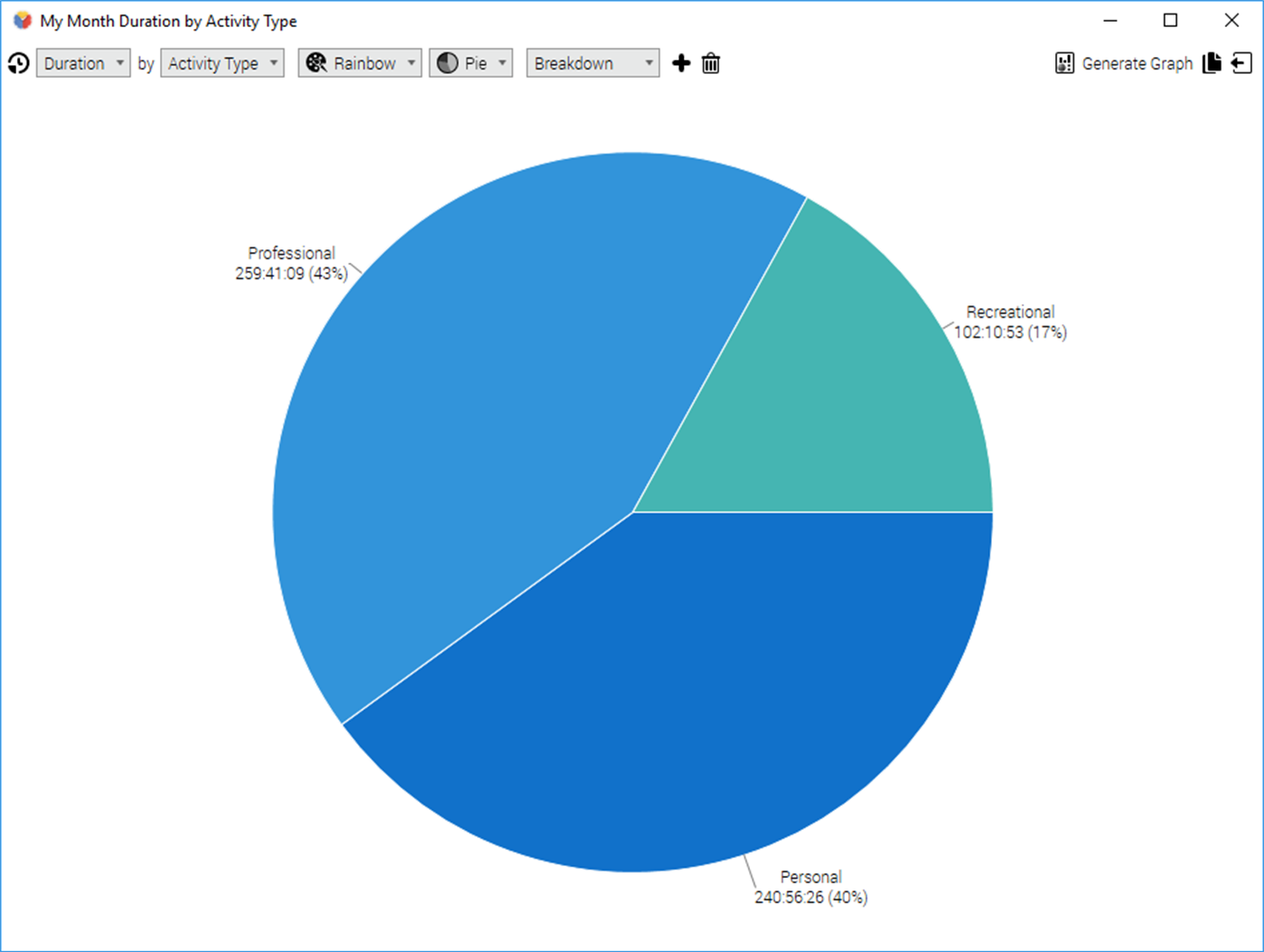
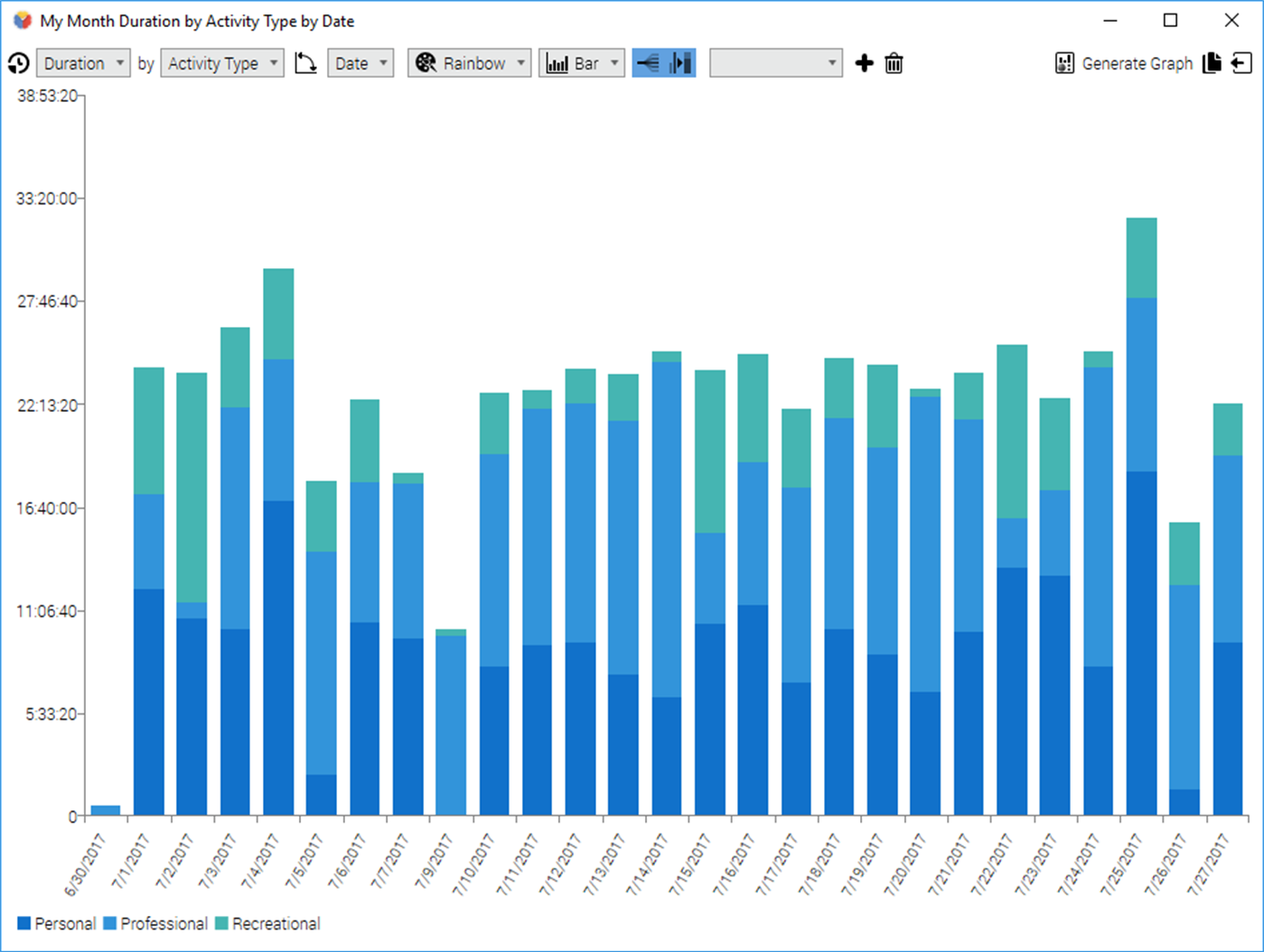
The same views support reviewing and sharing tracked information. Their contents can be exported in several formats or copied to the clipboard. A graph feature turns view data into charts or tabular representations, with options for choosing calculations and chart styles; results can also be copied or saved. These tools let users examine time records, organize task details and prepare summaries without manually collecting entries from separate parts of the program.
Grindstone is freeware. The supplied system information lists Windows XP, Vista, 7, 8 and 10, including the x64 editions where available; it does not establish Windows 11 compatibility. Its work-item, timer, filtering and reporting features are most useful when work can be divided into identifiable tasks and time spent on them needs to be reviewed later.