KeyNote NF for Windows 10 - Full description
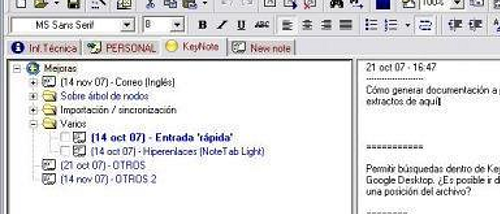
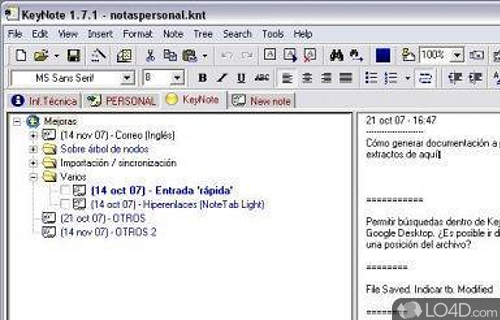
KeyNote NF is a lightweight note-taking application for people who want to capture, format, and organize information in one desktop workspace. Its tabbed interface keeps several notebooks or notes available at once, while a hierarchical tree lets users arrange related material into parent and child entries. This combination suits project planning, research, study notes, and personal reference collections where a flat list can become difficult to navigate.
Tabs help separate topics or active projects without requiring multiple application windows. Within a notebook, the tree structure provides a way to group details beneath broader subjects, making it practical to build outlines, divide research into sections, or keep meeting notes alongside related tasks. Users can move between entries as their work changes, while the hierarchy preserves the relationships between individual pieces of information.
For notes that benefit from visual emphasis, KeyNote NF supports rich text formatting. Fonts, colors, and text styles can distinguish headings, highlight important points, or make different kinds of content easier to scan. The result is more flexible than plain-text-only note storage, especially when an entry includes several sections or needs to be readable as a standalone document. The application also offers encryption options for protecting sensitive information stored in notes.
KeyNote NF is designed to be portable and can run from a USB stick. That makes it useful for people who work across more than one computer and want to carry the application with their files, rather than relying on a fixed desktop installation. Its tabbed layout and nested organization can support everyday lists as well as larger collections of research, project material, or reference notes. Encryption is available when notebooks contain private or professional information.
The program is open source and is intended for Windows computers, including Windows 10 and Windows 11, as well as earlier Windows releases. It is offered at no cost. Its lightweight design and portable operation make it a practical option for users who prefer a local notebook with formatting, multiple tabs, and a tree-based structure rather than a simple text editor.