PotPlayer
Welcome to the ultimate destination for downloading PotPlayer, a top-tier multimedia software developed by Daum Communications. This exceptional software is designed to provide an immersive audio-visual ...

KMPlayer is a freeware Windows media player for video, music, discs and supported network streams. Its built-in codecs handle formats such as AVI, MKV, MP4, FLAC and H.264 without a separate codec pack. The player includes subtitle controls, section repeat for study, audio visualizations, still-image and video capture, and support for damaged AVI files and 3D video layouts.
| Author: | PANDORA.TV |
| License: | Freeware |
| Price: | FREE |
| Released: | Oct 28, 2026 |
| File size: | 54.00 MB |
| Downloads: | 1011 |
| Keywords: | Multi-language support, km player, music and video player, free windows, free mkv player, High-definition playback, windows video player, media player with subtitles, KM Player, Advanced settings customization, free windows media player 12, free winamp skins, kmplayer media player, avi video player, User-friendly interface, KMPlayer versatility, mkv player, media player 12 beta, avi player, Extensive media format compatibility |
| Author URL: | https://www.kmplayer.com/ |


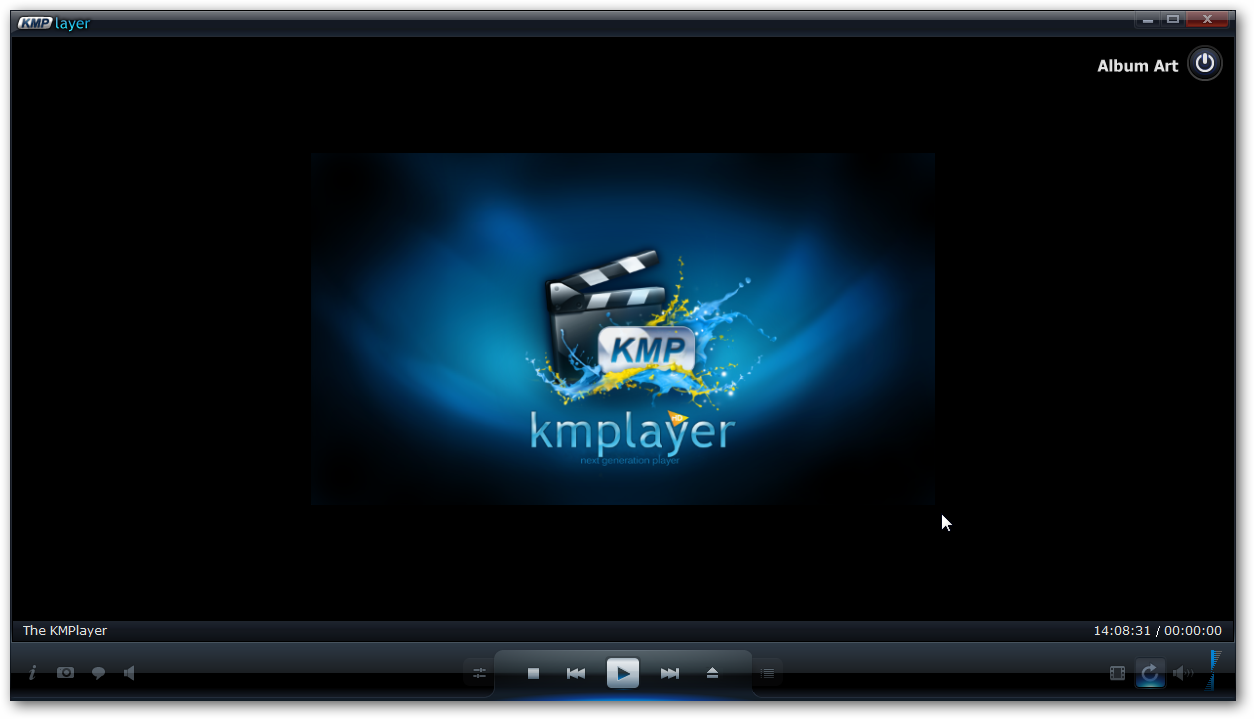
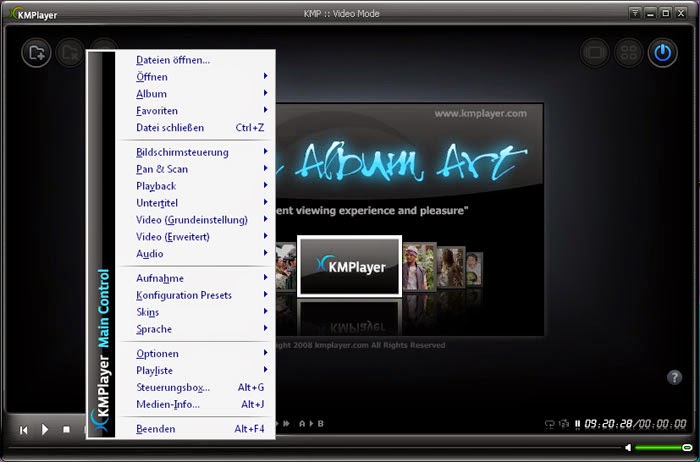


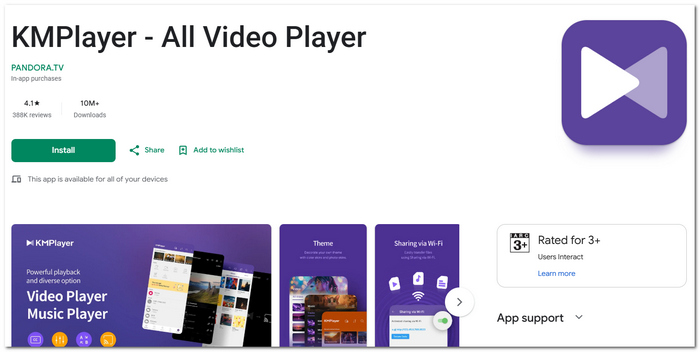

KMPlayer is a Windows media player for watching videos and listening to music from local files, discs, network locations and supported live streams. Its integrated codecs let it open many common audio and video formats without requiring a separate codec pack. This makes it useful for people who keep media in a mix of file types or want playback controls and subtitle options in one desktop application.
The player handles formats including AVI, MKV, MP4, MOV, WMV, FLV, MPEG, OGG, FLAC and WAV, along with audio and video streams such as AAC, AC3, DTS and H.264. It can play DVDs, VCDs, SVCDs and audio CDs, as well as content accessed through HTTP, FTP, MMS, RTSP and RTMP. Support for DVB sources and real-time broadcasts also makes it suitable for compatible television and streaming inputs. Playback of damaged AVI files can help when a file has become partially corrupted during transfer.
Subtitle tools include support for subtitle files accessed through HTTP or FTP, and the player provides controls for adjusting playback and repeating selected sections. A jog and shuttle workflow can be useful for language study, letting viewers review a passage rather than replaying an entire video. For music, frequency analysis and waveform visualization offer a way to inspect audio as it plays. The application can also capture still images and video, and it offers color controls and output options for adapting playback to different displays and devices.
These features suit everyday viewing and listening, as well as tasks such as checking a downloaded video, revisiting a particular scene, studying spoken language or capturing a frame for reference. KMPlayer also supports 3D video in side-by-side and top-and-bottom layouts. Its interface includes playback progress in the Windows taskbar, making it possible to check progress while working in other applications.
KMPlayer is freeware for Windows and supports Windows 10 and Windows 11, as well as earlier Windows releases. Its internal codecs handle many formats within the player, while support for ffdshow codecs is available for additional playback needs. The installer is approximately 47 MB. Actual playback of particular streams or formats can depend on the media file, source and available system components.