MagFone Android Unlocker for Windows 10 - Full description
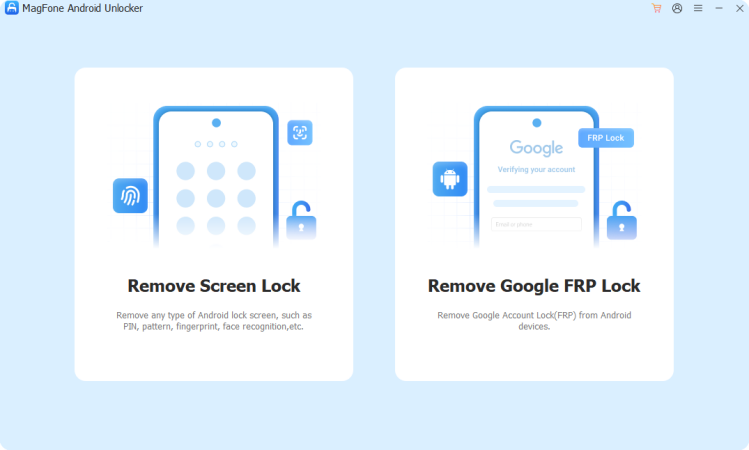
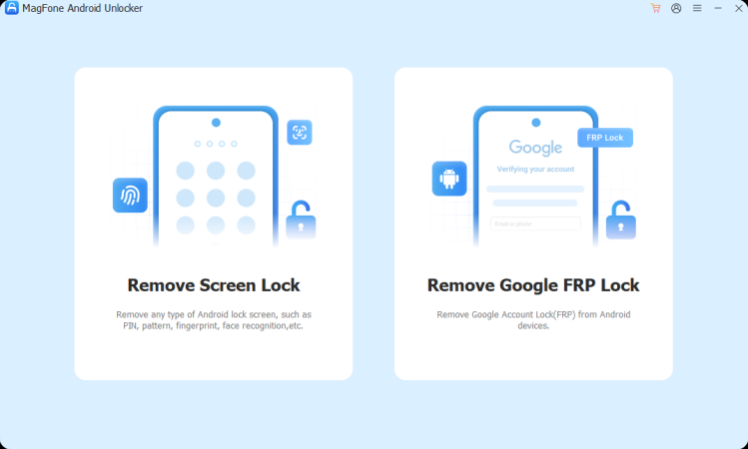
MagFone Android Unlocker is a Windows utility for people who need to regain access to an Android phone with a forgotten screen password or prepare a locked device for reuse. It focuses on removing screen locks and handling Factory Reset Protection (FRP), the Google account check that can appear after a reset. These functions can help with a device the owner can no longer unlock, but they may erase personal data or require account verification depending on the phone and operation.
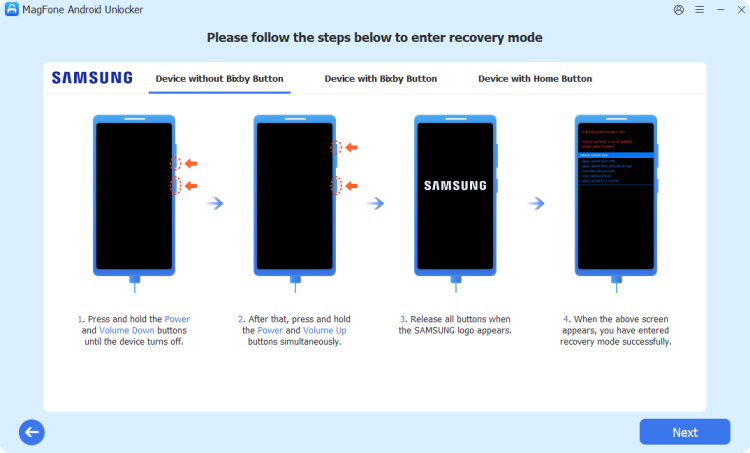
The screen-lock removal function is intended for situations where a PIN, password or other lock prevents access. The program guides the user through connecting the phone to a Windows computer and following the on-screen process. Its factory-reset workflow can erase the device and return it to its initial setup state. This is useful when an old phone is being handed down, sold or kept as a backup, but it is not a way to recover the files stored on a locked device; a reset removes them.
MagFone Android Unlocker also includes a function for bypassing FRP. Android phones may request the Google account previously used on the device after a factory reset, as an anti-theft measure. The utility is aimed at cases where the legitimate owner cannot complete that verification and needs to restore access. FRP is a security protection, so the tool should be used only on a device the user owns or is authorized to service; it does not replace proof of ownership or recover a Google account.
The program is suited to individuals reusing their own older phones as well as repair workflows involving customer-authorized devices. Before starting, users should check that the phone can be connected to the computer, follow the prompts carefully and back up accessible data where possible. A factory reset is destructive, and lock-removal procedures can vary by device, so results depend on the handset and the operation selected.
MagFone Android Unlocker is trialware for Windows 10 and Windows 11, including 32-bit and 64-bit systems. It is installed and operated from a PC rather than directly on the phone. The trial license allows users to assess the utility before deciding whether to continue with a paid license; an internet connection and a compatible USB connection may be needed during device setup or processing.