Nero Burning ROM
Welcome to the official website of Nero Burning ROM, the ultimate software for burning and copying data on your Windows 10 device. Developed by the renowned Nero AG, this powerful tool offers a seamless and ...

Nero Burning ROM creates and copies data, audio and video discs, and works with disc images such as ISO files. It supports CDs, DVDs and Blu-ray discs, with drag-and-drop project setup and controls for write speed and file system. SecurDisc options include password protection, digital signatures and data integrity checks. Audio tools can convert files, normalize volume and apply filters.
| Author: | Nero |
| License: | Trialware |
| Price: | $55.95 |
| Released: | Jan 20, 2026 |
| File size: | 8.00 MB |
| Downloads: | 4417 |
| Keywords: | advanced burning features, audio cd creator, DVD burner, disc burning software, Nero Burning ROM, burn, burner, multimedia converter, cd dvd burner, audio cd, secure disc technology, burn disc, iso image burner, audio cd burner, disc copying software, high-quality audio CDs, blu-ray burning software |
| Author URL: | https://www.nero.com/ |

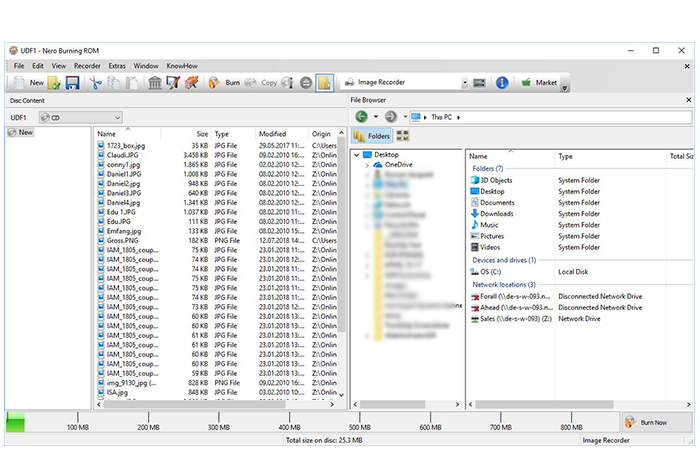





Nero Burning ROM is optical-disc authoring software for people who need to create, copy or protect CDs, DVDs and Blu-ray discs. It brings data, audio and video disc projects together with disc-image tools, serving both occasional users making personal backups and users who need more control over burning settings.
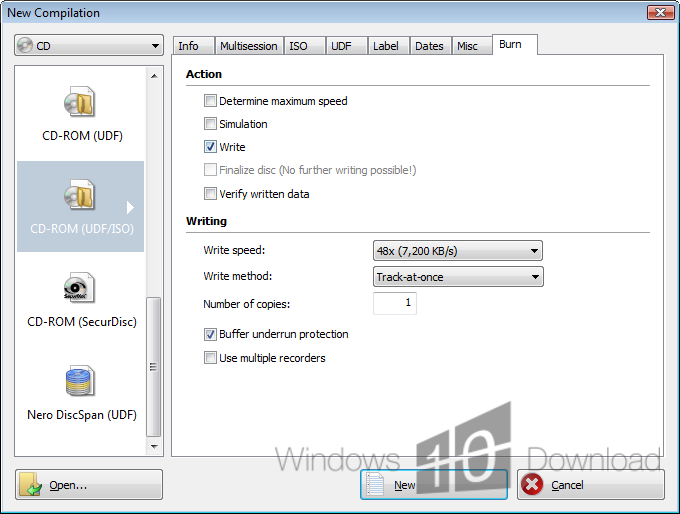
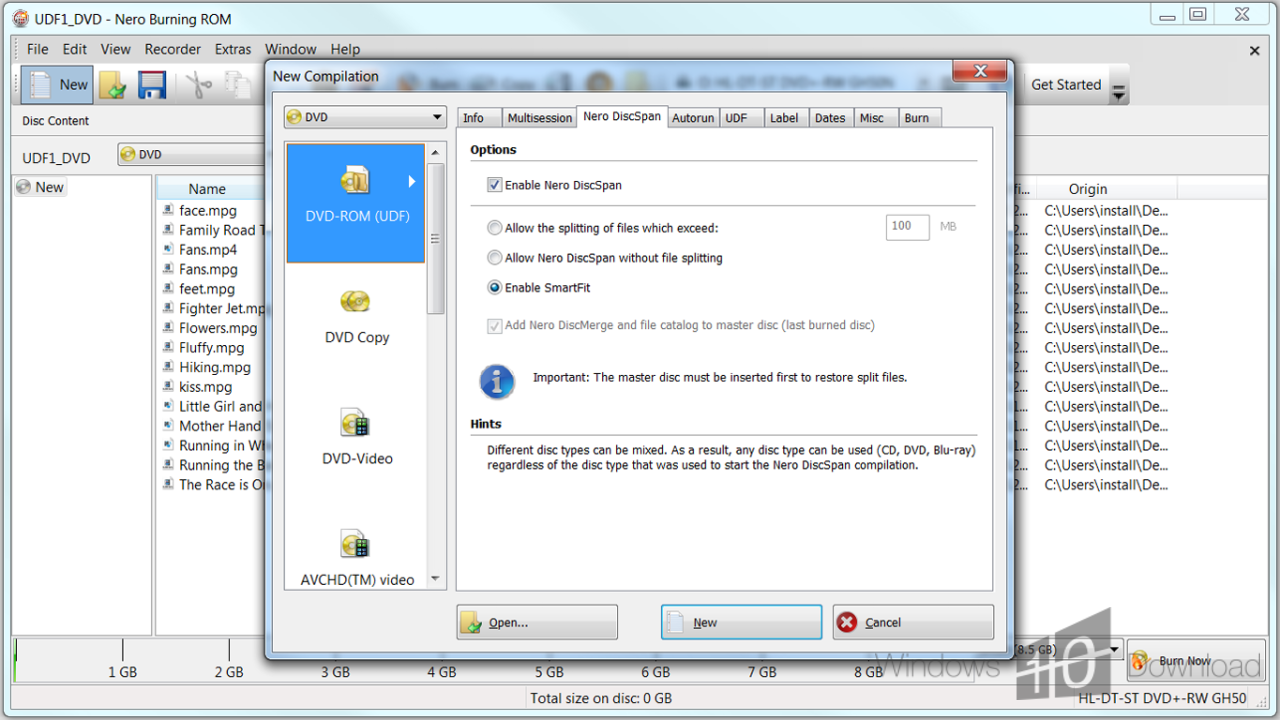
The program can burn files and folders to data discs, create audio CDs and make video discs. A drag-and-drop workflow helps assemble a project by adding the desired content before choosing the disc format and starting the burn. For more control, users can adjust settings such as write speed and file system. These options are useful when matching a project to a particular disc or playback device.
Nero Burning ROM also copies discs and creates or burns disc images, including ISO files. Image files provide a way to store a disc's contents as a single file, keep a backup or prepare media for later burning. SecurDisc adds protection options for supported projects, including password protection, digital signatures and data integrity checks. These tools are intended to help restrict access and identify whether protected data has changed.
Audio tools support converting files between formats, normalizing volume and applying filters when preparing audio for a disc. This can help bring tracks from different sources to a more consistent level before creating a compilation. Together, the project controls, copying features and image support make the program useful for archiving files, distributing disc-based material, duplicating media and assembling custom music CDs.
Nero Burning ROM is trialware. It runs on Windows 10 and Windows 11, and also supports Windows 8; the Windows 10 and Windows 8 editions are available for both 32-bit and 64-bit systems. Optical-disc burning requires a compatible drive and writable media. The available functions for any project depend on the selected disc type and the hardware in use.