NVIDIA PureVideo Decoder
... your Windows 10 multimedia experience! Discover the exceptional NVIDIA PureVideo Decoder, a cutting-edge software developed by the renowned NVIDIA Corporation. This powerful tool seamlessly integrates with your ...

NVIDIA Broadcast processes microphone, speaker, and webcam feeds using an NVIDIA RTX GPU. Its audio effects reduce background noise and room echo, while video tools blur, remove, or replace a background and automatically reframe the camera image as the user moves. Choose devices and effects in Broadcast, then select its virtual camera or audio devices in compatible streaming, recording, or conferencing apps. It runs on 64-bit Windows 10 and Windows 11 with a supported RTX GPU and current NVIDIA Studio Driver.
| Author: | Nvidia |
| License: | Freeware |
| Price: | FREE |
| Released: | Oct 13, 2026 |
| File size: | 180.00 MB |
| Downloads: | 35 |
| Keywords: | video conference, nvidia broadcast, live streaming app, Nvidia, virtual green screen, broadcast studio, broadcast, webcam background effects, conference, NVIDIA Broadcast, room echo removal, streaming, microphone noise removal, download NVIDIA Broadcast, NVIDIA Broadcast free download, automatic camera framing |
| Author URL: | https://www.nvidia.com/en-eu/geforce-now/ |

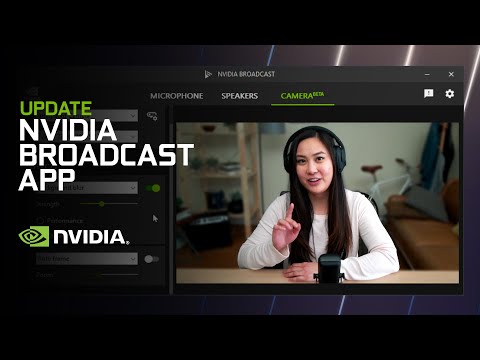
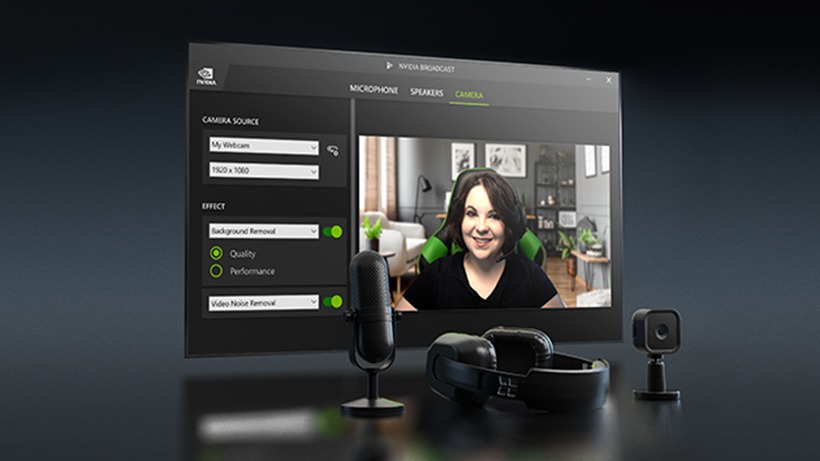
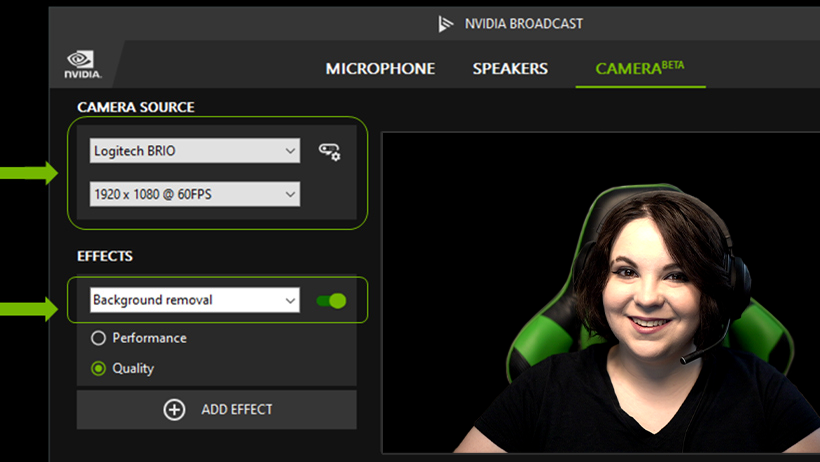
NVIDIA Broadcast is an audio and video processing application for livestreamers, remote workers, and anyone who uses a webcam or microphone for calls and recordings. It uses NVIDIA RTX GPU processing to apply effects before the camera and microphone feed reaches another program. Users select their devices in Broadcast, configure the effects, then choose its virtual camera or audio devices in a streaming, recording, or conferencing app.
For microphone input, noise removal reduces distracting sounds such as keyboard clicks and nearby household noise, while room echo removal helps make speech clearer in reflective spaces. The effects are useful when recording in an untreated room or speaking during a live session where interruptions are difficult to avoid. Broadcast can also apply noise removal to audio output, helping reduce unwanted sounds heard through a microphone or other incoming audio source, depending on the selected device and configuration.
The video tools modify the webcam image in real time. Virtual background effects can blur the scene, remove it, or replace it with another image, offering a green-screen-style option without a physical screen. Automatic framing follows a person's movement and adjusts the crop to keep them in view. These adjustments can help maintain a consistent shot while presenting or moving around, and let a user hide a busy room without changing the camera itself.
Broadcast sits between the hardware and compatible applications, so its processed feeds can be selected in programs for video calls, streaming, or recording. This setup keeps effect controls in one place rather than requiring a separate physical microphone filter or background screen. It is suited to creators who stream from home, people who attend online meetings in shared spaces, and users making webcam videos who want cleaner sound or a more controlled background.
The application is freeware for 64-bit Windows 10 and Windows 11 systems. It requires an NVIDIA GeForce RTX 2060, Quadro RTX 3000, TITAN RTX, or newer supported GPU, along with a current NVIDIA Studio Driver. Since the effects use RTX GPU resources, system capability is an important consideration before installation. Broadcast does not replace a camera or microphone; it processes the feeds from selected devices for use in other applications.