Panopreter Basic for Windows 10 - Full description
Panopreter Basic is a free text-to-speech program for people who want to listen to written content or create audio files from text. It reads text aloud using synthesized voices and can save speech as WAV or MP3, making it useful for listening at a computer or playing recordings on a compatible audio device. The program suits casual listening, language practice, and users who prefer spoken output to reading on screen.
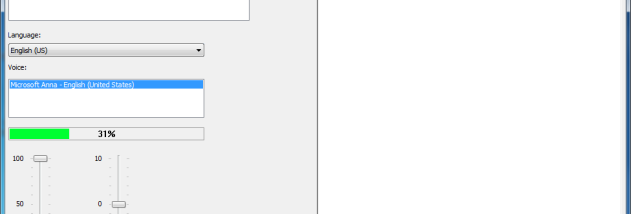
During playback, Panopreter Basic highlights the word or sentence being read. This visual tracking can help users follow along with the narration or locate the current place in a passage. Volume and voice speed can be adjusted, so speech can be made quieter or faster to suit the listening environment and the material. The highlighted text also provides a visual cue when the program is being used as a basic reading aid.
For audio creation, text can be converted to WAV or MP3 files for later playback. Batch file conversion supports processing multiple files in one workflow instead of converting them individually. A selection of languages and voices is available, including English, Chinese, Dutch, French, German, Italian, Japanese, Norwegian, Portuguese, and Spanish. The available voice options depend on the language and speech resources installed on the computer.
Typical uses include listening to documents while doing other tasks, turning written material into portable audio, and producing spoken versions of text for personal study. Adjustable speech speed can help with reviewing material at a preferred pace, while the batch feature is useful when preparing audio from several files. Panopreter Basic is freeware and is intended for Windows, including Windows 10 and Windows 11; it also supports earlier Windows releases.