PDF Printer Driver for Windows 10 - Full description
Black Ice PDF Printer Driver is a virtual printer from Black Ice Software for turning printable documents into PDF files. It is suited to individuals and organizations that need to create shareable, consistent documents from office software and other Windows applications. Instead of requiring a separate export function in each program, it adds a PDF printer that can be selected from an application's print dialog.
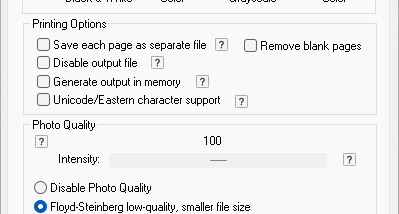
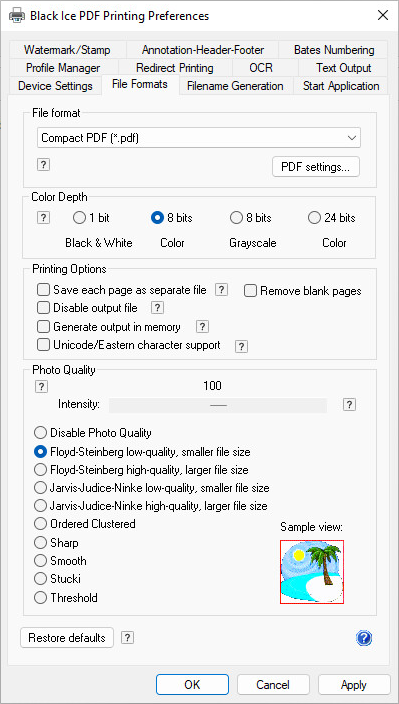
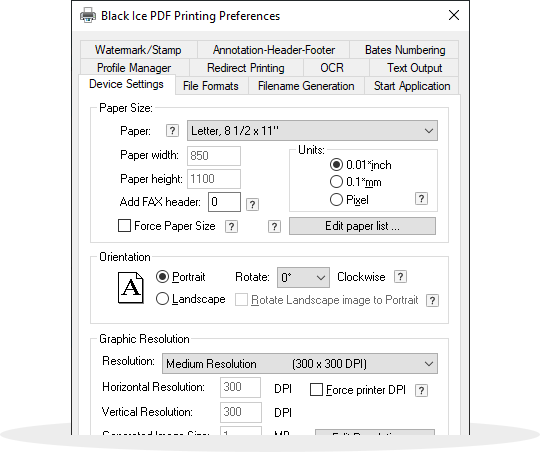
To create a PDF, users open a document in an application that supports printing, choose the Black Ice PDF printer, and set the desired output options. The driver can convert documents such as word-processing files, spreadsheets and presentations, as well as other printable content. Its settings include document properties and image compression, allowing users to adjust PDF output for the intended purpose, such as convenient sharing or a smaller file size. Watermarks can also be applied for branding or to identify a document's status.
Batch processing supports converting multiple files in one operation, which can help when preparing reports, archived material or groups of business documents. Security options include encryption and password protection to limit access to sensitive PDFs. Digital signatures are available for adding a way to verify a document's authenticity and integrity. These controls are useful when PDF creation is part of a document-handling process rather than a one-off conversion.
The printer-based workflow makes the driver useful across different kinds of work: staff can produce PDFs from documents in office applications, organizations can prepare protected files for distribution, and users can convert printable content without changing their original application. Output settings can be adjusted for different documents, while batch conversion reduces repetitive print-and-save steps. Because it works through the standard print interface, the same basic method applies wherever an application can send a job to a printer.
Black Ice PDF Printer Driver is trialware. It supports Windows 10 and Windows 11, along with a range of Windows client and server editions. Both 32-bit and 64-bit editions are supported where indicated for Windows 10, Windows 8 and Windows 7. The driver is intended for use on Windows systems and requires source applications to be able to print the material being converted.