AweSync
... for AweSync, an innovative software solution developed by eQuality Solutions Inc. AweSync is a powerful tool designed to synchronize your IBM Lotus Notes Calendar, Contacts, Tasks, and ...

Portable AweSync synchronizes Lotus Notes and Google calendars for users who need Notes events available through Google Calendar. At startup, it detects Lotus Notes Mail File settings for review; users then enter Google credentials to connect the calendars. Google Calendar can make availability accessible online and provide access to Notes events on supported mobile devices, including Android, BlackBerry and iPhone.
| Author: | eQuality Solutions Inc. |
| License: | Trialware |
| Price: | $19.99 |
| Released: | Jul 8, 2022 |
| File size: | 2.80 MB |
| Downloads: | 273 |
| Keywords: | calendar synchronization utility, portable calendar sync, sync Google calendar, google calendar mobile sync, lotus notes google calendar sync, Portable AweSync, x64 software, synchronize, Lotus Notes calendar sync, Lotus Notes integration, Windows 10 compatibility, synchronize Lotus Notes calendar, lotus notes calendar access, synchronization tool, eQuality Solutions Inc., sync notes calendar with google, calendar, Google |
| Author URL: | https://www.awesync.com/ |

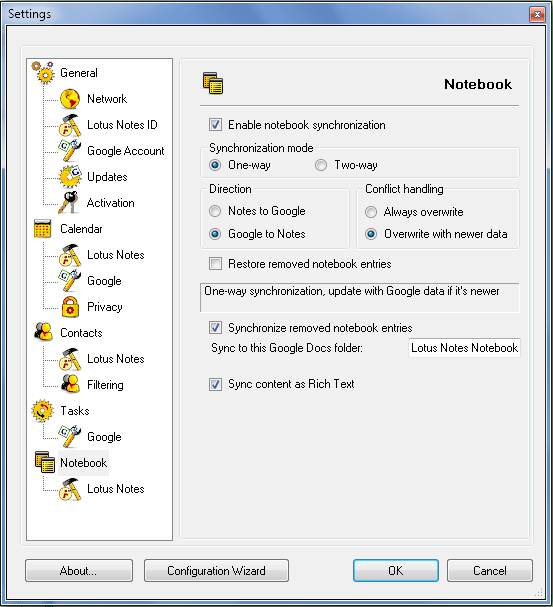
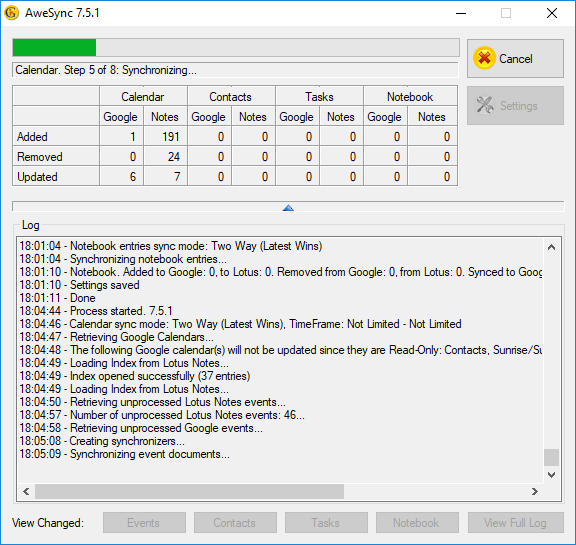
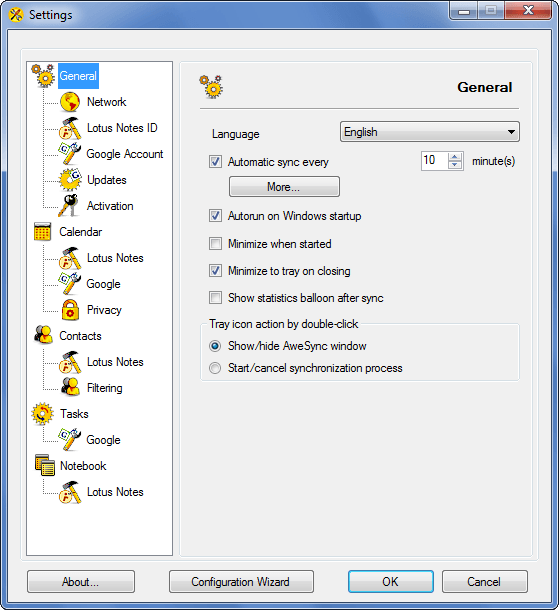
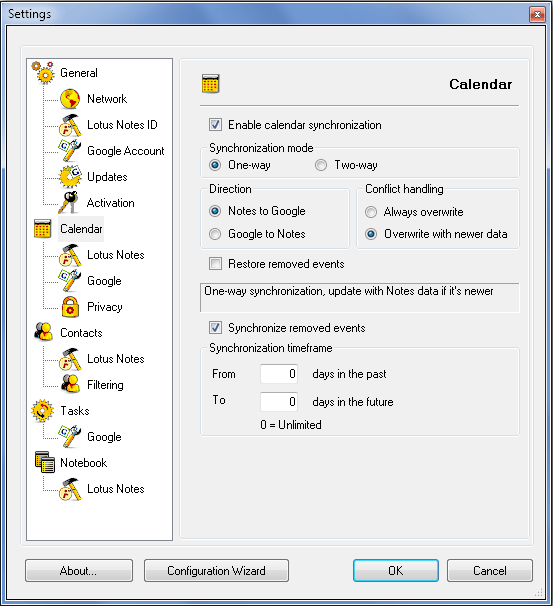

Portable AweSync is a calendar synchronization utility for people who use Lotus Notes and Google Calendar and want their events available in both services. It can help make Lotus Notes calendar information accessible through Google Calendar, including for people who use Google's calendar access on mobile devices. The portable edition is suited to users seeking this synchronization tool in a portable package.
To get started, AweSync checks for Lotus Notes Mail File settings when it launches. The user can review the detected settings and enter Google account credentials, then use the application to synchronize the calendars. This setup connects the Lotus Notes calendar with Google Calendar without requiring the user to locate and enter every Notes mail file setting from scratch.
A key use is making calendar availability visible through Google Calendar. Once events are synchronized, Google Calendar can serve as the point of access for people who need to check availability online. This can be useful for coordinating schedules across work and personal contexts, especially when Lotus Notes remains the source of calendar information but other contacts rely on Google Calendar.
The Google side can also make Notes events accessible on supported mobile devices that use Google Calendar, including Android phones, BlackBerry devices and iPhones. This gives users another way to view their Lotus Notes schedule away from a computer, through the calendar service they already use on a mobile device. AweSync focuses on calendar synchronization rather than replacing either calendar application.
AweSync is trialware and is intended for Windows, including Windows 10 and Windows 11. Its workflow depends on access to a Lotus Notes Mail File and Google account credentials. The portable edition is a compact utility for users who need to connect these calendar services; it is not a general-purpose calendar or a standalone mobile calendar application.