Simply Fortran for Windows 10 - Full description
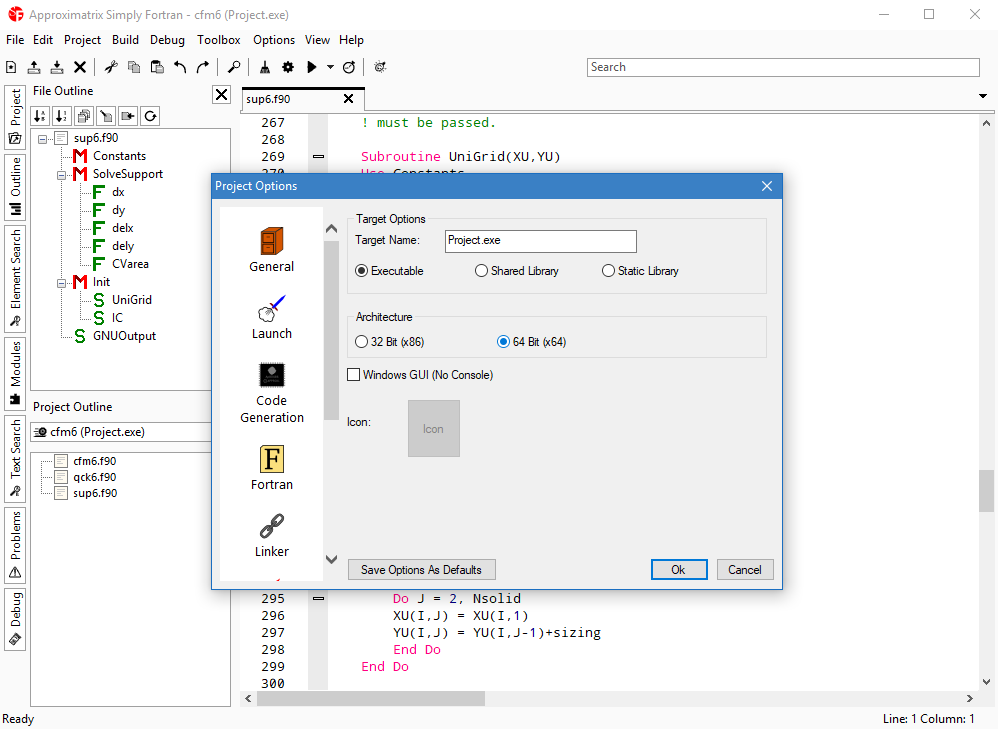
Simply Fortran is an integrated development environment for writing, building and debugging Fortran programs. It is intended for developers working on scientific software and other projects that use Fortran, bringing a code editor, compiler tools and debugger into one desktop workspace. Example projects and documentation help new users explore the environment and learn its workflows.
The editor provides syntax highlighting for Fortran as well as languages including C++, Lua, Python and Assembly, making it useful when a project includes code in more than one language. Autocomplete offers suggestions for Fortran modules and their components, which can help when navigating larger programs or working with module-based code. Text colors and font size are adjustable, allowing developers to tailor the code view without changing the overall interface.
Project navigation and code searching are handled through a side panel. It can display project files, locate modules and find occurrences of a command across the code, reducing the need to search manually through individual files. Build commands support compiling and launching a program, as well as cleaning build outputs before another build. The debugger can pause execution at breakpoints and monitor selected expressions, helping developers inspect program behavior and track down errors.
The Toolbox provides a way to add external utilities to the development workflow. A user can configure a tool by specifying its executable and command-line parameters, then access it from the program menu. This is useful for incorporating project-specific scripts or other command-line tools without leaving the environment. The included examples offer a starting point for testing the editor and build process, while the documentation explains available features in more depth.
Simply Fortran is trialware and runs on Windows, including Windows 10 and Windows 11. Its combination of editing, project browsing, building and debugging is suited to both learning Fortran and maintaining established code. The editor also supports several non-Fortran languages, but its core workflow is designed around developing and testing Fortran applications.