Portable TagScanner
Portable TagScanner is a music collection manager for listeners who ... title and track information in groups of files. TagScanner supports ID3, Vorbis Comments, APE, WMA and MP4/iTunes ...

TagScanner organizes music libraries by editing metadata, renaming audio files and managing embedded artwork. It supports formats including MP3, FLAC, OGG, WMA, AAC, Opus, WAV and AIFF, with ID3, APE, Vorbis, WMA and MP4/iTunes tags. Users can batch-edit fields, import tags from filenames, retrieve album details and covers from online databases, create playlists and export catalog information.
| Author: | Sergey Serkov |
| License: | Freeware |
| Price: | FREE |
| Released: | May 19, 2026 |
| File size: | 4.30 MB |
| Downloads: | 533 |
| Keywords: | audio file tagger, album art downloader, music organizer, tag, tag editor, reader, Sergey Serkov, x64 software, tag reader, music library organizer, Tag Scanner, Windows 10 compatible, music tag editor, editor, music metadata editor, batch mp3 tag editor, TagScanner, metadata editor |
| Author URL: | https://www.xdlab.ru/en/ |

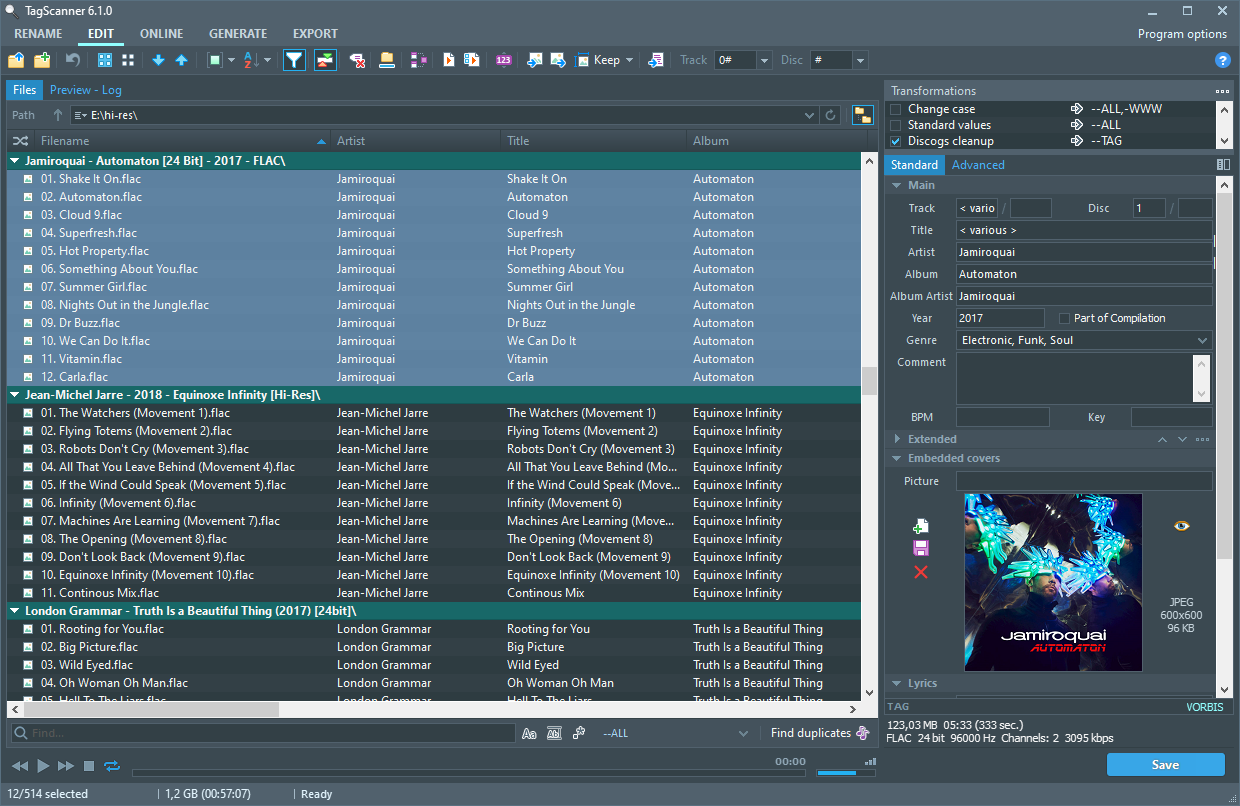
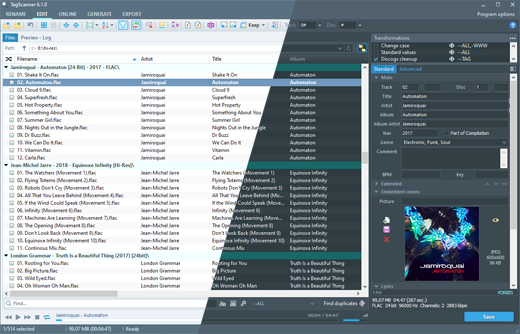


TagScanner is a music collection organizer and audio metadata editor for people who want to maintain consistent tags, filenames and artwork across a library. It can work with many common formats, including MP3, FLAC, OGG, WMA, AAC, Opus, WAV, AIFF and MPEG-4 audio, as well as less common formats such as WavPack, Musepack and Monkey's Audio. Its built-in player lets users check tracks while organizing them.
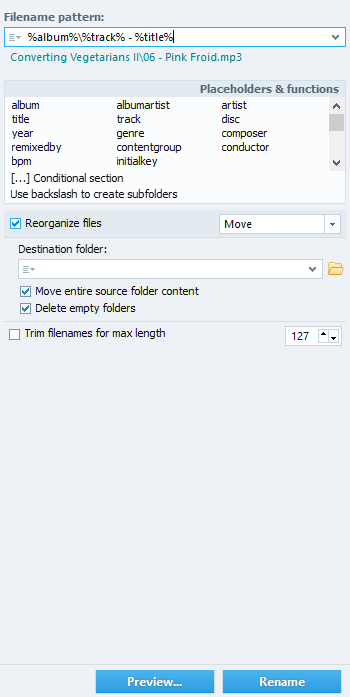
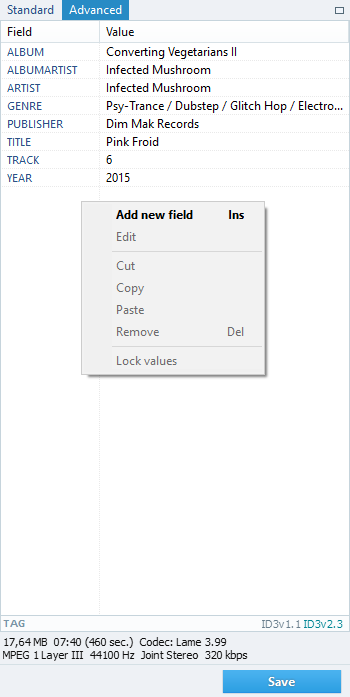
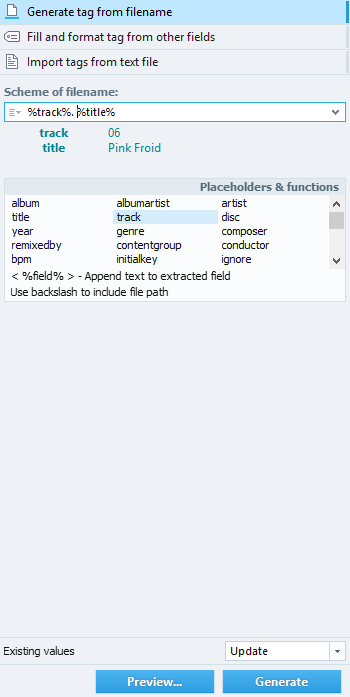
The multiple-file editor changes tag fields across selected tracks, making it practical to correct artist names, album details, track numbers or other metadata in batches. TagScanner handles ID3, APE, Vorbis Comments, WMA and MP4/iTunes metadata, and can convert between supported tag versions. It can also import information from filenames and folder names, or use existing tags to rename files. Text replacement, case conversion, field formatting and rearrangement help standardize a collection without editing every track individually.
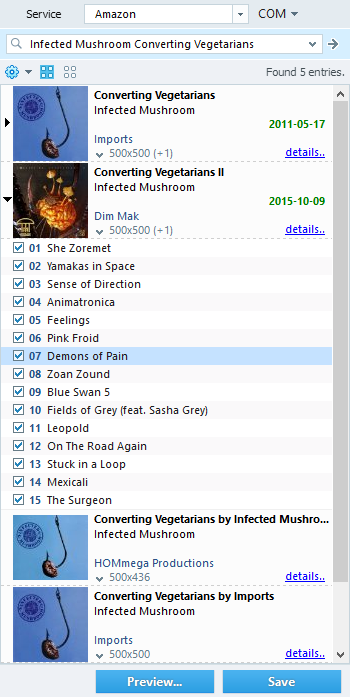
For albums with incomplete metadata, the program can retrieve information and cover art from online databases such as freedb, Amazon, Discogs and MusicBrainz. It supports embedded lyrics and artwork, and can resize cover images for portable devices. These tools are useful when preparing albums for a media player or repairing a library assembled from multiple sources. Unicode support helps preserve metadata in different writing systems, while the multilingual interface makes the application accessible to users in several languages.
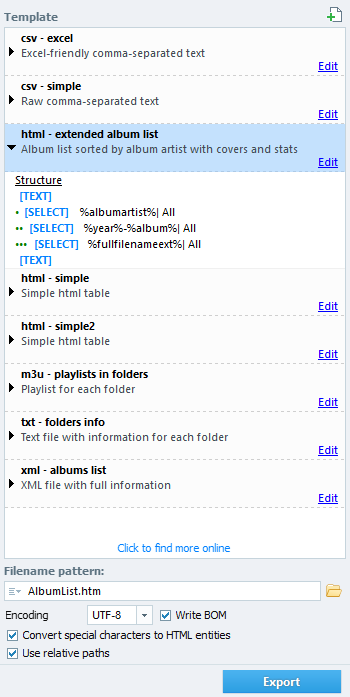
TagScanner can create playlists quickly and export collection information to HTML, XML, CSV, Excel or a user-defined format. Exports can be used to document a library, share a track list or process collection details in other applications. The combination of batch editing, file renaming and catalog export supports both routine cleanup and larger reorganizing projects.
The program is freeware for Windows, including Windows 10 and Windows 11, and also supports several earlier Windows releases. Its broad format and tag support makes it suitable for music collectors with libraries spanning different encoding standards and playback devices. Users should review filenames and metadata after bulk changes, especially when applying replacements or transformations across a large selection.