TrayStatus Portable
TrayStatus Portable is a Windows utility for people who ... into a document or opening a settings panel. TrayStatus can also show the current state of the ...

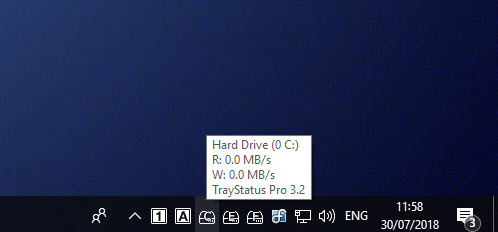
TrayStatus adds separate status icons to the Windows notification area for Num Lock, Caps Lock and Scroll Lock, plus the Alt, Ctrl, Shift and Windows keys. It can also show hard-drive read or write activity, with current speed in a tooltip. Users can enable or disable individual indicators to keep only the information they need visible. The utility is useful for keyboards without lock lights and computers without a drive activity lamp.
| Author: | Binary Fortress Software |
| License: | Freeware |
| Price: | FREE |
| Released: | Sep 5, 2023 |
| File size: | 6.40 MB |
| Downloads: | 459 |
| Keywords: | scroll lock status, Num Lock status, keyboard status indicators, system tray icons, caps lock indicator, Windows 10 compatibility, performance monitoring software, Scroll Lock status, Num Lock, Binary Fortress Software, num lock indicator, keyboard status icons, hard drive activity monitor, Caps Lock, Scroll Lock, Caps Lock status, TrayStatus utility, traystatus |
| Author URL: | https://www.binaryfortress.com/ |
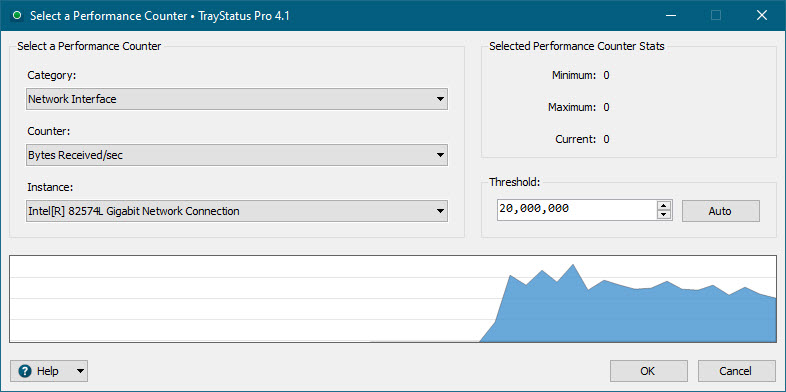

TrayStatus is a Windows utility that places keyboard and storage activity indicators in the taskbar's notification area. It is useful for laptops and keyboards without dedicated Num Lock or Caps Lock lights, as well as computers without a hard-drive activity lamp. Rather than checking the keyboard or computer case, users can see selected indicators in the system tray while working in other applications.
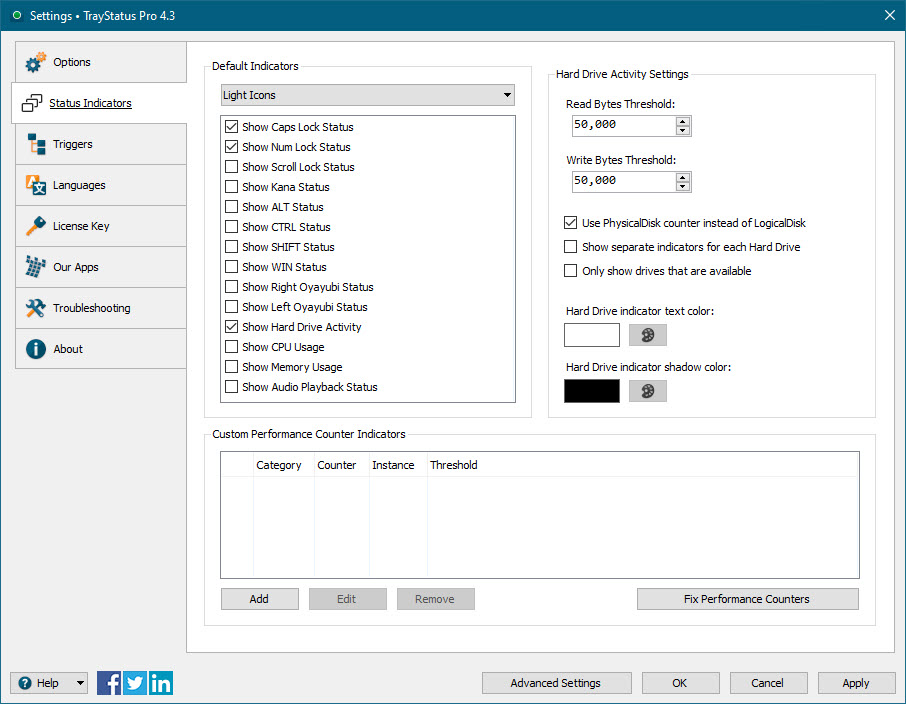
The program can show separate icons for Num Lock, Caps Lock and Scroll Lock, making it easier to tell whether those keys are enabled before entering numbers, passwords or text. It can also display the current state of the Alt, Ctrl, Shift and Windows keys. These modifier-key indicators help users check whether a key is being held down, which can be useful when a shortcut behaves unexpectedly or a key may have become stuck. Each type of status appears as its own tray icon, so the indicators can be read independently.
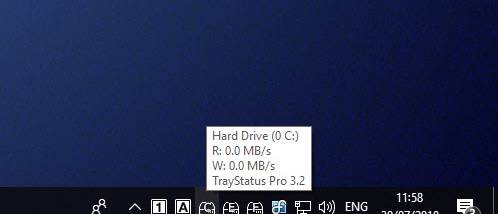
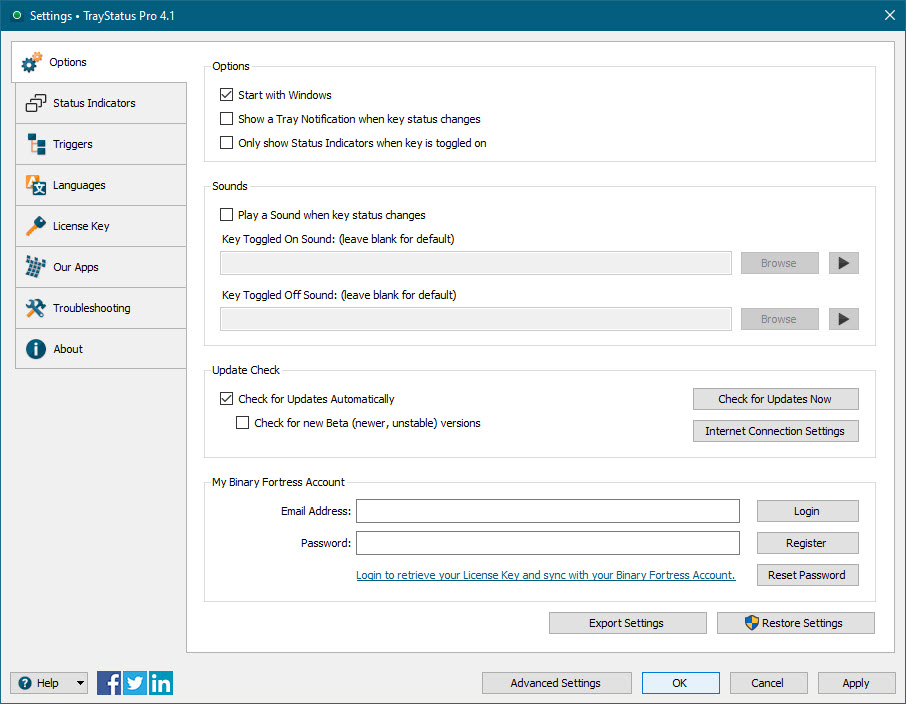
TrayStatus also monitors hard-drive activity, showing whether the drive is reading or writing. A tooltip provides the current activity speed, giving a quick indication that storage work is taking place without requiring a separate monitoring window. Users can enable or disable individual indicators, keeping the notification area limited to the information they want to track. This lets someone use the utility just for lock-key status, just for drive activity, or for a combination of available indicators.
The utility suits everyday typing, data entry and troubleshooting. A person entering figures can check Num Lock before using the numeric keypad, while typists can confirm Caps Lock status at a glance. The modifier indicators offer a quick visual check during keyboard shortcuts, and the drive monitor can help show when storage operations are active. These indicators provide status information; they do not replace keyboard controls or provide detailed disk diagnostics.
TrayStatus is freeware from Binary Fortress Software for Windows. It is offered for Windows 10 and Windows 11, with the supplied Windows 10 compatibility specified for 64-bit systems. Its system-tray design keeps the indicators available alongside other notification-area icons, without requiring users to open a dedicated dashboard.