Adblock for Chrome
AdBlock for Chrome is a browser extension from BetaFish Inc. that reduces advertising shown on websites. It is intended for Chrome users who want fewer interruptions while reading, watching ...

Tumblr Savior for Chrome filters Tumblr dashboard posts using words and phrases chosen by the user. Its blacklist hides posts containing selected terms, while a whitelist can preserve posts that match exceptions. Settings are accessible from Chrome's toolbar, making it possible to adjust filters while browsing. It can help reduce spoilers, unwanted topics, or other content from a feed.
| Author: | Bjorn Stromberg |
| License: | Freeware |
| Price: | FREE |
| Released: | Oct 27, 2025 |
| File size: | 31 kB |
| Downloads: | 145 |
| Keywords: | Savior, filter, tumblr dashboard filter, tumblr savior, Chrome, Tumblr Savior for Chrome free download, Bjorn Stromberg, hide tumblr posts, Tumblr Savior, Tumblr, Tumblr Savior for Chrome, hide dashboard message, extension, content filtering, download Tumblr Savior for Chrome, filtering, user customization, filter messages, message, enhanced browsing, hide, Tumblr filter, tumblr keyword filter, tumblr post filter, tumblr blacklist extension, Chrome extension |
| Author URL: | https://bjornstar.com/tagged/tumblr_savior |
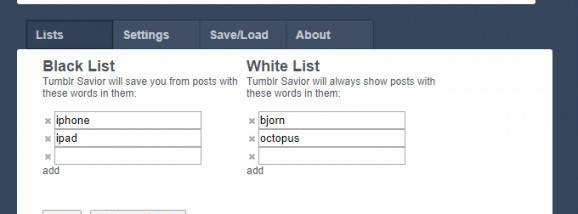
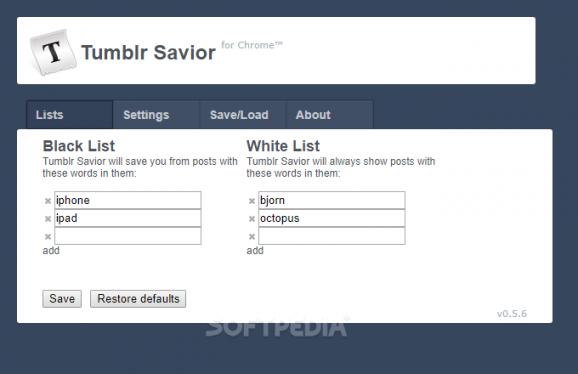
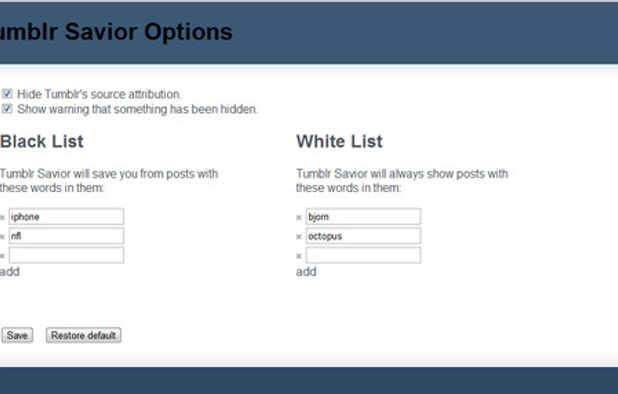
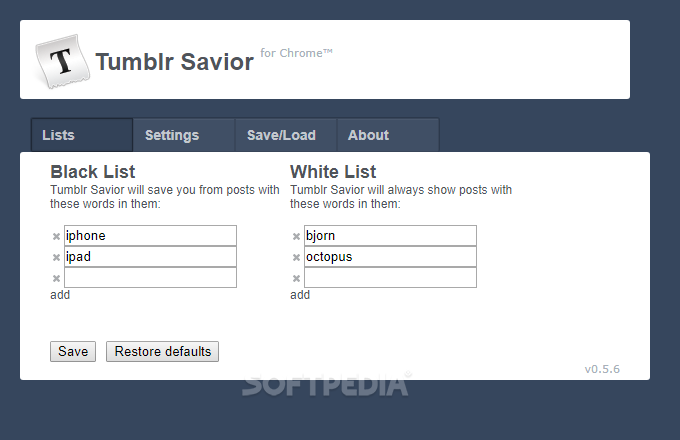
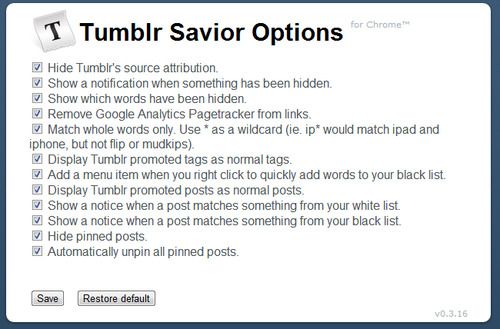
Tumblr Savior for Chrome is a browser extension for people who want more control over the posts shown on their Tumblr dashboard. It filters posts according to words and phrases chosen by the user, helping reduce unwanted topics in the feed. Its settings are available from an icon in Chrome's toolbar, where filters can be added and adjusted without changing Tumblr's own account settings.
The extension's blacklist hides posts containing specified terms. A user can add names, tags, subjects, or other words they would rather not encounter; matching posts are then removed from view as they browse. This can help filter spoilers, upsetting material, repetitive topics, or content that is simply not relevant to their interests. The feature works by matching post text against the user's entries, so the quality of filtering depends on the terms selected.
A whitelist provides a way to preserve posts that matter. Terms on this list can keep a post visible even when it also contains a blacklisted word, offering a more precise balance than hiding every match. Together, the two lists let users refine their dashboard over time: they can add new terms when unwanted posts appear, remove filters that are no longer useful, and make exceptions for content they still want to see. The extension focuses on filtering rather than managing or editing posts.
Tumblr Savior can be useful for people who follow many blogs and find their dashboard crowded with subjects they do not want to see. It can also help create a more comfortable browsing experience by reducing exposure to selected topics. Since filtering is based on words and phrases, posts that use different wording may not be caught, while broad terms can hide posts that would otherwise be welcome. Reviewing entries and adding specific terms can help limit these mismatches.
The extension is freeware and is intended for use with Tumblr in Google Chrome. The download is small, at about 31 KB. It is offered for Windows 10 and Windows 11 systems, but its function depends on having Chrome available and using Tumblr through the browser. Tumblr Savior changes what appears in the dashboard view; it does not replace Tumblr or alter the original posts on the service.