USB Data Restore Software
Welcome to the download page of USB Restore, the ultimate solution for recovering your precious data from USB drives on Windows 10. Developed by the renowned ...

USB Image Tool creates image files from USB storage devices and restores saved images to a drive. It can be used to preserve a complete USB drive, reproduce a prepared device or return storage to a saved state. The utility displays connected-device information and keeps operation logs. Its portable design lets it run without a conventional installation, making it useful for personal backups and repeatable device management.
| Author: | Alexander Beug |
| License: | Freeware |
| Price: | FREE |
| Released: | Mar 6, 2025 |
| File size: | 819 kB |
| Downloads: | 384 |
| Keywords: | Windows 10 compatible, portable usb backup, image tool, backup utility, Alexander Beug, usb drive imaging, bootable USB creation, usb, restore, usb image backup, flash drive cloning, restore usb image, backup, backup usb, usb backup, create usb disk image, usb image restore tool, USB Image Tool |
| Author URL: | https://www.alexpage.de/ |
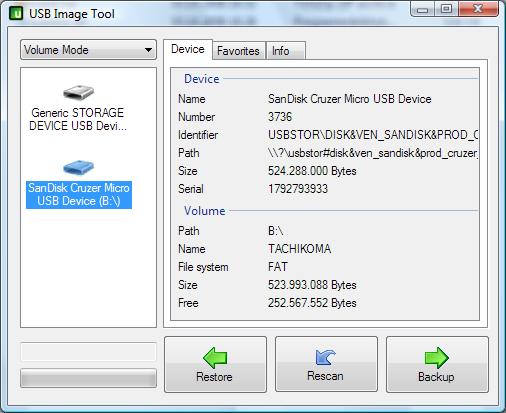
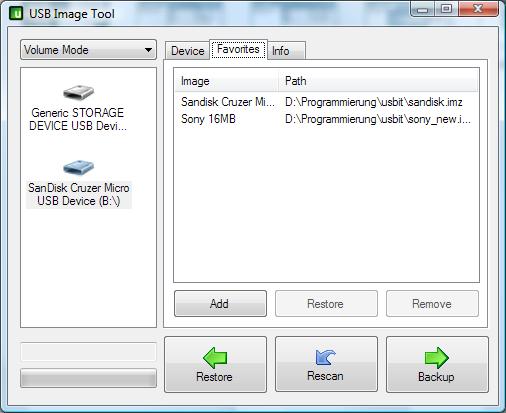
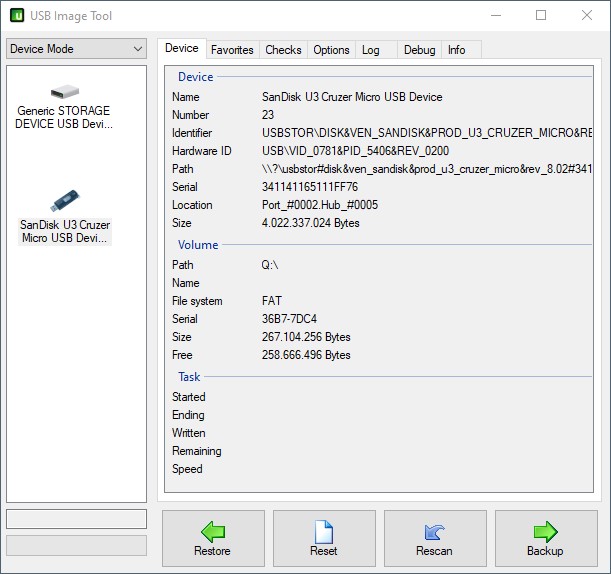
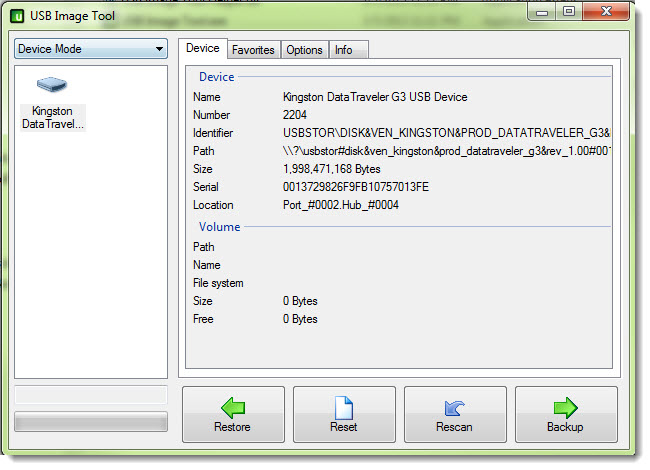
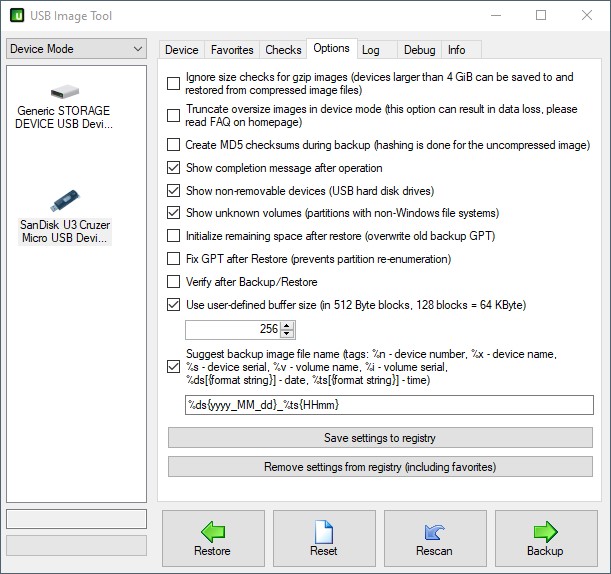
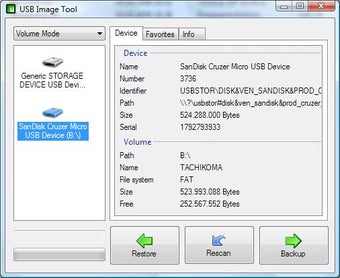

USB Image Tool is a Windows utility for creating and restoring image files of USB storage devices. It is useful for keeping a complete copy of a flash drive, preparing repeatable copies for several devices, or returning a drive to a previously saved state. Unlike copying individual files in Explorer, imaging records the drive as a whole, making the image useful when the aim is to preserve or reproduce its contents and layout.
The main workflow is to select a connected USB device and create an image file from it. That image can be kept as a backup or used later to restore the saved contents to a drive. Restoration overwrites the destination device, so the target should be checked carefully and any files needed from it should be copied elsewhere first. The same process can help reproduce a prepared USB drive, including one intended for booting, provided its image was created in the required state.
The program also provides information about connected USB devices, including their names and capacities, and keeps logs of operations. These details help distinguish between drives before an image is created or restored, and provide a record that can be useful when checking a completed task or investigating a problem. The supplied feature information also includes batch handling for multiple devices, which can reduce repeated manual work when preparing or restoring several drives.
USB Image Tool is portable, so it can be run without a conventional installation and carried on a separate USB device for occasional use on different computers. This is practical for technicians, administrators and other users who maintain removable media, as well as for individuals who want a restorable copy of a USB drive. It supports common file systems including FAT, FAT32, NTFS and exFAT; imaging a device preserves its contents as an image rather than requiring file-by-file selection.
The software is freeware and is intended for Windows systems. Supported operating systems include Windows 7, 8, 10 and 11, with 32-bit and 64-bit support stated for Windows 7, 8 and 10. Since drive imaging and restoration operate on entire devices, users should take care to select the correct source and destination and retain backup images on storage separate from the drive being protected.