VOVSOFT - VCF Splitter
VOVSOFT - VCF Splitter is an essential tool for ... contact files efficiently on Windows 10. This user-friendly software allows you to effortlessly split large VCF (vCard) ...

Vovsoft Compare Two Texts is an essential tool for anyone who needs to analyze and compare textual content with precision. This intuitive software allows users to effortlessly identify differences between two text files, making it ideal for writers, editors, and developers alike. With a user-friendly interface, Vovsoft streamlines the comparison process, highlighting discrepancies in real-time. Whether you're proofreading documents or tracking code changes, this powerful application enhances productivity and ensures accuracy. Download Vovsoft Compare Two Texts today and elevate your text analysis experience!
| Author: | VOVSOFT |
| License: | Freeware |
| Price: | FREE |
| Released: | Jun 19, 2025 |
| File size: | 2.60 MB |
| Downloads: | 36 |
| Keywords: | download Vovsoft Compare Two Texts, Windows 10 software, document differences, compare, text difference, user-friendly interface, Vovsoft Compare Two Texts free download, text comparison, software, VOVSOFT, compare texts, Vovsoft Compare Two Texts, difference, file comparison, sequence, comparison, document analysis, file analysis |
| Author URL: | https://vovsoft.com/software/batch-translator/ |
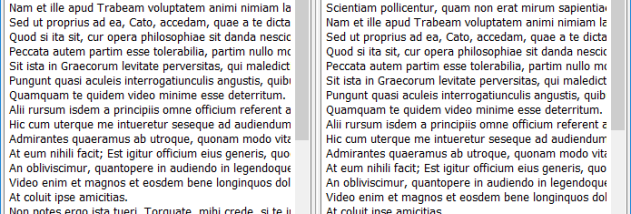

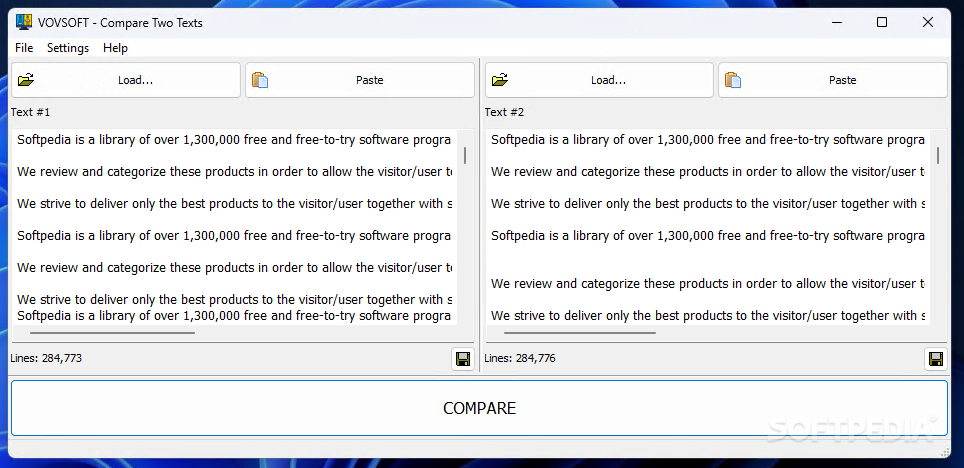
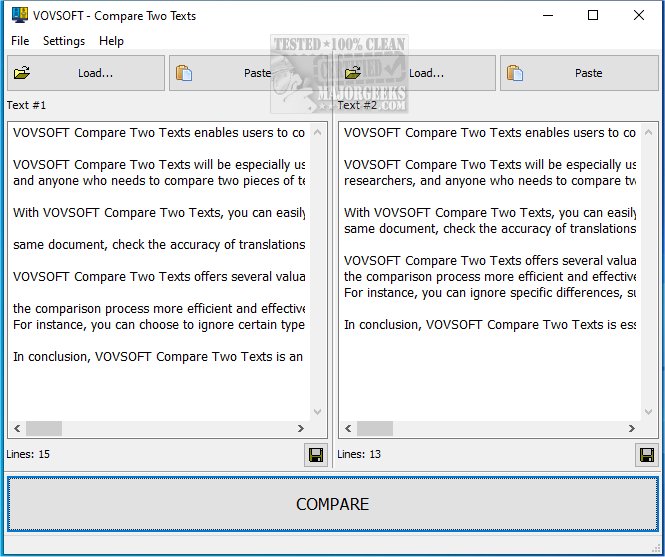
Vovsoft Compare Two Texts is an essential tool for anyone who frequently works with text documents, whether for academic, professional, or personal use. This intuitive software, developed by VOVSOFT, allows users to effortlessly compare two pieces of text side by side, highlighting differences and similarities with precision. Ideal for writers, editors, and programmers alike, it streamlines the process of identifying changes, making it easier to track revisions or spot errors.
The user-friendly interface ensures that even those with minimal technical expertise can navigate the software with ease. Simply paste or import your texts, and let Vovsoft Compare Two Texts do the heavy lifting. With features like customizable comparison settings and clear visual indicators, you can focus on what matters most—your content. Save time and enhance your productivity with this powerful yet straightforward text comparison tool, making it a must-have for anyone serious about their writing and editing tasks.