Vovsoft OCR Reader for Windows 10 - Full description
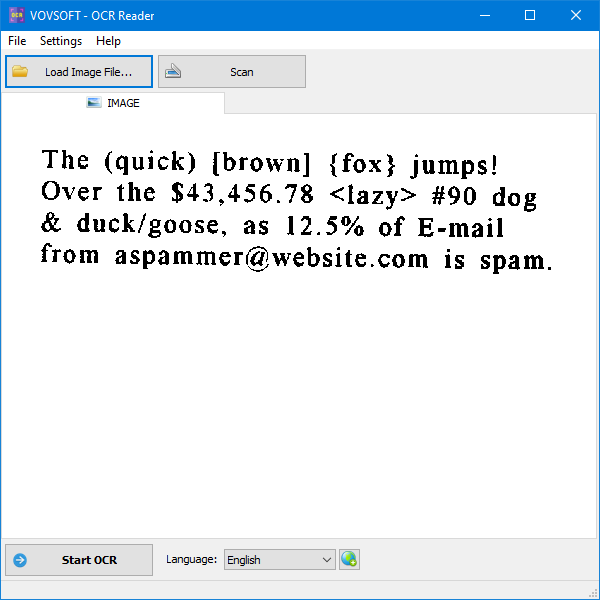
Vovsoft OCR Reader converts text in image files and scanned documents into editable text. It is intended for people who need to digitize printed material, reuse text from an image, or make document content easier to store and share. Its focused interface keeps the process simple: open an image, run recognition, then work with the extracted text rather than retyping it manually.
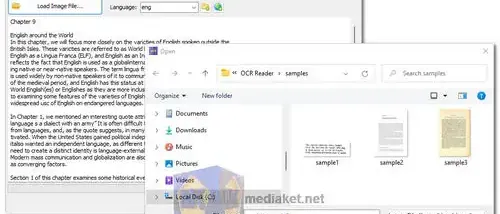
The program supports JPEG, PNG, BMP, and TIFF images. After loading a file, users start the OCR process to have the software identify printed characters and produce text that can be copied, edited, or saved as a text file. This makes it useful for transferring passages from a scan into a document, collecting text from an image for reference, or creating a basic digital copy of printed material. The results may still need proofreading, particularly when the source image is unclear or the original print is difficult to read.
Vovsoft OCR Reader supports multiple languages, allowing it to recognize text from documents written in different languages. The workflow centers on individual images and text extraction, rather than document management or extensive post-processing. It does not include batch processing, cloud integration, or advanced editing tools, so users handling many files will need to process them one at a time and use another application for more involved changes to the recognized text.
Typical uses include digitizing notes and handouts, extracting text from screenshots or photographs, and converting scanned pages into material that can be searched, copied, or edited. Students can use it to reuse passages from printed study materials, while office users can capture text from paper documents for later reference. It is most suited to straightforward conversion tasks where a compact OCR utility is preferable to a larger document-processing suite.
Vovsoft OCR Reader is a demo from VOVSOFT. It runs on Windows 10 and Windows 11, as well as Windows 8, Windows 7, and Windows Vista, with 32-bit and 64-bit support stated for those older Windows releases. The program is designed around a direct image-to-text workflow and does not require users to manage a cloud service or a more elaborate OCR pipeline.