WindowBlinds for Windows 10 - Full description
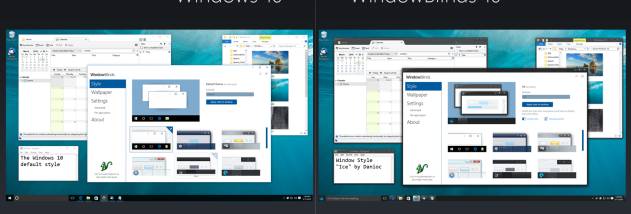
WindowBlinds is a desktop customization program for Windows users who want to change the appearance of the interface without replacing the operating system. It applies visual styles, called skins, to elements such as the Start menu, taskbar, window frames and control buttons. Users can choose from skins supplied with the program or find additional designs through WinCustomize.com, then tailor a style to suit their desktop and working preferences.
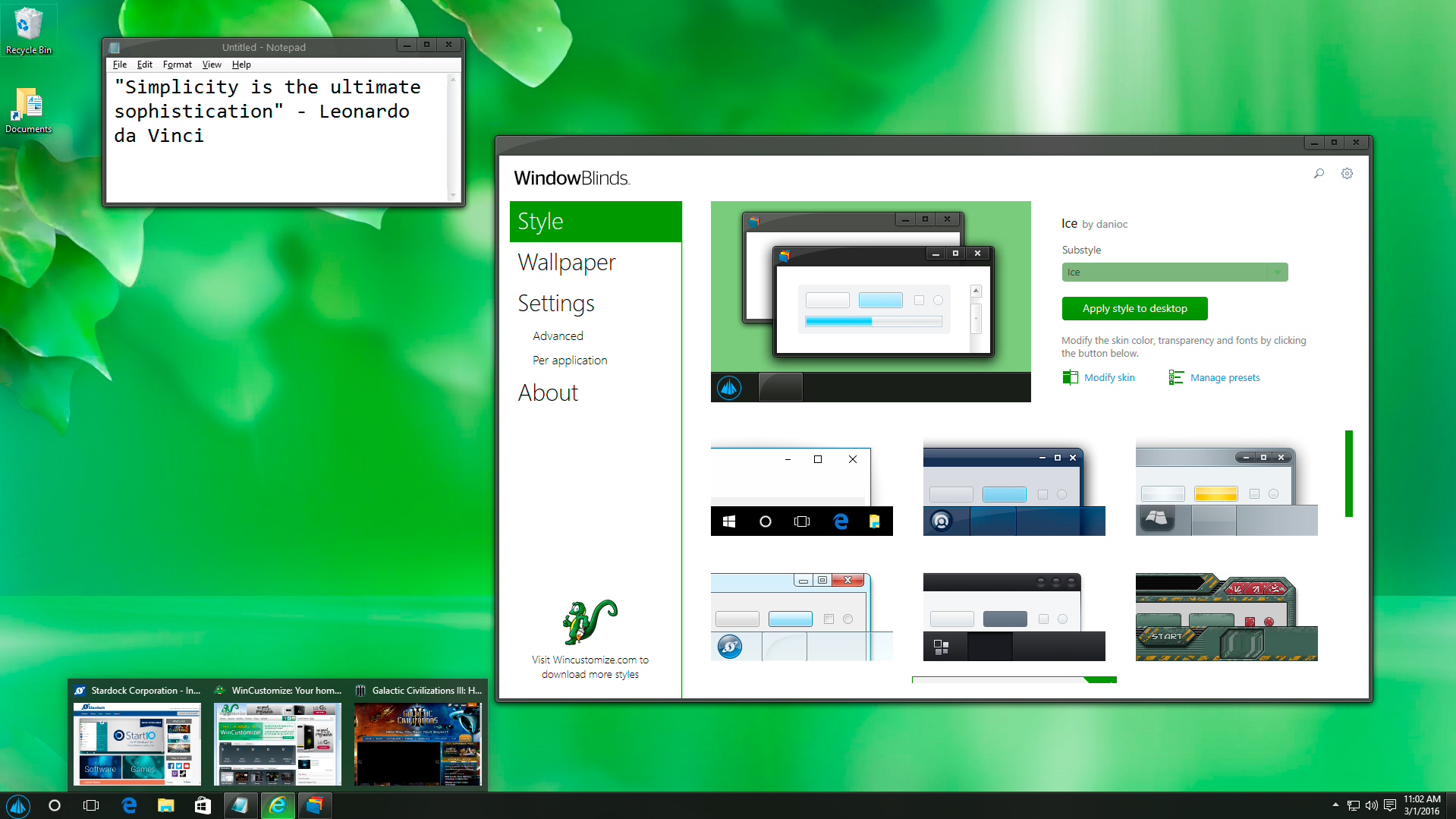
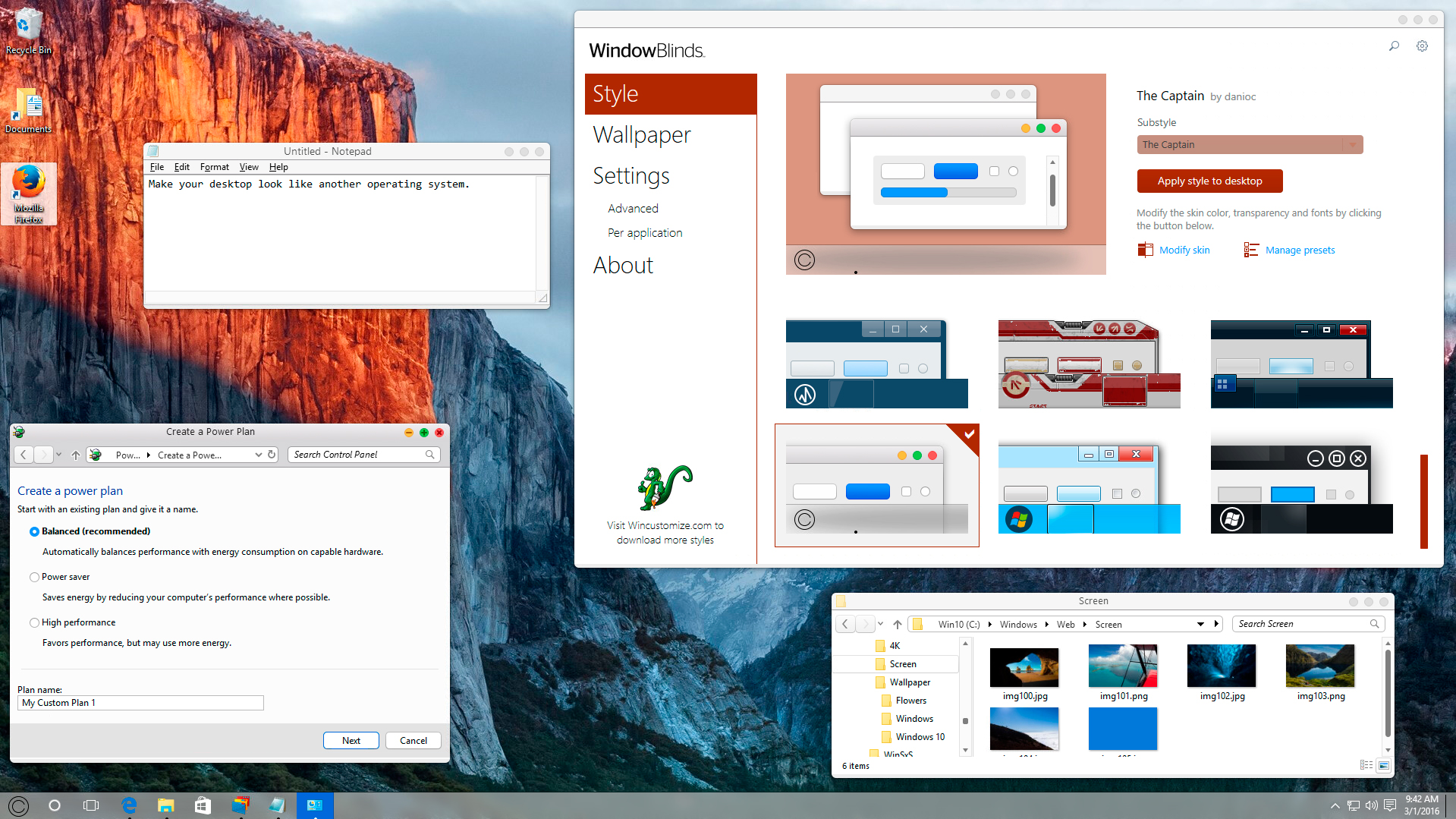
The configuration interface lets users preview a skin and its adjustments before applying them. Many skins offer alternative sub-styles, so a different arrangement can be selected without switching to an entirely new design. Users can also adjust colors, fonts and transparency, or add textures from the program's collection or their own creations. These controls make it possible to adapt a skin's appearance while keeping its overall design, rather than accepting every visual choice as-is.
WindowBlinds can customize Explorer backgrounds, changing the appearance of Explorer windows as part of a desktop theme. Presets save combinations of skin settings for later use, and can be updated or removed as preferences change. For desktops that benefit from variety, the program can rotate skins at timed intervals or change them when the user logs on. Application-specific settings offer another level of control: different application types can use different skins, while selected programs can be excluded or assigned compatibility options.
For users who want to go beyond modifying existing styles, the companion application SkinStudio provides tools to create skins. It can be used to edit interface elements including controls, the Start menu, taskbars, Explorer windows, fonts, colors and backgrounds. SkinStudio supports both selective changes and more detailed design work, letting beginners focus on a few parts of the interface while experienced users build a more extensively customized look.
WindowBlinds is trialware for Windows 10 and Windows 11. A purchase includes SkinStudio, according to the product's licensing terms. It is intended for people who want to personalize the Windows desktop, reuse saved designs, automate changes between styles or develop custom skins. The program changes the interface's visual presentation; its main purpose is appearance customization rather than replacing Windows or adding general-purpose desktop features.