ABBYY FineReader Professional for Windows 10 - Full description
ABBYY FineReader Professional is an OCR and PDF application for turning scanned pages, photographs and other image-based documents into searchable, editable files. It is useful for people who need to reuse information from paper documents or update PDFs without recreating their contents from scratch. Optical character recognition detects text in scans and makes it available for searching and editing, while tools for digital PDFs support work with text, tables and page layout.
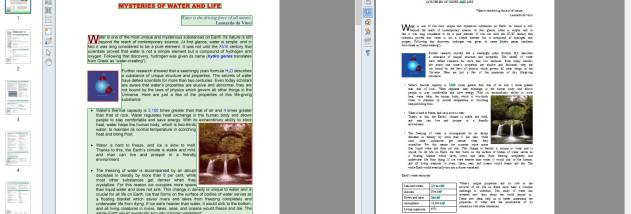
When a PDF contains only page images, FineReader can apply OCR so its contents become searchable. Users can find words across scanned documents, copy text and tables, and retain much of their original formatting for reuse. These capabilities help with tasks such as locating a clause in a lengthy contract, transferring figures from a report or making a paper record easier to retrieve later.
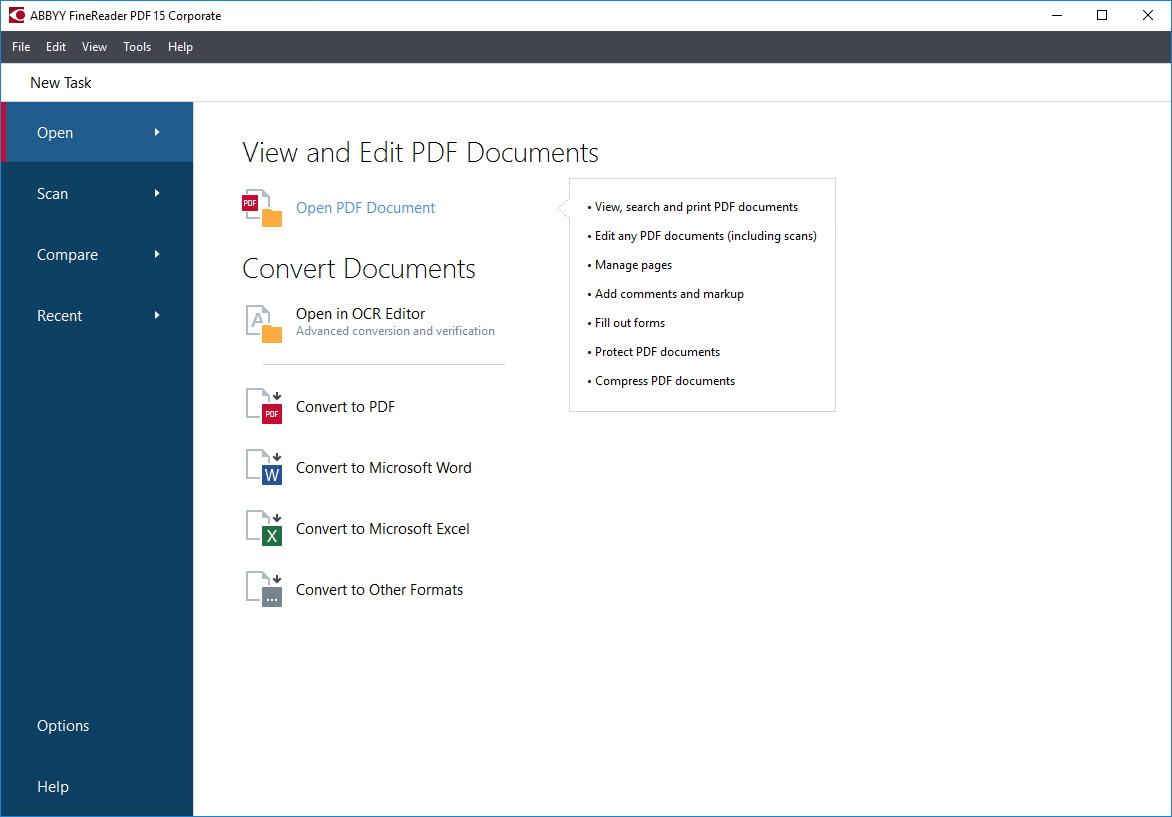
The PDF tools cover both document organization and editing. Pages can be added, deleted, rearranged, rotated, cropped or combined into a single file. Text, paragraphs, table content and pictures can be updated, and page elements can be repositioned to adapt an existing document. Bookmarks, links, headers, footers, page numbers, stamps, watermarks and Bates numbering help prepare PDFs for review, filing or a particular office workflow. Metadata can also be viewed or edited, and digital signatures can be checked.
FineReader can also support form handling. It allows users to enter information in interactive PDF fields or in designated areas of scanned paper forms, then sign forms with a facsimile or digital signature. Viewing modes, page navigation, comments and bookmarks help readers move through longer documents, while metadata keywords and full-text search make stored files easier to locate.
The application is intended for Windows 10 and Windows 11, including 64-bit Windows 10. It is trialware, allowing users to evaluate its OCR and PDF editing workflow before deciding whether it suits their document needs. Common uses include digitizing paperwork, searching scanned archives, extracting information from PDFs, revising existing files and preparing forms or documents for business and administrative processes.