PhotoFlare Lens
... to continue in programs such as Lightroom or darktable. This provides a way to use Lens for initial development without tying the editing process exclusively ...

darktable is an open-source photo workflow application for organizing collections and developing RAW images. Its lighttable supports ratings, color labels, tags, metadata, geotagging, search and multi-criteria sorting. In the darkroom, photographers can make non-destructive adjustments to exposure, white balance, color, noise and lens corrections, then export images or create web galleries.
| Author: | darktable Team |
| License: | Open Source |
| Price: | FREE |
| Released: | Oct 30, 2026 |
| File size: | 120.00 MB |
| Downloads: | 148 |
| Keywords: | Image Editor, RAW, Photo, darktable free download, Processor, RAW Processor, raw image processor, Editor, Edit Photo, digital photo organizer, darktable, photo catalog software, download darktable, raw photo editor, raw photo workflow, non destructive photo editor |
| Author URL: | https://www.darktable.org/ |
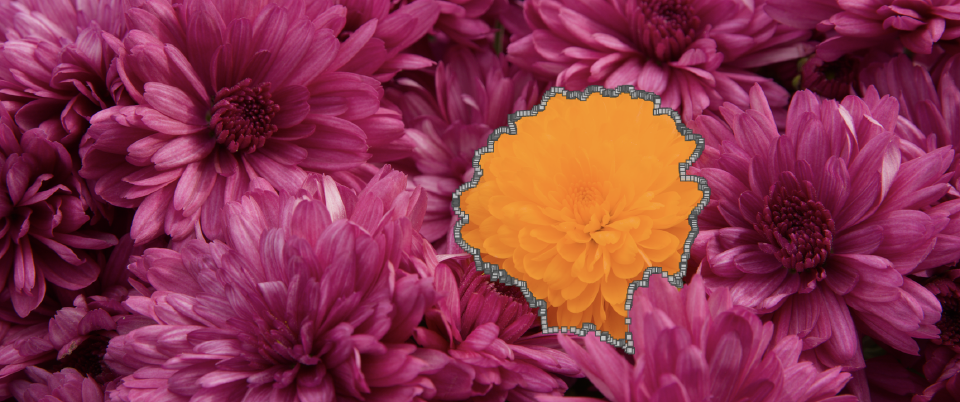
darktable is an open-source photo workflow application for photographers who need to organize image collections and develop RAW files. It separates browsing and catalog management in the lighttable from image adjustments in the darkroom, letting users move from selecting a photo to editing it without altering the original file. The same workflow can also handle standard image formats, making darktable useful for mixed collections of camera originals and finished pictures.
In the lighttable, images can be grouped, rated, labeled with colors, tagged, searched and filtered. Multi-criteria sorting helps narrow large collections by several properties, while quick selection tools make it easier to assemble images for editing. Metadata can be edited, and geotags can be added to photos. A slideshow provides a way to review a collection without opening each image individually.
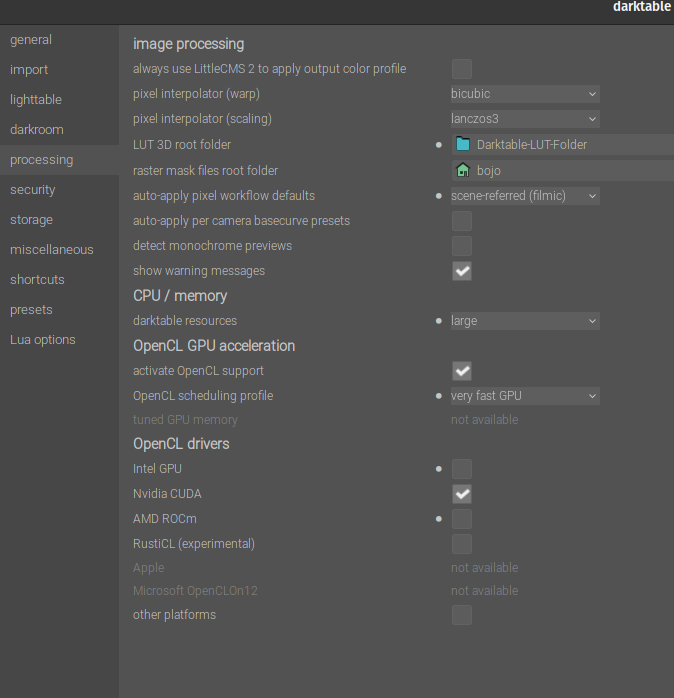
The darkroom provides non-destructive controls for common development work. Photographers can crop and rotate images, adjust exposure, white balance, saturation and color levels, or invert colors. Additional tools address noise, unwanted objects, lens distortion and chromatic aberrations. Because adjustments are applied without modifying the source image, edits can be revisited while the original remains available. Color management tools support consistent handling of color through the editing process, and GPU-accelerated processing can help with demanding image operations on suitable hardware.
Support for RAW, standard and HDR formats lets darktable fit into workflows involving files such as CR2, NEF, RAF, JPEG, HDR and PFM. Edited images can be exported to different file formats, and the program can also create web albums and galleries. These features suit photographers who want one application for cataloging digital negatives, selecting shots, making image corrections and preparing files for sharing or further use.
darktable is free and open source, with a Windows 64-bit release for Windows 10 and Windows 11. Its lighttable and darkroom workflow is oriented toward photographic editing rather than general-purpose graphic design. The source image is preserved during editing, so users can return to a photo and refine its processing instead of relying on a permanently altered copy.