MadCap Capture
MadCap Capture is a screen-capture and image-editing application for people ... training materials, or other visual content. It can capture what is displayed on a computer screen and ...

Portable Greenshot is a Windows screenshot utility that captures the full screen, a selected window or a user-defined region. It runs from the system tray and can send captures to the clipboard, a printer, email, another application or a chosen file location. Its built-in editor provides cropping, rotation, freehand drawing, shapes, text boxes and highlighting. The portable edition runs without a conventional installation and can be carried on removable storage.
| Author: | Thomas Braun, Jens Klingen, Robin Krom |
| License: | Open Source |
| Price: | FREE |
| Released: | Oct 30, 2026 |
| File size: | 3.80 MB |
| Downloads: | 288 |
| Keywords: | annotate screenshots, Portable Greenshot, screenshot editor, screenshot, screenshot grabber, portable screenshot tool, grabber, screen capture, screen capture utility, portable greenshot download, capture selected window, download Portable Greenshot, Portable Greenshot free download, take screenshot, capture, grab |
| Author URL: | https://getgreenshot.org/ |
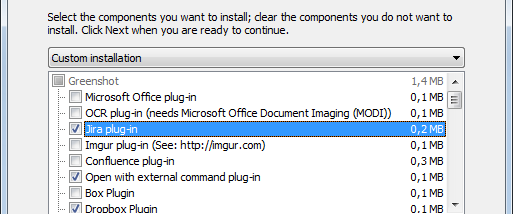

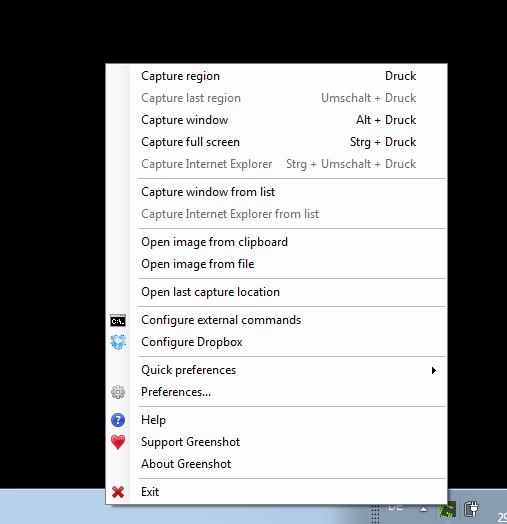
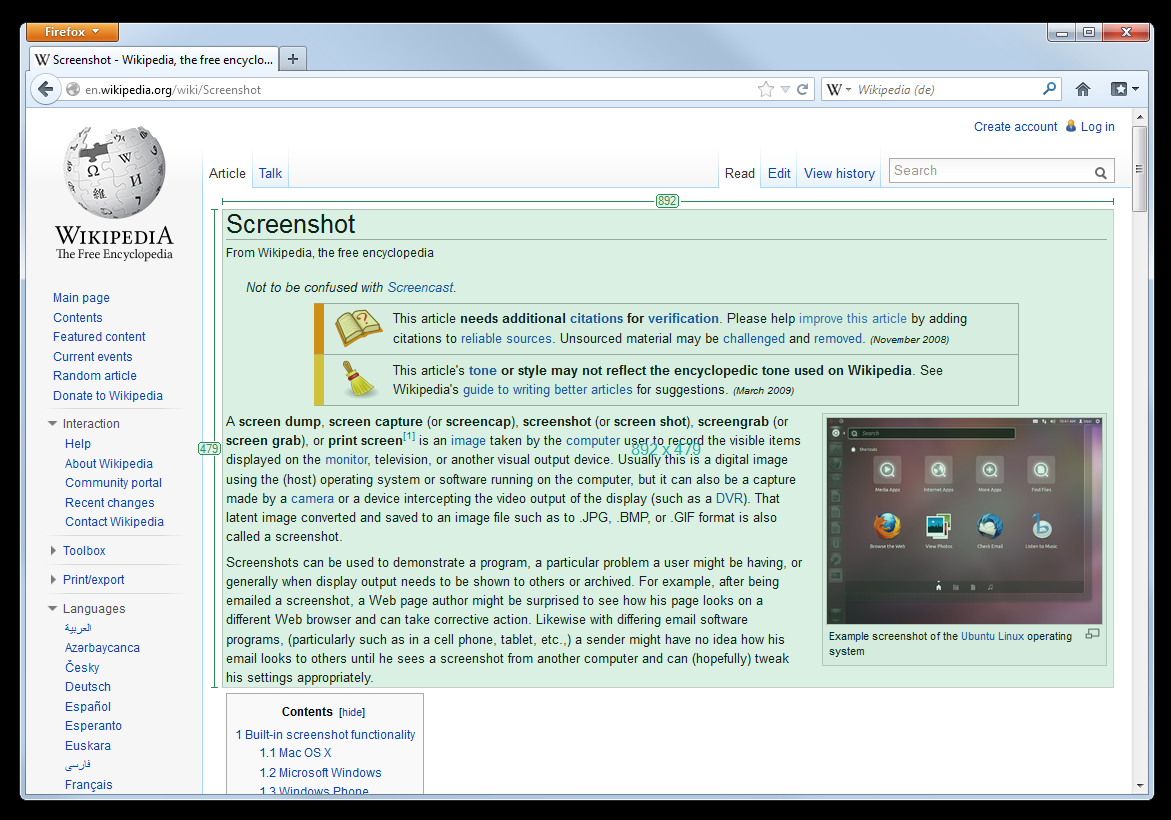
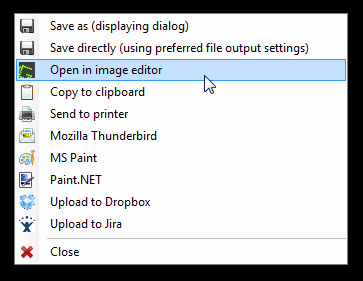



Portable Greenshot is a lightweight screenshot utility for Windows users who need to capture screen content and pass it on for editing, sharing or documentation. It can grab the full screen, a selected window or a manually chosen region, then route the image to a file, the clipboard, a printer, an email client or another application. As a portable edition, it can run without a conventional installation, which suits users who prefer to keep utilities on removable storage or avoid adding a program to a computer's installed software list.
Greenshot runs from the system tray, where its context menu provides access to capture options. A full-screen capture records the whole desktop, while region capture lets the user drag over a specific area and window capture targets an individual open window. It can also capture Internet Explorer pages. These choices make it useful for recording an error dialog, preserving a section of a webpage, preparing instructions or sharing a view of an application without taking an unnecessary image of the entire desktop.
After a capture, the image can be copied to the clipboard for pasting into a document or chat, opened in another program, printed, emailed, or saved to a chosen location. Greenshot also includes an image editor for quick markups before sharing: users can crop, rotate or flip an image, draw freehand, add text boxes and geometric shapes, and highlight areas that need attention. Saving supports BMP, GIF, JPG, PNG and TIFF, giving the image a format suited to its intended use, from compact sharing to retaining a lossless copy.
The portable workflow keeps the program files together so Greenshot can be launched from a USB drive or another folder without running an installer. This is convenient for technical support staff, educators and anyone who moves between Windows computers, as well as users who want a compact desktop capture tool. Captures can be sent to online destinations or applications when those integrations are available and configured; otherwise, local saving and clipboard use provide straightforward ways to handle the images.
Portable Greenshot is open-source software for Windows, including Windows 10 and Windows 11. Its tray-based operation and direct editing tools support quick capture tasks without requiring a separate image editor for basic annotation. The portable edition is intended to run from its program files rather than through a standard installation process, so it can be carried on removable media and removed by deleting those files. Availability of particular upload services and integrations can depend on current service support and configuration.