DbWrench for Windows 10 - Full description
DbWrench is a database design and round-trip engineering tool for developers and database administrators who need to model schemas, work with SQL, and keep a design aligned with an existing database. Its graphical entity relationship diagram (ERD) designer provides a visual way to create and inspect tables and their relationships, while database-specific SQL support helps adapt design and query work to different systems.
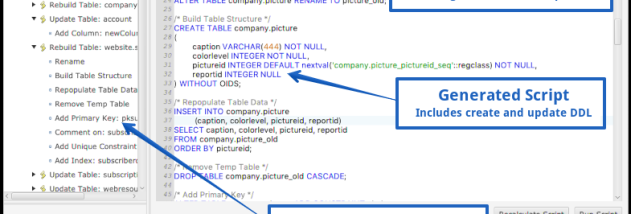
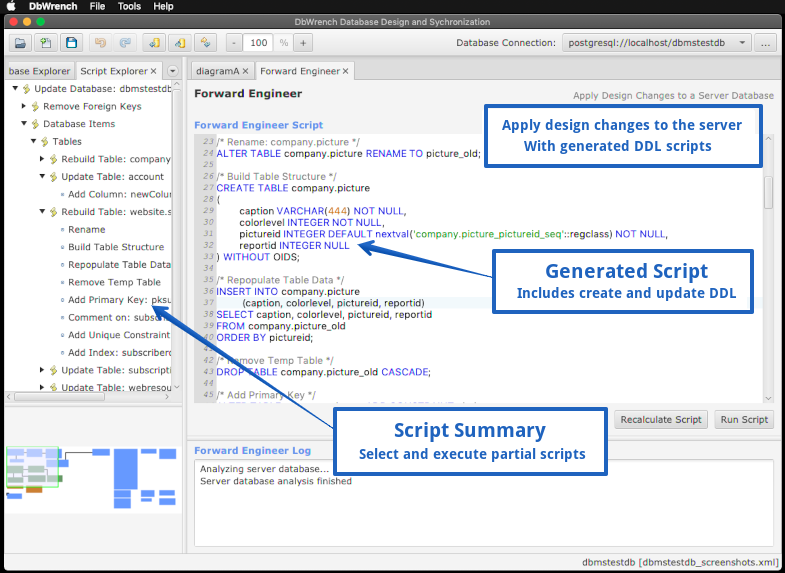
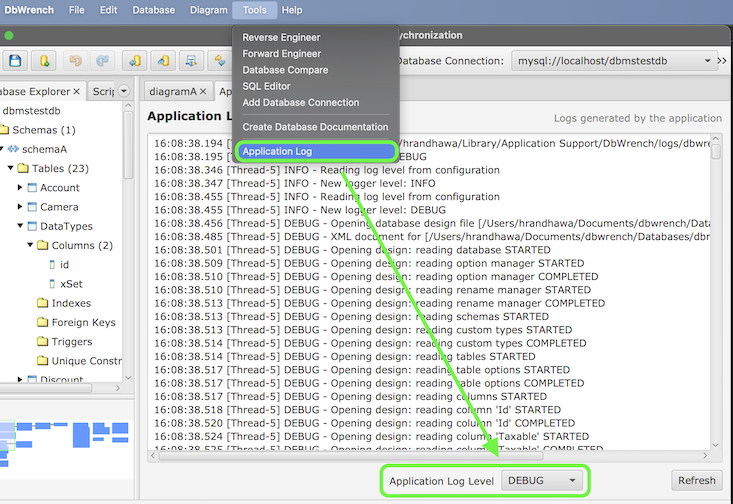
The software can forward engineer a design by generating SQL to create or update a database, and reverse engineer an existing database to build a design from its schema. When a server schema changes, DbWrench can generate synchronization scripts based on the current database structure and record forward-engineering results and errors in a log. It also supports translating a schema from one supported database system to another, which can help when migrating or comparing database designs.
For day-to-day SQL work, the built-in query editor uses syntax highlighting and tailors SQL to the selected database management system. Users can select and run part of a script, execute multiple queries at the same time, and view results in tables or as text. Tabular results can be sorted by clicking column headers. The editor also supports abbreviations for frequently used commands and entity names, and can translate some proprietary database commands between systems.
Additional design tools help speed up common tasks: table templates add frequently used columns, and foreign keys can be added with a single click. Table and foreign-key color coding makes diagrams easier to read. Designs can be documented as HTML, while ERDs can be exported as PNG or JPEG images for sharing or inclusion in project materials. These options support workflows ranging from initial schema planning to maintaining documentation for a live database.
DbWrench supports MySQL, PostgreSQL, Microsoft SQL Server, and Access, with support for most PSQL commands. It is written in Java and is designed to run across multiple operating systems; the Windows release supports Windows 10 and Windows 11. The program is shareware, so use is subject to its licensing terms.