DivX Plus for Windows 10 - Full description
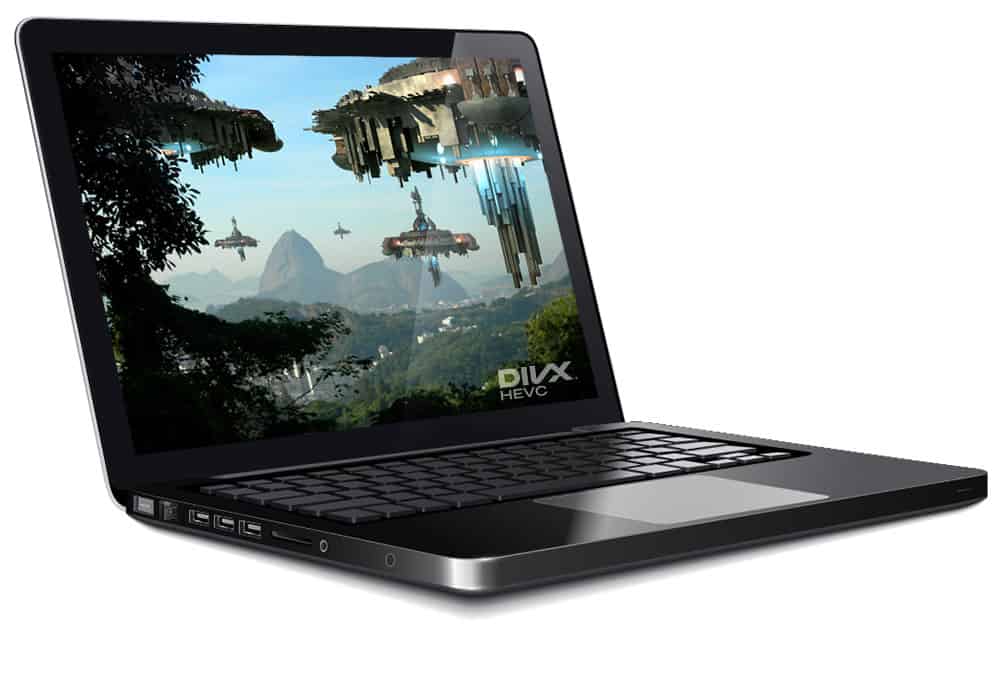
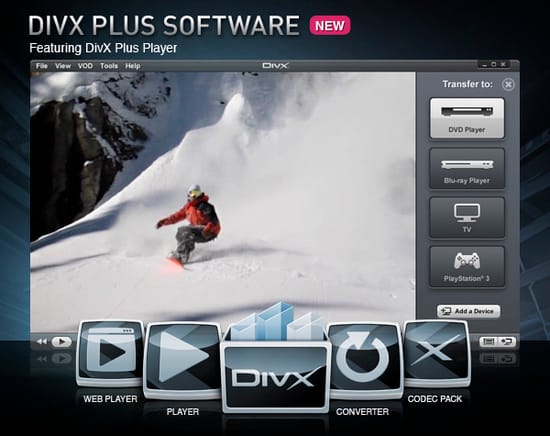
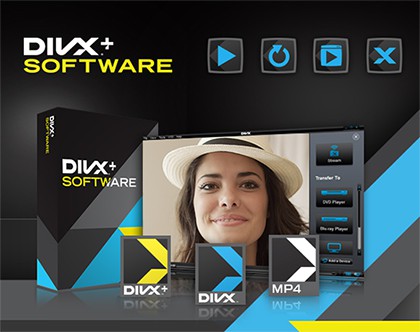
DivX Plus is a Windows video suite for watching, converting and streaming digital media. It brings together a video player, a converter and a media server, making it useful for people who keep video files in different formats or want to play media on more than one device. The player handles DivX, AVI, MKV and MP4 files, including high-definition and Ultra HD 4K video, while the other components support file conversion and playback across a home network.
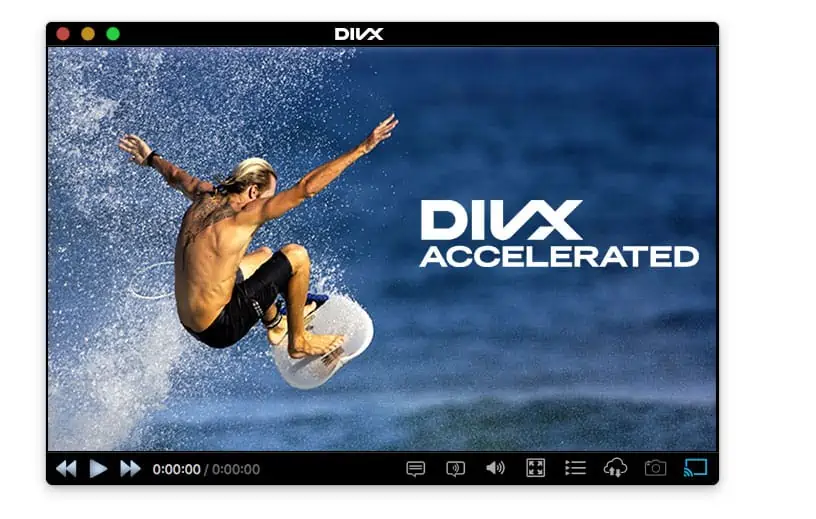
The player provides fast forward and rewind controls, chapter points and audio-track selection. These options help with navigating longer videos or switching between available soundtracks without changing files. Optional hardware acceleration can assist playback, and web streaming lets users watch supported video streams through the player. Its support for several common container formats also makes it practical for managing a mixed collection without relying on a different playback application for each type.
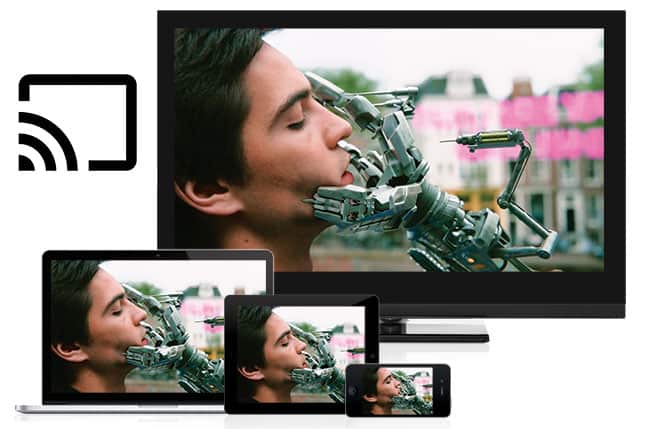
The included Media Server streams videos, music and photos to DLNA-compatible devices, including smart TVs and gaming consoles. This allows media stored on a Windows computer to be accessed on compatible equipment on the same network. DivX Converter changes video files to DivX or MKV, and supports HEVC, also known as H.265, compression. HEVC can reduce file size while retaining video quality, which can be helpful when preparing files for storage or transfer. Cloud Connect provides access to media in Google Drive and Dropbox, bringing cloud-stored files into the suite's media workflow.
DivX Plus can serve viewers who want one application suite for local playback, file conversion and streaming to compatible devices. A typical workflow might involve opening an MP4 or MKV in the player, converting a video to DivX or MKV for another use, and sharing media through the Media Server for playback on a television or console. Cloud Connect adds access to files stored in supported cloud services, while the player's chapter and audio controls assist with everyday viewing.
The program is available for Windows 10 and Windows 11, including 32-bit and 64-bit editions. It is licensed as a demo; the specific usage limits or conditions are not stated here. Device streaming depends on DLNA compatibility, and cloud access is available for Google Drive and Dropbox. DivX Plus combines playback, conversion and media streaming rather than serving as a general-purpose video editor.