DVD Converter for Windows 10 - Full description
DVD Converter is a Windows application for turning DVD video into digital files for playback on computers, phones, tablets and other media players. It is intended for people who want to keep DVD content in formats that are easier to store or use across devices. The program also converts ISO images and video files, including AVI to MKV, so it can support more than disc-to-file conversion.
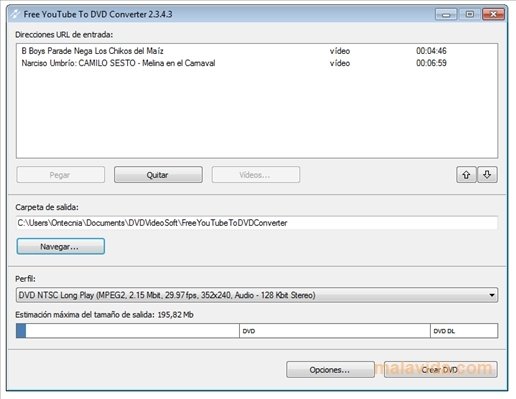
The output options include MP4, AVI, MKV and MOV. Users select a source, choose a format and adjust conversion settings before starting the job. Resolution, bitrate and audio quality controls help tailor file size and playback characteristics: a lower resolution or bitrate can reduce storage use, while higher settings can preserve more detail when the source allows. These options make the program useful both for straightforward conversions and for users who want to tune an output for a particular screen or player.
Batch processing lets users prepare several conversion jobs rather than handling each source individually. Subtitle controls allow subtitles to be included or left out, which is useful when preparing videos for viewers with different language or accessibility needs. The step-by-step interface keeps the core workflow accessible to less experienced users, while the adjustable encoding settings provide additional control for more particular tasks.
Typical uses include making digital copies of DVD video for personal playback on devices without disc drives, converting an ISO image into a more widely supported video container, and changing AVI files into MKV. The range of output formats can also help when a media player or device does not accept the original file type. Conversion time and resulting quality depend on the source material and selected settings.
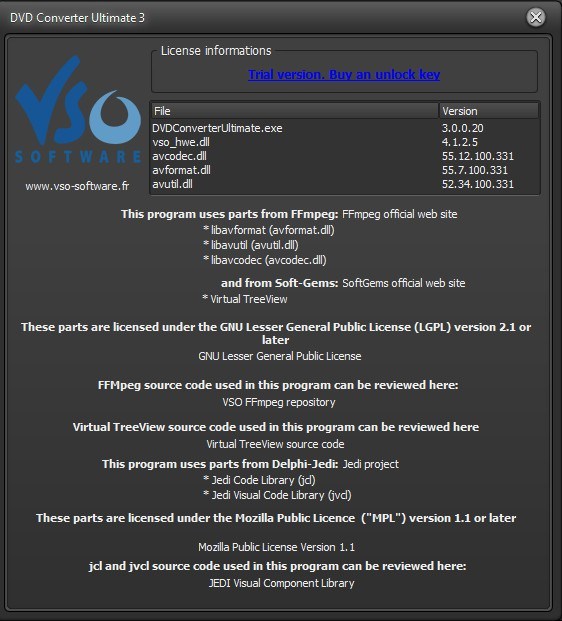
DVD Converter is trialware for Windows 10 and Windows 11, with support for 32-bit and 64-bit Windows 10 systems. It is designed for video conversion and does not replace a media player; converted files can be opened in a compatible playback application. Users should ensure they have the rights to copy and convert any DVD content they process.