

DVD Flick

DVD Flick 1.3.0.7 B738

Create and burn video DVDs with menus

DVD Flick is a free, open-source DVD authoring program that converts and combines video files into DVDs for playback on DVD players, Media Center or home cinema systems. It supports many video, audio and container formats, and lets users add custom audio tracks, subtitles and navigation menus. Finished projects can be burned to disc.

DVD Flick 1.3.0.7 B738 details

Author:
License: Open Source
Price: FREE
Released:
File size: 12.40 MB
Downloads: 429
Keywords: burn video files to dvd, create, create dvd menu, convert, create DVD, DVDFlick, dvd authoring software, DVD Flick, dvd video converter, multimedia conversion, convert video, Dennis Meuwissen, Windows 10 software, creator, convert video to dvd, DVD burner, x64 compatibility, add subtitles to dvd, DVD authoring tool
Author URL: http://www.dvdflick.net/
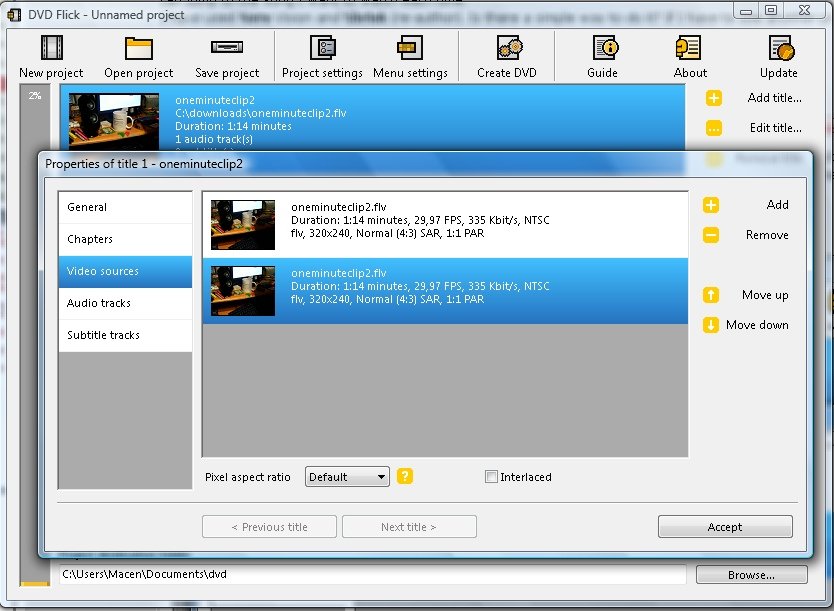
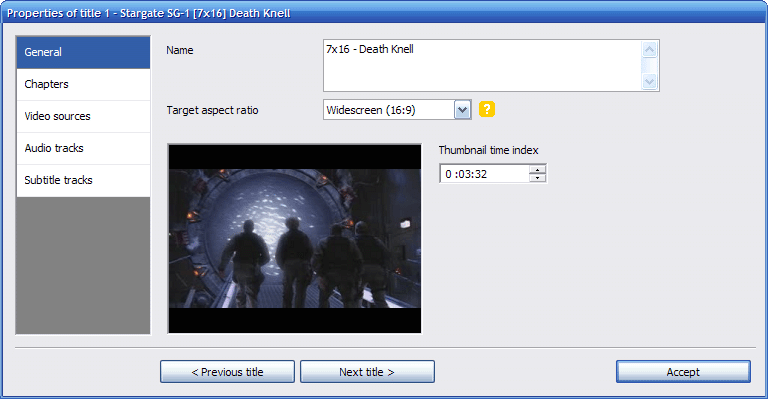
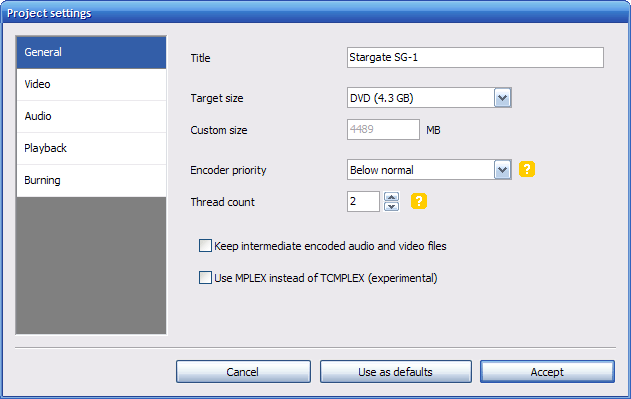
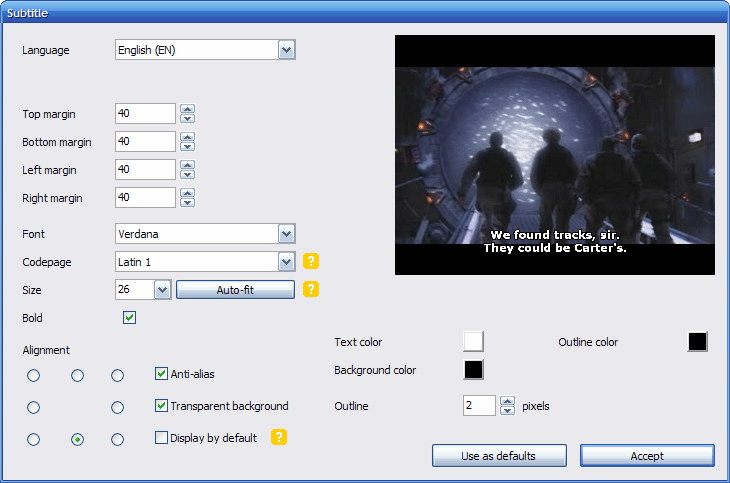
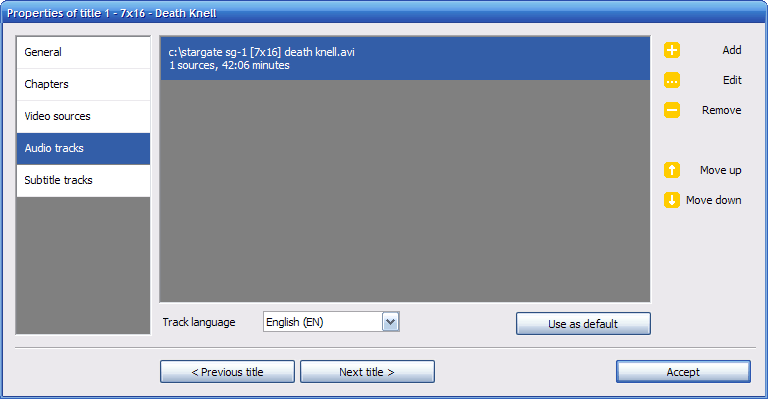
DVD Flick screenshot
DVD FlickAudio Encoders/DecodersWindows 2000, Windows 2003, Windows XP, Windows Vista, Windows Vista x64, Windows 7, Windows 7 x64, Windows 8, Windows 8 x64, Windows 10, Windows 10 x64

User Rating: 0 (0 votes)

Windows 10

x32

Windows 10

x64

DVD Flick Awards

Windows 10 download 5 stars award Windows 10 download editor's pick

DVD Flick for Windows 10 - Full description

DVD Flick is an open-source DVD authoring program for turning video files on a computer into DVDs that can play in a DVD player, Media Center or home cinema system. It is suited to users who want to combine video clips on a disc without working through a complex professional authoring suite. The interface brings project setup, video selection and disc preparation into one workflow.

A project can contain multiple video files, with support for more than 45 file formats, over 60 video codecs and over 40 audio codecs. DVD Flick encodes and combines the material using external tools, preparing it for DVD playback. Users can add custom audio tracks and subtitles, making it possible to include alternate language audio or captions alongside the video.

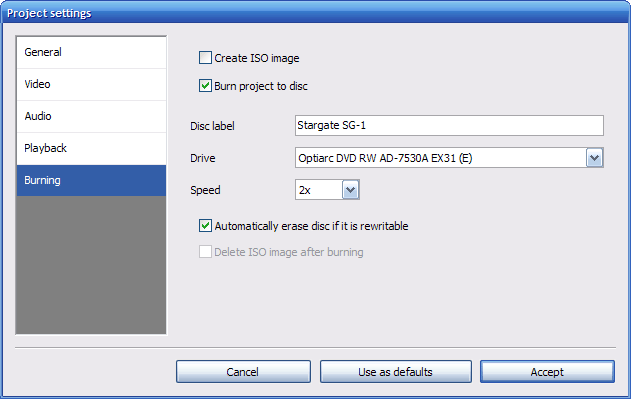
The program can also create a DVD menu for navigating the finished disc. Once the project is arranged, DVD Flick processes the video and can burn the completed project to a disc. This workflow is useful for collections of home videos, compatible downloaded clips or other video files that need to be organized for playback on standalone DVD hardware.

DVD Flick is distributed as free, open-source software, with source code available to view or modify. It does not include adware or spyware, and the program has no usage limitations. Its encoding and authoring tasks rely on external programs, which are used to process and combine video. DVD Flick is designed for Windows and is useful when the intended output is a DVD rather than a digital video file.

DVD Flick for Windows 10 - Post your review